Web app · Travel & outdoors
Search, Compare and Book Resorts Instantly
Find your next getaway with detailed resort information, guest reviews, and transparent pricing. Book with confidence and manage reservations anytime.
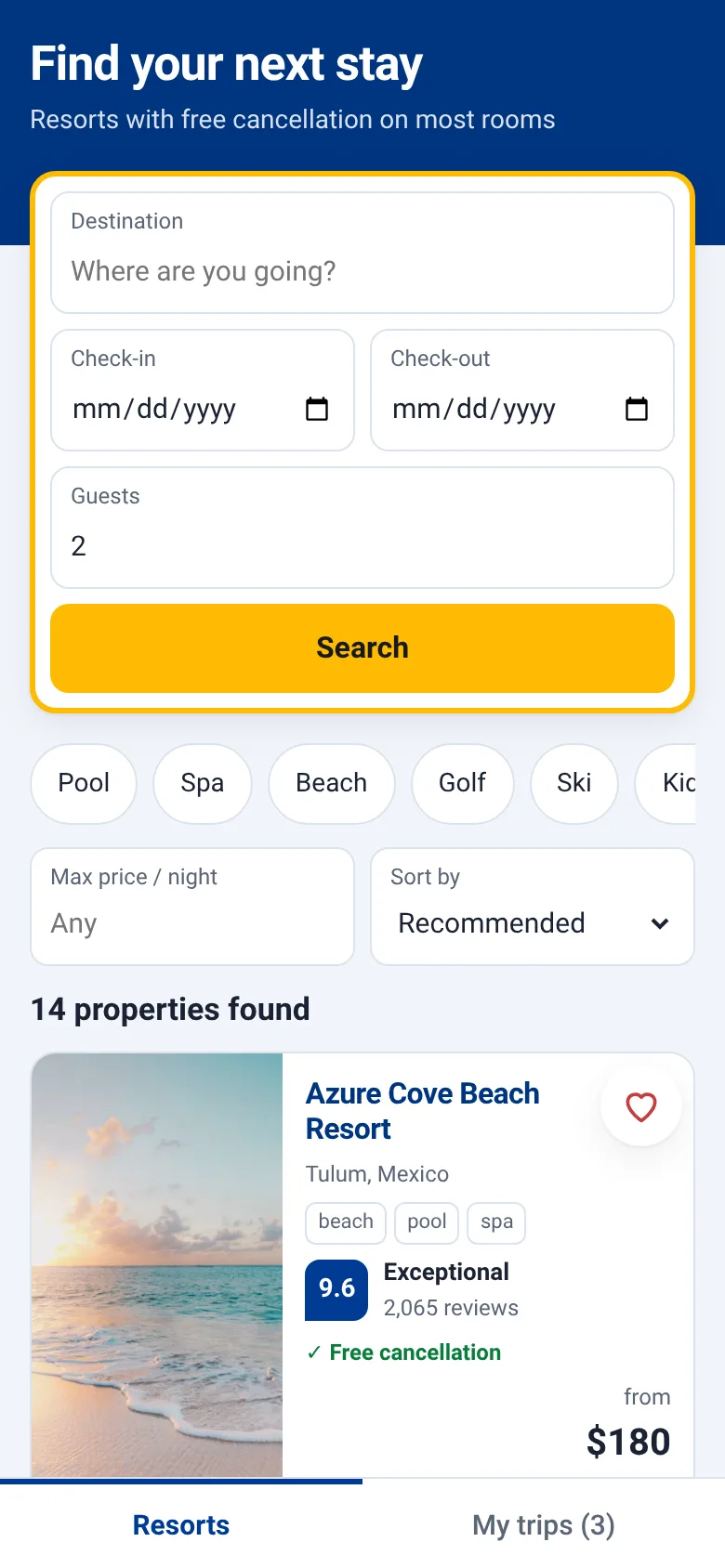
Planning a vacation means juggling dates, prices, amenities and reviews across multiple websites. Resort Booking brings everything together in one place. Search by location and dates, filter by what matters most to you—pool, spa, beach, golf, or family-friendly features—and see the full price upfront with no hidden charges. Every resort shows real guest ratings and review counts so you know exactly what to expect.
What it does
Browse a curated list of resorts with photos, guest ratings, and amenities. Enter your check-in and check-out dates and number of guests to see nightly rates and total cost. Filter by amenities like pools, spas, and beaches, or search by name. Tap any resort to see full details, read guest reviews, choose a room type, and book instantly. Your confirmed reservations appear in My Trips, where you can edit dates or cancel for free on eligible bookings.
Key features
- Search and Filter Find resorts by name, amenities, and price range; sort by rating, price, or recommendation.
- Guest Ratings and Reviews See detailed review scores and the number of guest reviews for each resort to make informed decisions.
- Transparent Pricing View the full cost per night and total stay price before booking; free cancellation marked clearly on eligible rooms.
- Instant Booking Complete your reservation in seconds and receive immediate confirmation with booking details.
- Trip Management View, edit check-in and check-out dates, and cancel reservations from your My Trips tab.
- Save Favorites Bookmark resorts to compare later or filter to show only your saved properties.
How to use it
- Enter check-in and check-out dates and number of guests in the search panel at the top.
- Filter by amenities and price, or search by resort name.
- Tap a resort card to see photos, full details, guest reviews, and available rooms.
- Select a room type and confirm your dates, then tap Book Now.
- Review the confirmation screen, then go to My Trips to manage your reservations.
- Edit or cancel any reservation anytime from My Trips.
Who it’s for
Leisure travelers and families planning vacations who want a simple, trustworthy way to find and book resorts with clear pricing and genuine guest feedback.
What’s new in this version
The app now looks and works like a professional booking platform with real resort data, photo galleries, and a polished interface matching major travel booking sites.
How it differs from Resort Booking
This version rebuilds the app with a production-ready design, realistic resort data and imagery, and full booking workflow—no longer a prototype with placeholder graphics.
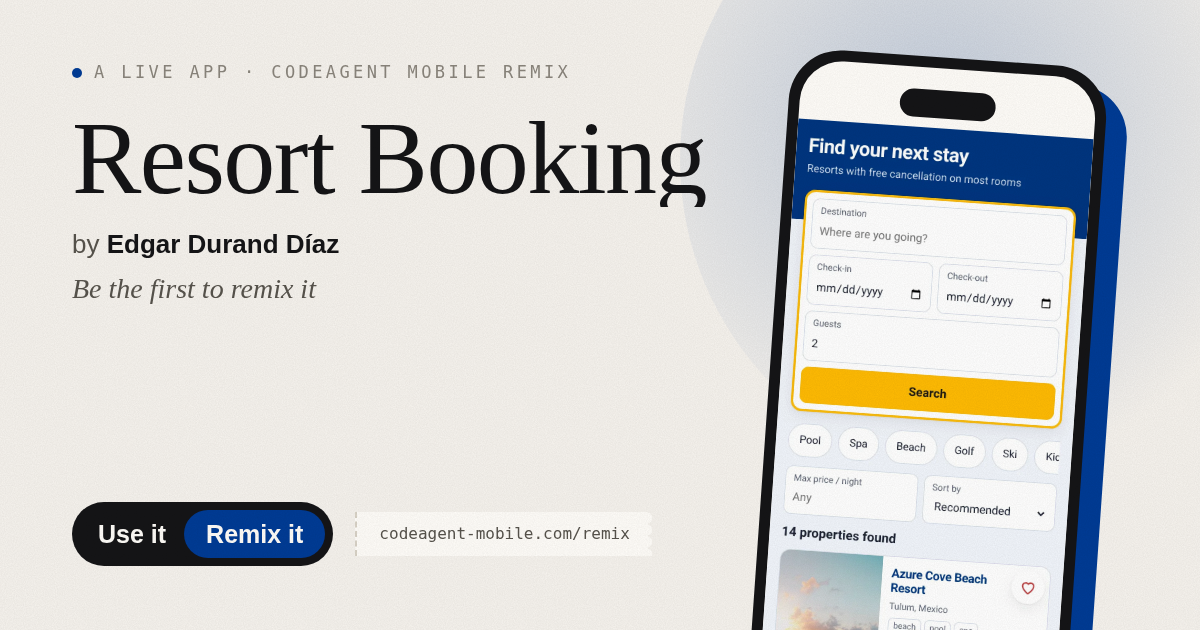
The app’s share card (1200×630)
Questions and answers
How do I start booking?
Tap the search panel at the top, enter your check-in and check-out dates and number of guests, then tap Search. Browse the list or use filters to narrow results.
Does the app save my bookings?
Yes. Every booking you make appears in the My Trips tab with full details. You can edit dates or cancel anytime from there.
Can I use this on my phone?
Yes. The app is built for mobile and works on any phone or tablet browser. Your bookings sync as you use it.
What does free cancellation mean?
Some room types at resorts allow you to cancel for free up to a certain date. The cancellation policy is shown on each room option before you book.
Remix family
Remixed from Resort Booking · by Ian Allado
More travel & outdoors apps
- Packing List · Builds a categorized packing checklist tailored to your trip length, weather, and activities. Check items off as you pack.
- Pesca Tranquila · Pesca peces reales de río, lago y mar, completa tu álbum y vuelve cada día por tu racha de pesca.
- Resort Booking · Browse resorts by amenities and price, pick your dates and room, see the total cost upfront, and manage all your confirmed trips in one place.