Web app · Money
Split the Bill
Divide a restaurant bill evenly or by item, with an adjustable tip slider for everyone.
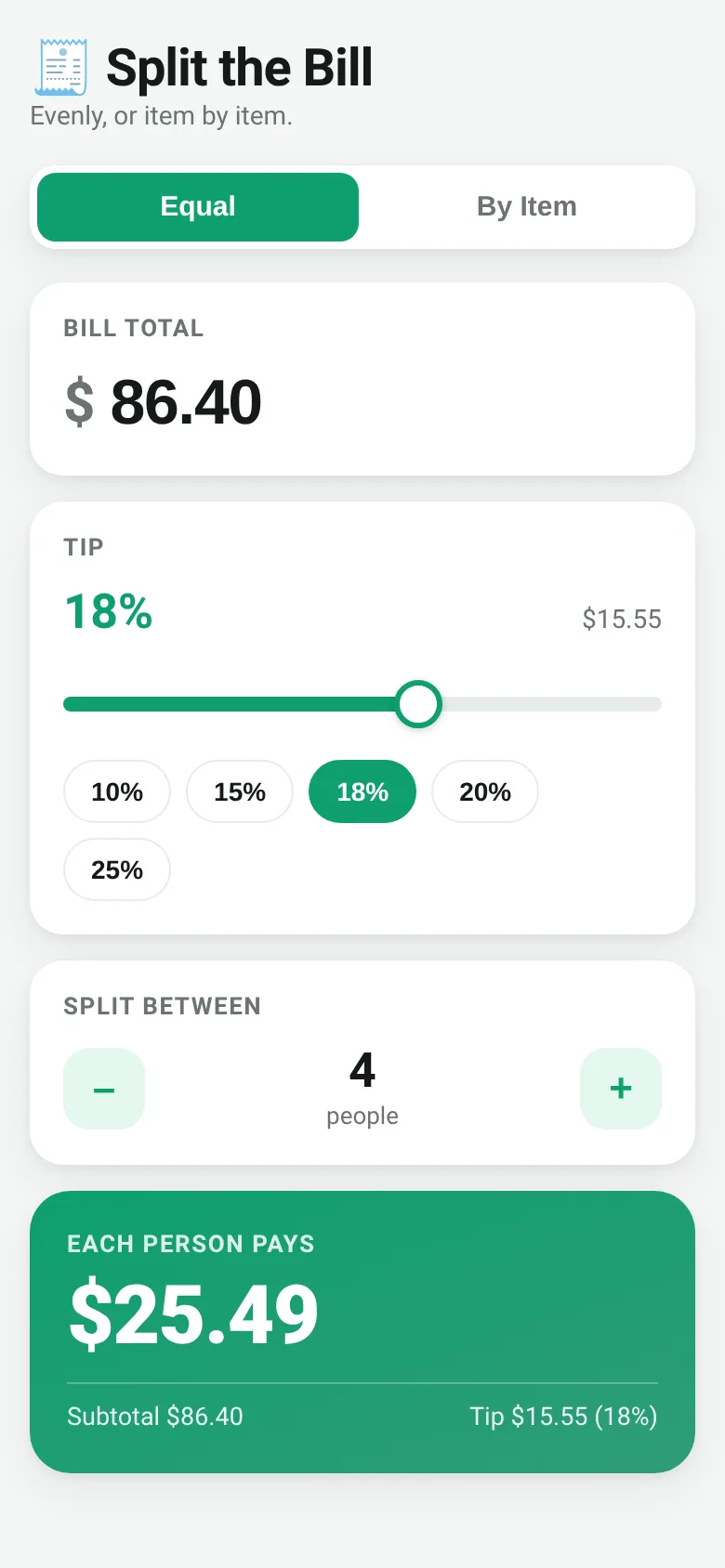
After dinner, figuring out who pays what takes time and causes friction. Split the Bill solves this in seconds. You enter the total bill amount, pick a tip percentage with a slider, and say how many people are splitting it. The app calculates what each person owes. Or, if people ordered different things, add each item and assign it to whoever had it—the app splits shared dishes fairly and adds each person's share of the tip.
What it does
The app offers two modes. In Equal mode, you enter the bill total, adjust the tip from 0 to 30 percent using a slider or quick preset buttons, and choose how many people are splitting. It shows each person's share instantly. In By Item mode, you add people by name, then list each item with its price and tap the names of who had it. The app tracks which items each person owes for, splits shared dishes evenly among those who ordered them, and applies the tip proportionally. A summary at the bottom shows what each person owes in total.
Key features
- Equal split Enter a bill total, adjust tip, and pick the number of people to split the cost evenly.
- Split by item Add people and menu items, assign each item to the people who had it, and let the app calculate individual totals.
- Adjustable tip slider Drag to set any tip from 0 to 30 percent, or tap quick preset buttons for common amounts.
- Shared dishes Assign one item to multiple people and the app splits the cost equally among them.
- Saves your data The app remembers your bill, people, and items so you can come back to an unfinished split.
How to use it
- Choose Equal or By Item mode at the top.
- In Equal mode: enter the bill total, adjust the tip slider, and set the number of people.
- In By Item mode: add each person's name, then add menu items with prices and tap names to assign each item.
- View the result: in Equal mode, see each person's share; in By Item mode, see each person's total.
- Adjust the tip slider at any time and the totals update instantly.
Who it’s for
Anyone splitting a restaurant bill with friends, family, or colleagues who wants a fast, fair way to calculate who owes what without using pen and paper or arguing over math.
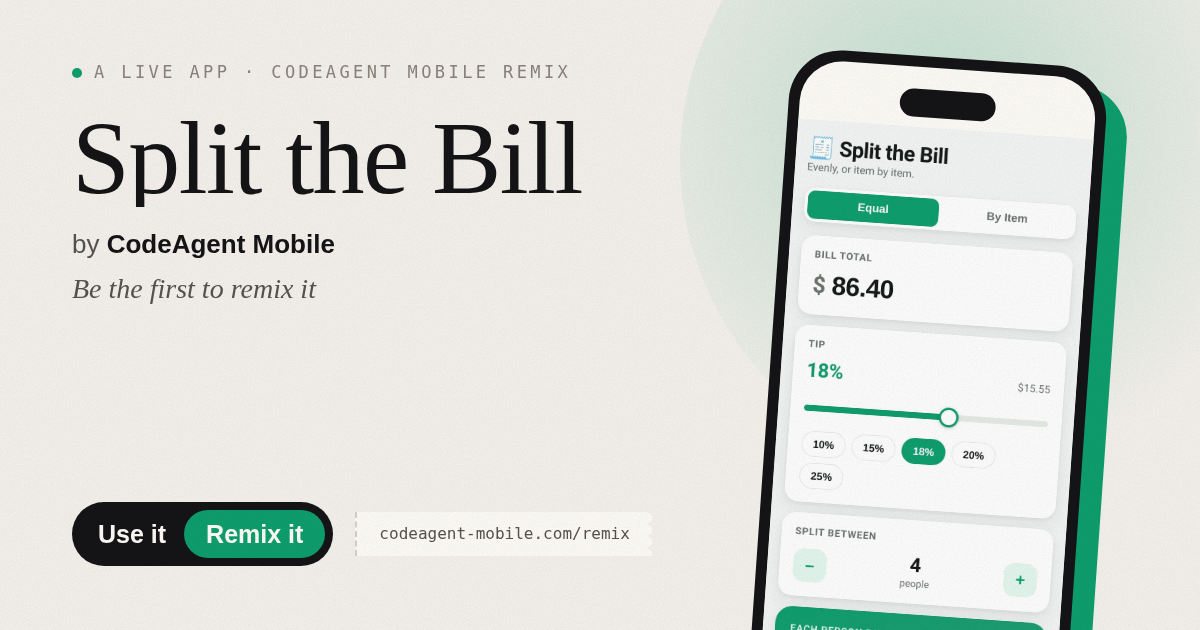
The app’s share card (1200×630)
Questions and answers
Do I need to create an account?
No. The app works in your browser with no sign-up. Your data is saved locally on your device.
Can I use this on my phone?
Yes. The app is designed to work on phones, tablets, and desktop browsers.
Does it remember past bills?
The app saves your current bill, people, and items so you can return to them later. It keeps one split at a time, not a history of multiple bills.
What if someone ordered half of a shared dish?
Add the dish as one item and assign it to both people. The app splits the price evenly between them. If the split is uneven, you can adjust the price before adding it.
More money apps
- Kitchen Converter · Convert cups, tablespoons, teaspoons, grams, ounces and millilitres with ingredient-specific weights for accurate baking and cooking.
- Tip Calculator · Quickly calculate tips with preset percentages or custom amounts, split the bill among people, and round up if you want.