Web app · Money
Tip Calculator
Enter your bill, pick a tip percentage, and see how much each person owes.
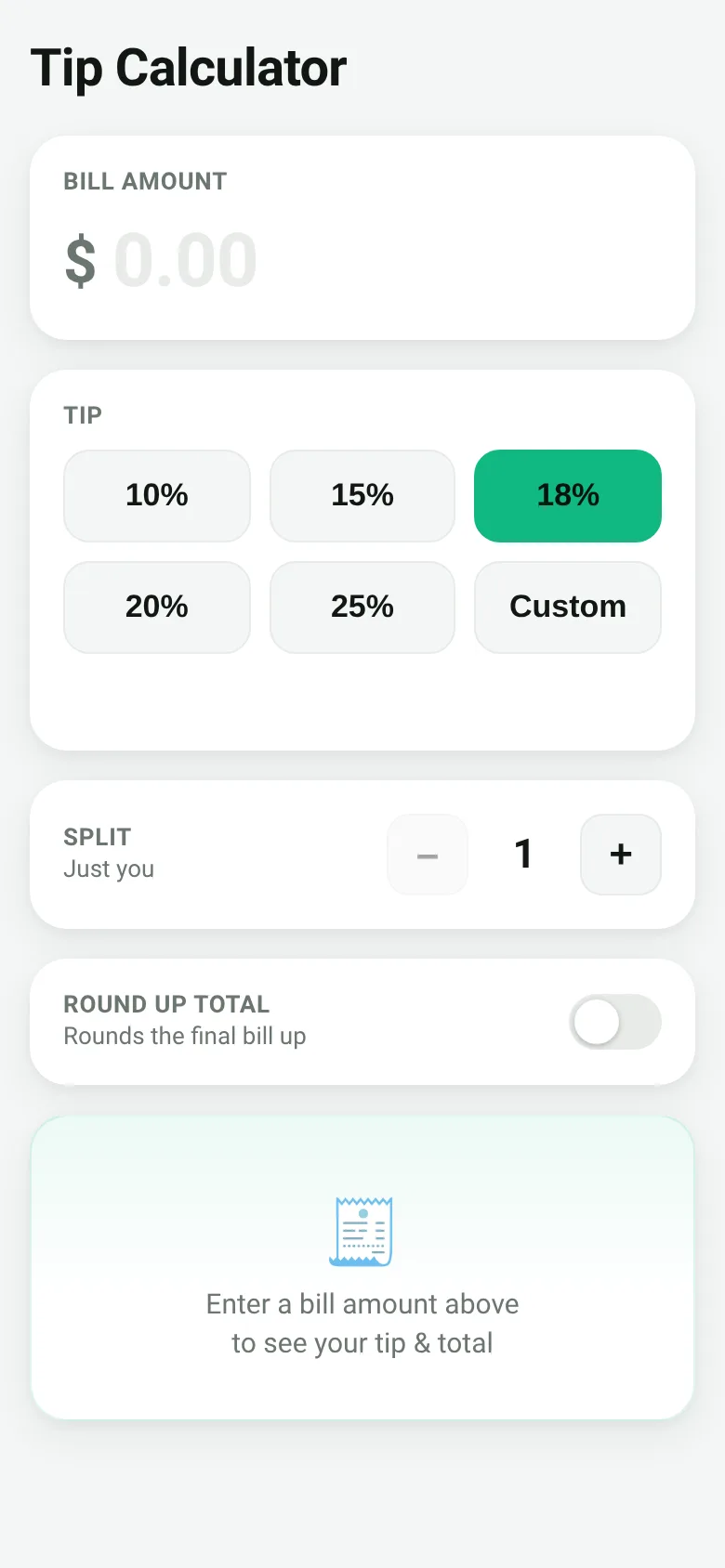
After a meal out, figuring out who pays how much takes mental math that's easy to get wrong. This calculator saves you the work: enter the bill total, choose a tip percentage from common options or enter your own, say how many people are splitting it, and get an instant breakdown of the total bill and each person's share.
What it does
You enter the bill amount in dollars. Then you tap a preset tip button—10%, 15%, 18%, 20%, or 25%—or tap Custom to enter any percentage you want. A stepper lets you increase or decrease the number of people splitting the bill. Toggle a round-up option to round the final total to the nearest dollar. The app shows your total bill including tip, the tip amount, and how much each person should pay, with a full breakdown of bill and tip.
Key features
- Preset and custom tip percentages Tap common tip amounts or enter any custom percentage.
- Split the bill among multiple people Use the stepper to set how many people are splitting, and see the per-person amount.
- Round-up toggle Turn on rounding to round the final total up to the nearest dollar.
- Clear breakdown See the original bill, tip amount, and total all at once.
- Your settings saved The app remembers your last tip percentage, number of people, and round-up choice.
How to use it
- Enter the bill amount in the Bill amount field.
- Tap a tip percentage button or tap Custom to enter your own.
- Use the plus and minus buttons to set how many people are splitting the bill.
- Toggle Round up on if you want the final total rounded to the nearest dollar.
- Read the per-person amount and breakdown in the result card below.
Who it’s for
Anyone splitting a restaurant bill, bar tab, or shared expense and wants a quick, accurate breakdown without doing the math by hand.
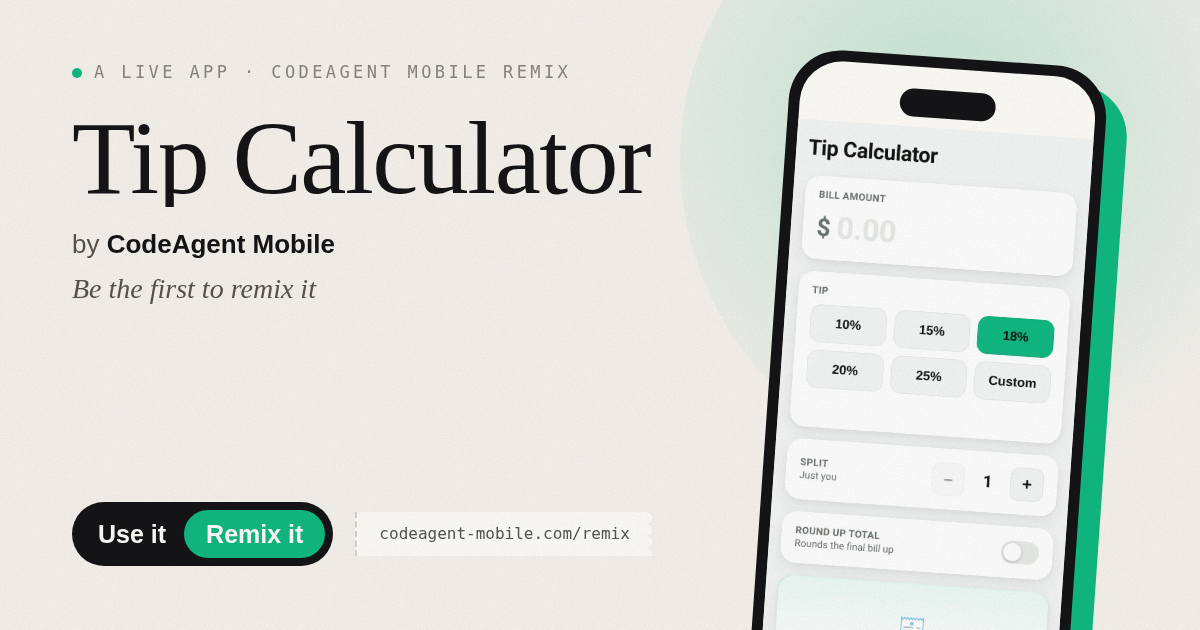
The app’s share card (1200×630)
Questions and answers
Does the app save my settings?
Yes. Your last tip percentage, number of people, and round-up choice are saved in your browser so you do not have to enter them again next time.
Can I use this on my phone?
Yes. The app works on any device with a web browser and is designed to work well on small screens.
What if I want a tip percentage not in the preset buttons?
Tap the Custom button and enter any percentage you want in the field that appears.
How do I know how much I owe if we are splitting?
Set the number of people using the plus and minus buttons, and the app will show you the per-person amount in the result card.
More money apps
- Packing List · Builds a categorized packing checklist tailored to your trip length, weather, and activities. Check items off as you pack.
- Day Counter · Track the days until or since events you care about. See countdowns and past milestones in a clean, swipeable card list.
- Decision Wheel · Add your options, spin the wheel, and let it pick the winner. Settle choices with a satisfying spin and confetti celebration.
- Metronome · Keep time with tap tempo, a BPM slider, multiple time signatures, and accented first beats. Essential for musicians and practice sessions.
- Palette Maker · Generate harmonious color palettes, lock your favorites, and copy hex codes instantly. Switch between analogous, complementary, and triadic schemes.
- Kitchen Converter · Convert cups, tablespoons, teaspoons, grams, ounces and millilitres with ingredient-specific weights for accurate baking and cooking.