Web app · Games
Beachhead Dawn: Peek, shoot and clear missions
Take cover behind sandbags and barricades, peek out to shoot enemies, and complete beach combat missions to earn stars and new weapons.
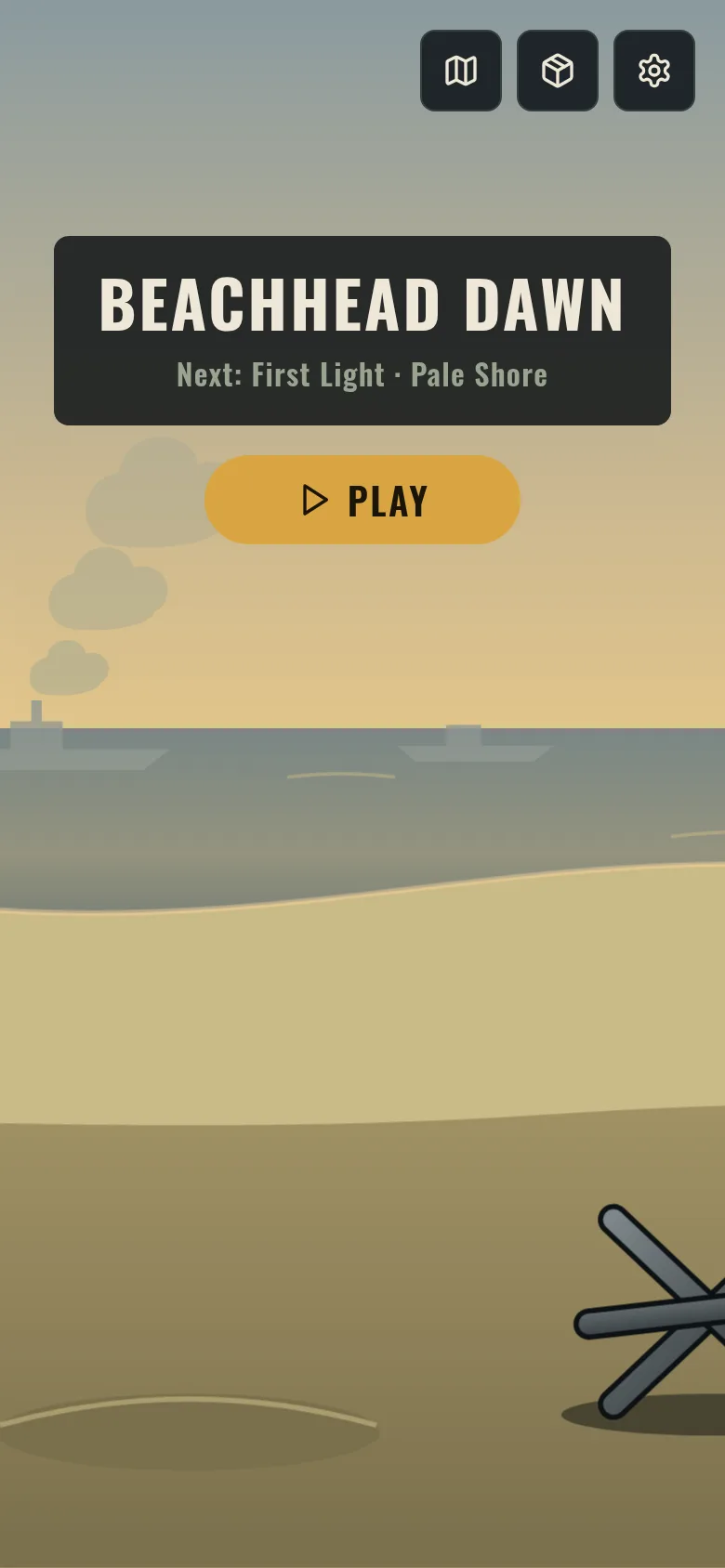
You are pinned down on a hostile beach with sandbags and barricades for cover. The standard approach—run and gun—leaves you exposed. Instead, you peek from cover, line up shots on enemies dug in across the sand, and retreat to safety. Each mission asks you to clear a set number of enemies or hold your ground. Completing objectives earns you stars to unlock new weapons and cash to upgrade your arsenal.
What it does
The game puts you on a beach with destructible cover and AI enemies who take shelter behind their own obstacles. You use mouse or touch controls to peek left or right from your cover, aim and fire, then duck back. Enemy types include riflemen, machine gunners and officers. You progress through missions with specific goals—eliminate all enemies, survive waves, or destroy targets. Successful missions award one to three stars depending on performance, plus cash you can spend on better guns.
Key features
- Cover-based peeking Lean out from sandbags and crates to shoot while staying protected, then pull back to reload and avoid incoming fire.
- Multiple enemy types Face riflemen, machine gunners and officers, each with different weapons and tactics.
- Destructible cover Sandbags and barricades take damage and can break apart as enemy fire tears through them.
- Weapon progression Earn stars to unlock new guns and use cash to upgrade damage, magazine size and fire rate.
- Mission variety Complete objectives like elimination targets, survival waves and structure destruction across different beach layouts.
How to use it
- Open the game and select a mission from the menu.
- Use mouse or touch to aim and peek from your cover position.
- Click or tap to fire at enemies across the sand.
- Duck back behind cover when enemy fire becomes heavy.
- Complete the mission objective and earn stars to unlock new weapons.
Who it’s for
Players who enjoy tactical shooting and cover-based combat without complex building or resource systems. Ideal for anyone who wants quick, focused missions on mobile or desktop.
What’s new in this version
Recent updates focused on fixing mission start errors, improving player movement and controls, and refining how enemies take cover and behave during combat to be more realistic and physically grounded.
The app’s share card (1200×630)
Questions and answers
How do I peek and shoot from cover?
Move your mouse or touch near the edges of your cover position to peek left or right. Click or tap to fire. Move back to center to duck behind the sandbags.
Does the game save my progress?
Yes. Your stars, unlocked weapons, cash and mission progress are saved automatically.
Can I play this on my phone?
Yes. The game works on both desktop with mouse and mobile devices with touch controls.
What do stars and cash do?
Stars unlock new weapons when you earn enough. Cash lets you upgrade your current gun's damage, magazine capacity and fire rate.
More games apps
- Fox Knight: Sky Isles · A 2D platformer where you leap across floating islands as a brave fox knight, stomp slimes, collect gems and face a boss across three levels.
- Arena Fist 3D · Juego de pelea 3D con luchadores detallados. Juega en modo historia, 1 vs 1, 2 jugadores o entrena contra un muñeco.
- Arena Fist 3D · Juego de pelea 3D con modo historia, entrenamiento, 1-2 jugadores y modo Jefes con 150 niveles progresivos.
- Pesca Tranquila · Juego de pesca sin apuros donde lanzás, recogés peces, completás tu álbum de especies y mejorás tu equipo.
- Mouse Hunt · A game with realistic 3D mice that have distinct personalities, designed for your cat to chase and catch on screen.
- Mouse Hunt · An interactive game where animated mice scurry, pause and dart across your screen for your cat to chase, with catch tracking and parental controls.