Web app · Productivity
Brain Dump: empty your head, then sort what matters
Capture racing thoughts as quick lines, then tap to sort each one into Today, Later, Delegate or Let go.
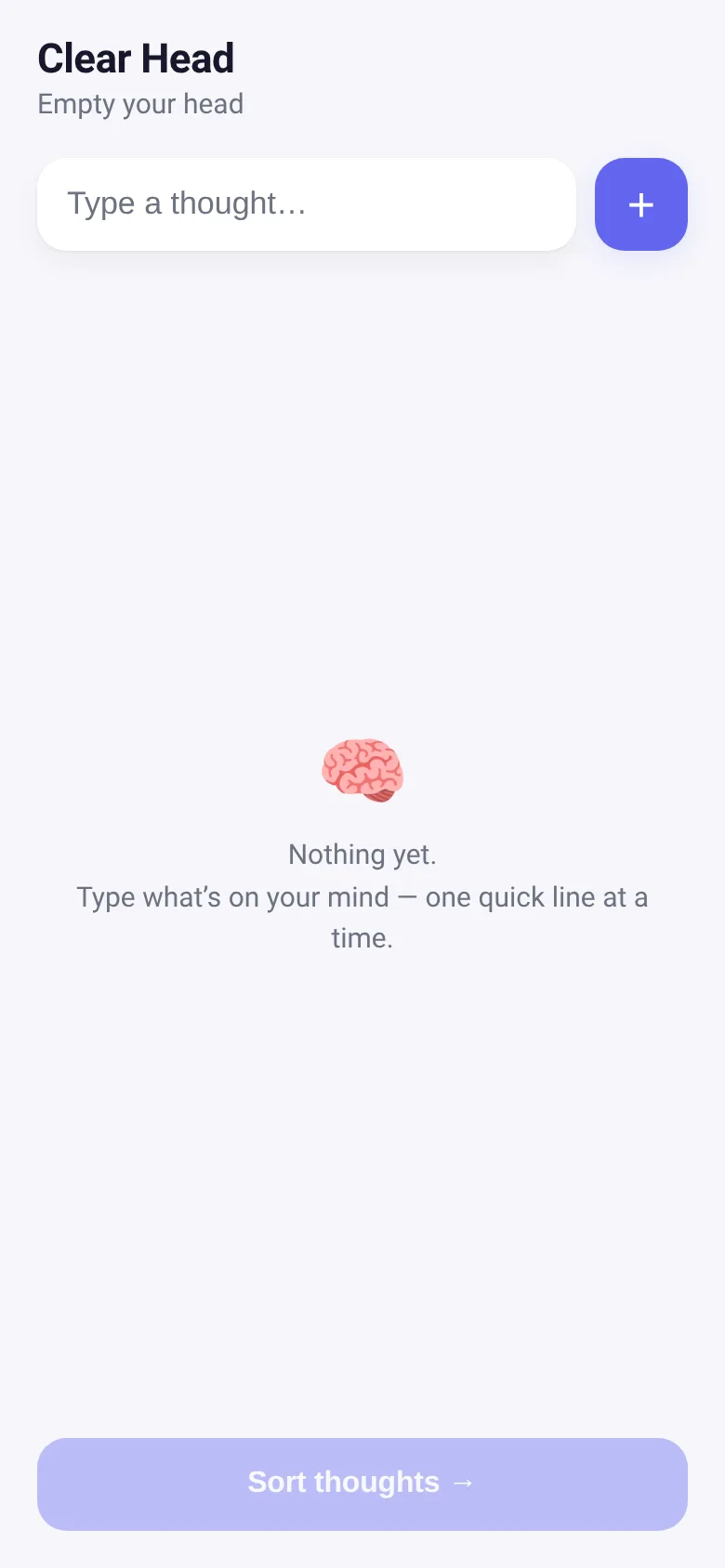
When your mind is full of scattered thoughts, you lose focus. Brain Dump lets you type everything down as fast as it comes, no structure needed. Once it is all out, you sort each thought with one tap into the four buckets: things to do today, things to do later, things to ask someone else to do, and things to let go. You end up with a clean list of only what matters today.
What it does
The app opens in capture mode: type a thought and press Enter or tap plus to add it. Each thought appears as a chip below the input. Once you have dumped everything, tap Sort to move through each thought one at a time. A large card shows the thought; tap one of four buttons (up for Today, right for Later, left for Delegate, down for Let go) to move it and see the next one with an animated swipe. When done, you land on Today view: a clean list of only today's tasks, with a count of how many thoughts you moved to Later, Delegate and Let go.
Key features
- Rapid capture Type thoughts one per line with no organizing, one after another.
- Single-tap sort Move each thought into Today, Later, Delegate or Let go with one button press.
- Animated sorting Each thought flies away in the direction of its bucket for satisfying visual feedback.
- Clean today view See only today's tasks and a summary of thoughts in other buckets.
- Data saved locally All thoughts and their sorting are kept on your device in browser storage.
How to use it
- Type a thought into the input box and press Enter or tap plus to add it.
- Repeat until you have dumped everything on your mind.
- Tap Sort to start moving thoughts into buckets.
- For each thought shown, tap the button for Today, Later, Delegate or Let go.
- Review your clean today list once all thoughts are sorted.
- Tap New brain dump to add more thoughts any time.
Who it’s for
People with many tasks or ideas who feel overwhelmed and need to get them out of their head quickly, then decide what actually matters for today.
The app’s share card (1200×630)
Questions and answers
Does the app save my thoughts?
Yes. All your thoughts and their sorting are saved in your browser's storage on this device, so they stay there until you clear everything or close the browser.
Can I see the things I put in Later or Delegate?
The app shows you a count of Later and Delegate items on the today view, but does not yet show the full lists for those buckets.
What happens when I mark something as done?
Tap the check button next to an item in today view to remove it from your list.
Can I reorder my today list by dragging?
No. Items appear in the order you sorted them. The app does not yet support drag-to-reorder.
More productivity apps
- Historial Clínico Pet · Sistema para registrar y gestionar el historial médico completo de perros y gatos: vacunas, visitas, tratamientos, peso y avisos de vencimiento.
- Pitch Timer · Write cue cards, pick a 30/60/90-second timer, and rehearse your pitch with haptics and per-card timing feedback.
- Pocket Kanban · A minimal kanban board for your phone. Add colored task cards and tap them to move through To do, Doing, and Done with satisfying spring animations.
- Interview Bank · Post and upvote real interview questions by role and type. Mark questions you were asked to build your prep list.
- Study Hours · Log study sessions by subject and minutes. See your group's weekly hours, leaderboard, and a heatmap of the busiest study days.
- Focus Room · Start a focus session with your name and goal, and see who else is focusing right now with live countdowns and today's total minutes.