Live shared web app · Learning
Interview Vault: crowdsourced questions voted by candidates
Post interview questions you encounter, upvote the ones you find useful, and mark which ones you were actually asked.
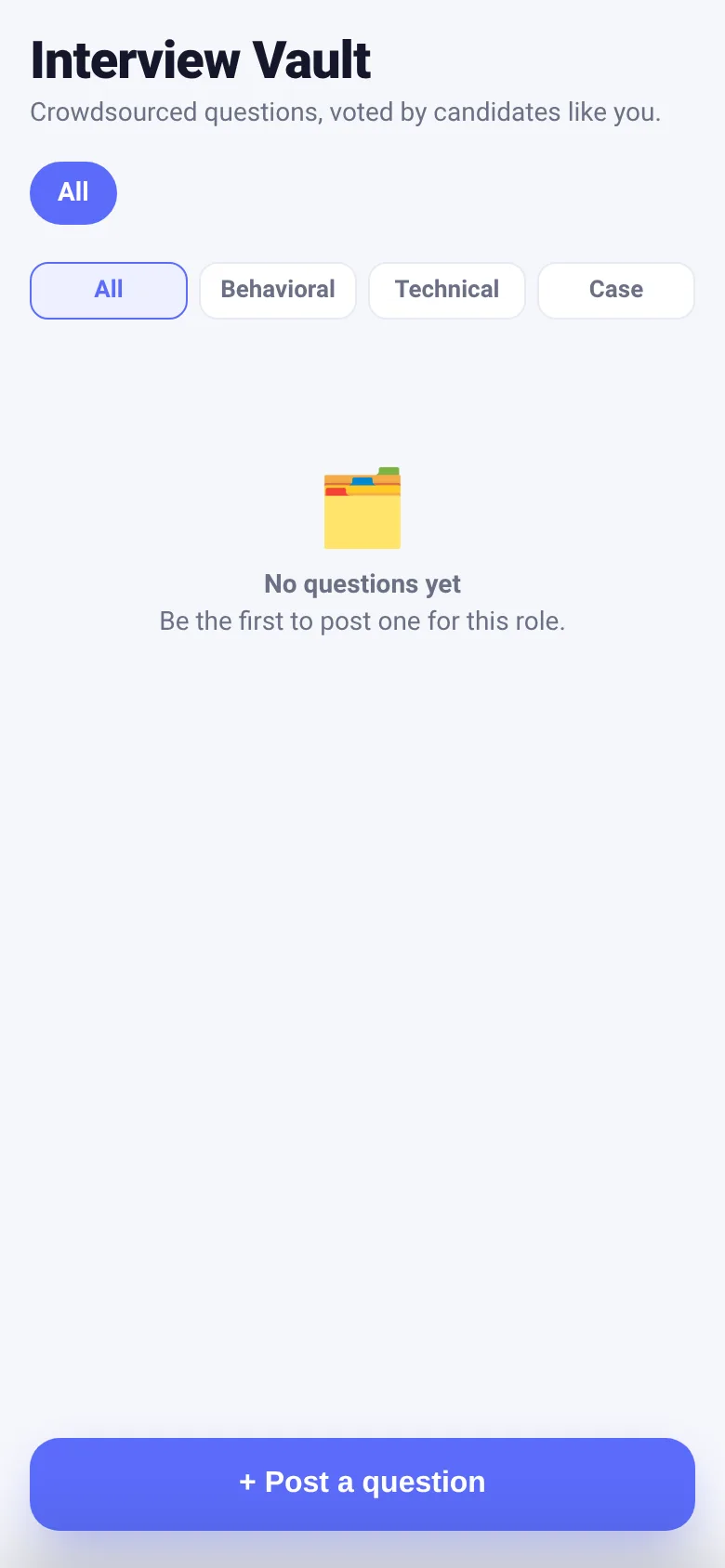
Job candidates preparing for interviews need to know what companies actually ask. Interview Vault lets you and others crowdsource real questions by role and type. When you see a question in your interviews, post it here. When you need to study, you can filter by the role you are targeting and see what people were asked, ranked by how many others found it useful. You track which questions you have already been asked so you can focus your prep.
What it does
The app shows a live list of interview questions posted by other users, sorted by upvotes. You filter by job role or question type (behavioral, technical, or case). Tap the plus button to post a new question, entering the question text, the job role it was for, and the type. For any question, you can upvote it to signal it is useful, or mark that you were asked that exact question. Your votes and marks sync live with everyone else using the app.
Key features
- Post questions by role and type Add any interview question you encounter, specify the job role and whether it is behavioral, technical, or case-based.
- Upvote useful questions Vote questions up to help others see the most common and relevant ones first, ranked by total votes.
- Mark 'I was asked this' Record which questions you have actually heard in real interviews so you can track your prep progress.
- Filter by role and type See only questions for the role you are targeting, and narrow by question type (behavioral, technical, case, or all).
- Live shared data All questions and votes update instantly as other candidates post and vote in real time.
How to use it
- Tap the plus button to open the post sheet.
- Type your interview question, the role it was for, and select the question type.
- Tap Post to share it with other candidates.
- Filter the list by role at the top, and by question type below.
- Tap the upvote arrow to vote for useful questions, or tap 'I was asked this' to mark it as asked.
Who it’s for
Job candidates preparing for interviews who want to study real questions other people have been asked, and who want to contribute their own interview experiences to help others.
What’s new in this version
This app implements the core crowdsourced question feature: post a question with role and type, upvote, mark I was asked this, and filter by role and type, all in a compact interface under 30 KB with no extra screens or sample data.
The app’s share card (1200×630)
Questions and answers
Do my votes and questions get saved?
Yes. All questions, votes, and marks that you record sync live to a shared database so other users see them instantly, and your data persists when you come back.
Can I use this on my phone?
Yes. The app is built as a web app that works on any phone or desktop browser without needing to install anything.
How do I start?
Open the app and browse the questions already posted. Filter by the job role you are targeting. Tap the plus button to post a question from your own interview, or upvote ones you find useful.
Are the questions real?
Yes. All questions are posted by candidates like you who have actually heard them in interviews. Upvotes help the most common and useful ones rise to the top.
More learning apps
- Historial Clínico Pet · Sistema para registrar y gestionar el historial médico completo de perros y gatos: vacunas, visitas, tratamientos, peso y avisos de vencimiento.
- Pitch Timer · Write cue cards, pick a 30/60/90-second timer, and rehearse your pitch with haptics and per-card timing feedback.
- ABC Explorer · Swipe through big letter cards with emoji words, then play a game to find matching letters. For children learning their ABCs.
- Vocab Swipe · Swipe French vocabulary cards to master them. Tap to flip, swipe right to mark as known, left to review later, and watch your progress in real time.
- Pocket Kanban · A minimal kanban board for your phone. Add colored task cards and tap them to move through To do, Doing, and Done with satisfying spring animations.
- Study Hours · Log study sessions by subject and minutes. See your group's weekly hours, leaderboard, and a heatmap of the busiest study days.