Web app · Health & fitness
Desk Stretch: Six quick moves in four minutes
Get through six guided stretches with a countdown, pause and skip controls, and watch your daily streak grow.
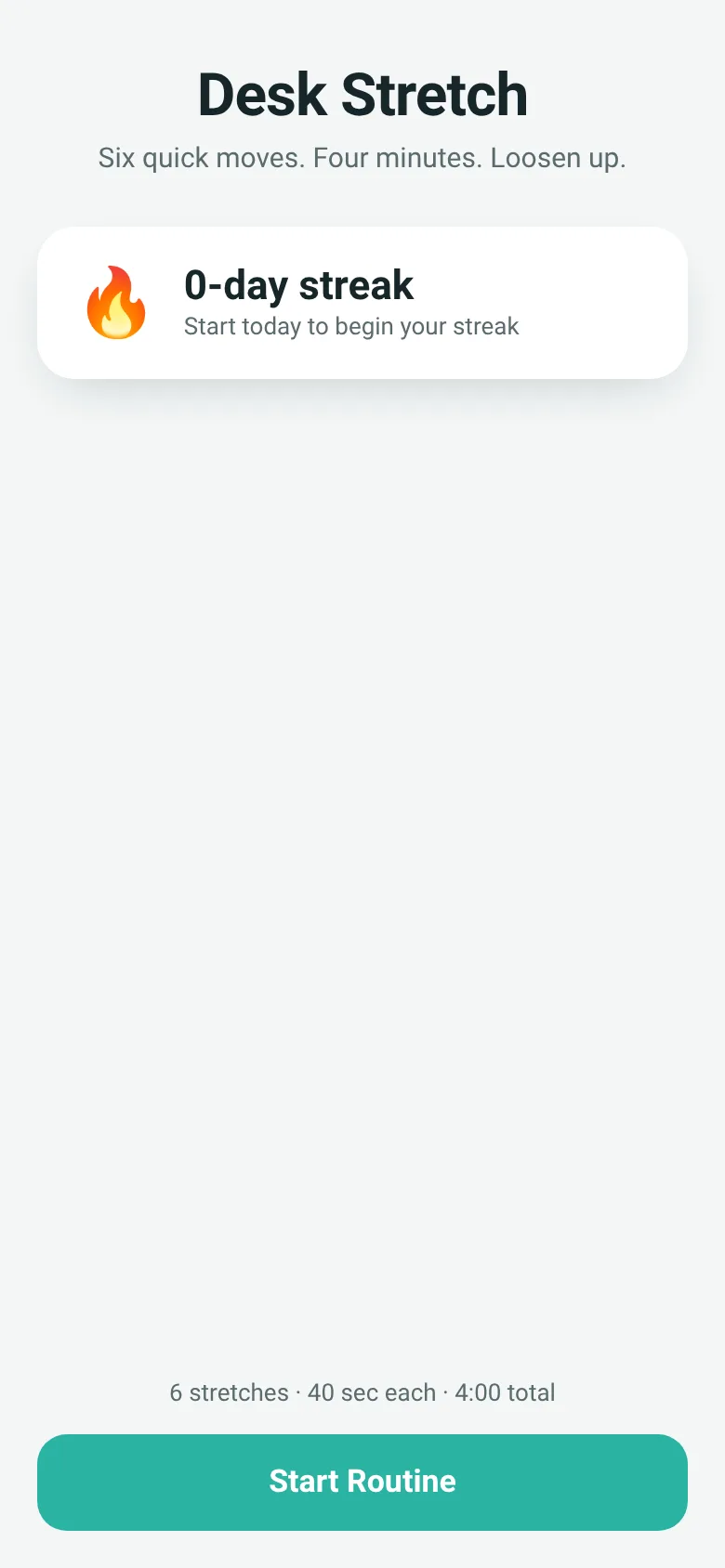
Sitting at a desk all day tightens your neck, wrists, shoulders and back. Desk Stretch guides you through six simple moves you can do right at your desk in just four minutes. Each stretch shows a clear emoji cue, a one-line instruction, and a countdown, with soft audio ticks to keep you paced. The app tracks how many days in a row you complete the routine, giving you a visual streak to maintain.
What it does
When you start, the app shows you one stretch at a time with a large emoji symbol, the move's name, and a specific cue like 'Ear to shoulder, breathe slow'. A ring fills as the 40-second countdown ticks down, with soft beeps marking each second. You can pause, resume, or skip any stretch. As you move through all six stretches, dots at the bottom show your progress. Once you finish all four minutes, the app records that you completed it today and updates your streak.
Key features
- Six guided stretches Neck tilt, wrist rolls, overhead reach, torso twist, seated figure-4, and shoulder rolls, each with an emoji and a one-line cue.
- 40-second countdown per move A large pulsing ring shows time remaining with soft audio ticks and a clear number display.
- Pause, resume, and skip Take a break or move to the next stretch anytime without losing your progress through the routine.
- Daily streak tracker The app remembers when you last completed the routine and counts consecutive days completed.
- Progress dots Visual indicators show which stretch you are on and which you have completed.
- Compact design The entire app runs in your browser at under 30 KB with no external files needed.
How to use it
- Tap Start Routine on the home screen.
- Read the cue and follow the stretch for 40 seconds while watching the countdown ring fill.
- Pause if you need a break, or tap Skip to move to the next stretch.
- Repeat for all six stretches until the routine finishes and you see the completion screen.
Who it’s for
Office workers, students, and anyone who spends long hours at a desk and wants a quick, guided break to loosen up and stay healthy.
The app’s share card (1200×630)
Questions and answers
How do I start a routine?
Tap the Start Routine button on the home screen. The first stretch will appear with a 40-second countdown.
Will the app save my streak if I close the browser?
Yes. The app stores your streak locally in your browser, so it persists when you come back.
Can I use this on my phone or tablet?
Yes. Desk Stretch works on any device with a web browser and will adapt to your screen size.
What happens if I skip or pause a stretch?
You can skip to the next stretch or pause at any time without losing your place in the routine. Pausing lets you resume later, and skipping moves immediately to the next stretch.
More health & fitness apps
- Historial Clínico Pet · Sistema para registrar y gestionar el historial médico completo de perros y gatos: vacunas, visitas, tratamientos, peso y avisos de vencimiento.
- Pitch Timer · Write cue cards, pick a 30/60/90-second timer, and rehearse your pitch with haptics and per-card timing feedback.
- Walkies · Time your dog's walks, log pee and poop stops, and track daily walk minutes toward your goal. Simple, quick, and built for busy dog owners.
- Yoga Flow · A guided 12-pose beginner yoga sequence with timed holds, visual pose figures, a progress ring, and haptic feedback.
- Pocket Kanban · A minimal kanban board for your phone. Add colored task cards and tap them to move through To do, Doing, and Done with satisfying spring animations.
- Interview Bank · Post and upvote real interview questions by role and type. Mark questions you were asked to build your prep list.