Web app · Productivity
Habit Grid: Track daily habits on a visual month calendar
Mark off completed habits each day, watch your streaks grow, and see your monthly completion rate.
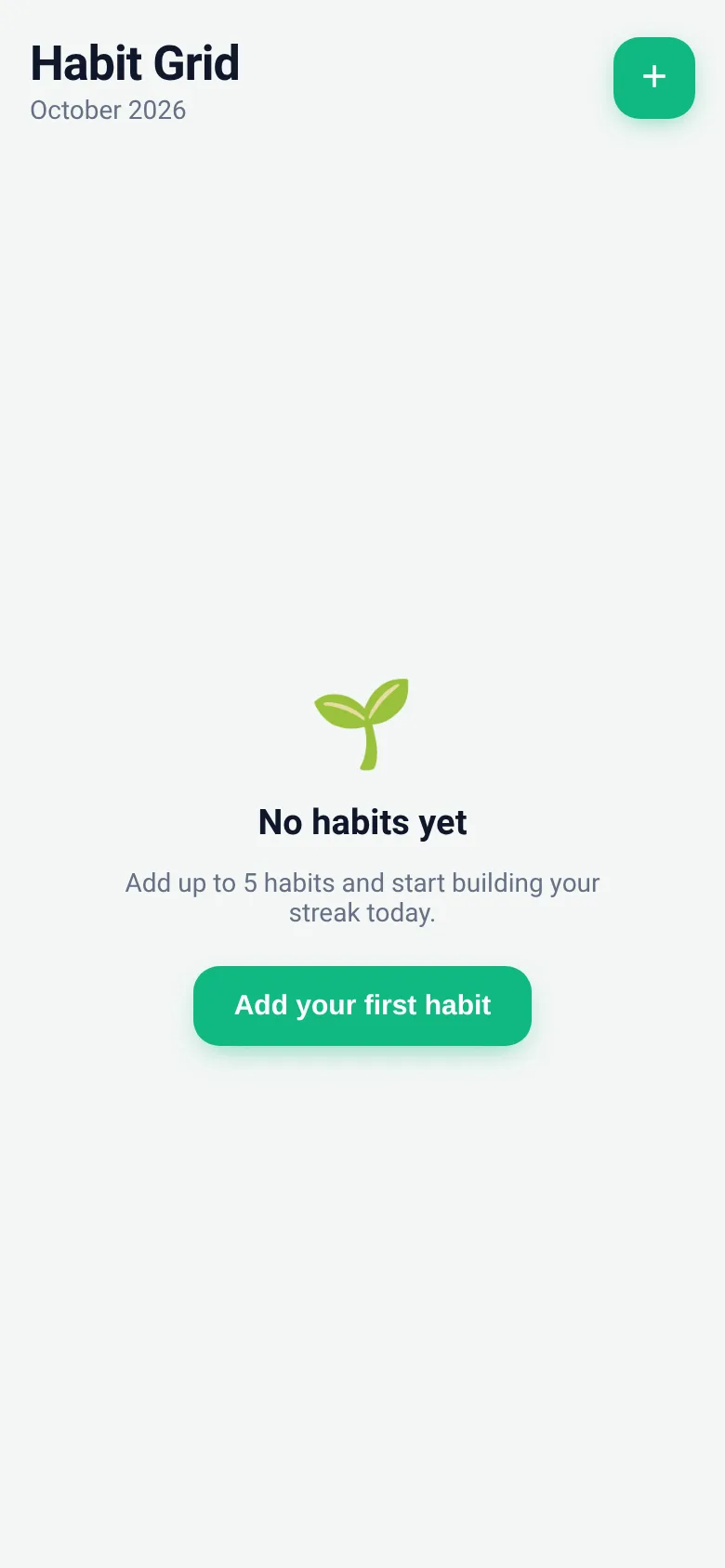
Building habits is easier when you see your progress. Habit Grid shows you a full month calendar where you tap each day to mark a habit complete. You set up to 5 habits with custom names and emoji, then check them off as you go. The grid displays your current streak, monthly completion percentage, and how many habits you completed today—all without leaving the page.
What it does
You add a habit with a name and emoji, then see a calendar grid for the current month. Each row is one habit; each column is one day. Tap a day to mark that habit done. The grid shows a checkmark for completed days and locks future days. A stats panel at the top shows today's count, your longest streak, and overall completion rate. Click a habit name to edit or delete it.
Key features
- Month calendar grid View all 30 or 31 days at once, with each habit as a row and each day as a column.
- Streak and stats See your current streak with a flame emoji, monthly completion percentage, and today's done count.
- Up to 5 habits Add multiple habits with custom emoji icons and names, up to a maximum of five.
- Edit and delete Tap a habit name to edit its name or emoji, or delete it. Delete requires a second tap to confirm.
- Data saved locally All marks and habits stay on your device in browser storage; they persist between sessions.
How to use it
- Tap the plus button to add your first habit.
- Type a name and choose an emoji icon, then tap Save.
- Tap a day cell under the habit to mark it complete.
- Tap a habit name to edit or delete it.
- Check the stats cards to see your streak and monthly percentage.
Who it’s for
Anyone building new habits or routines who wants a simple visual tracker. Works on phones, tablets, and desktop browsers.
The app’s share card (1200×630)
Questions and answers
Will my data save if I close the browser?
Yes. Habit Grid saves all your marks and habits in your browser's local storage, so they stay there when you close and reopen the page.
Can I track habits from past months?
The app currently shows only the current month. You can view and edit habits for any day up to today, but navigation to other months is not available yet.
Does it work on my phone?
Yes. The grid is mobile-friendly and scrolls horizontally so you can see the full month on smaller screens.
What happens if I clear my browser data?
Clearing browser storage or cookies will erase your habits and marks. The app has no online backup, so save your data only where your browser stores it.
More productivity apps
- Historial Clínico Pet · Sistema para registrar y gestionar el historial médico completo de perros y gatos: vacunas, visitas, tratamientos, peso y avisos de vencimiento.
- Pitch Timer · Write cue cards, pick a 30/60/90-second timer, and rehearse your pitch with haptics and per-card timing feedback.
- Walkies · Time your dog's walks, log pee and poop stops, and track daily walk minutes toward your goal. Simple, quick, and built for busy dog owners.
- Yoga Flow · A guided 12-pose beginner yoga sequence with timed holds, visual pose figures, a progress ring, and haptic feedback.
- Pocket Kanban · A minimal kanban board for your phone. Add colored task cards and tap them to move through To do, Doing, and Done with satisfying spring animations.
- Interview Bank · Post and upvote real interview questions by role and type. Mark questions you were asked to build your prep list.