Web app · Pets
Meow Translator: Turn pet sounds into dramatic speeches
Tap your cat's meows or dog's barks, pick an intensity level, and get theatrical translations with sound effects.
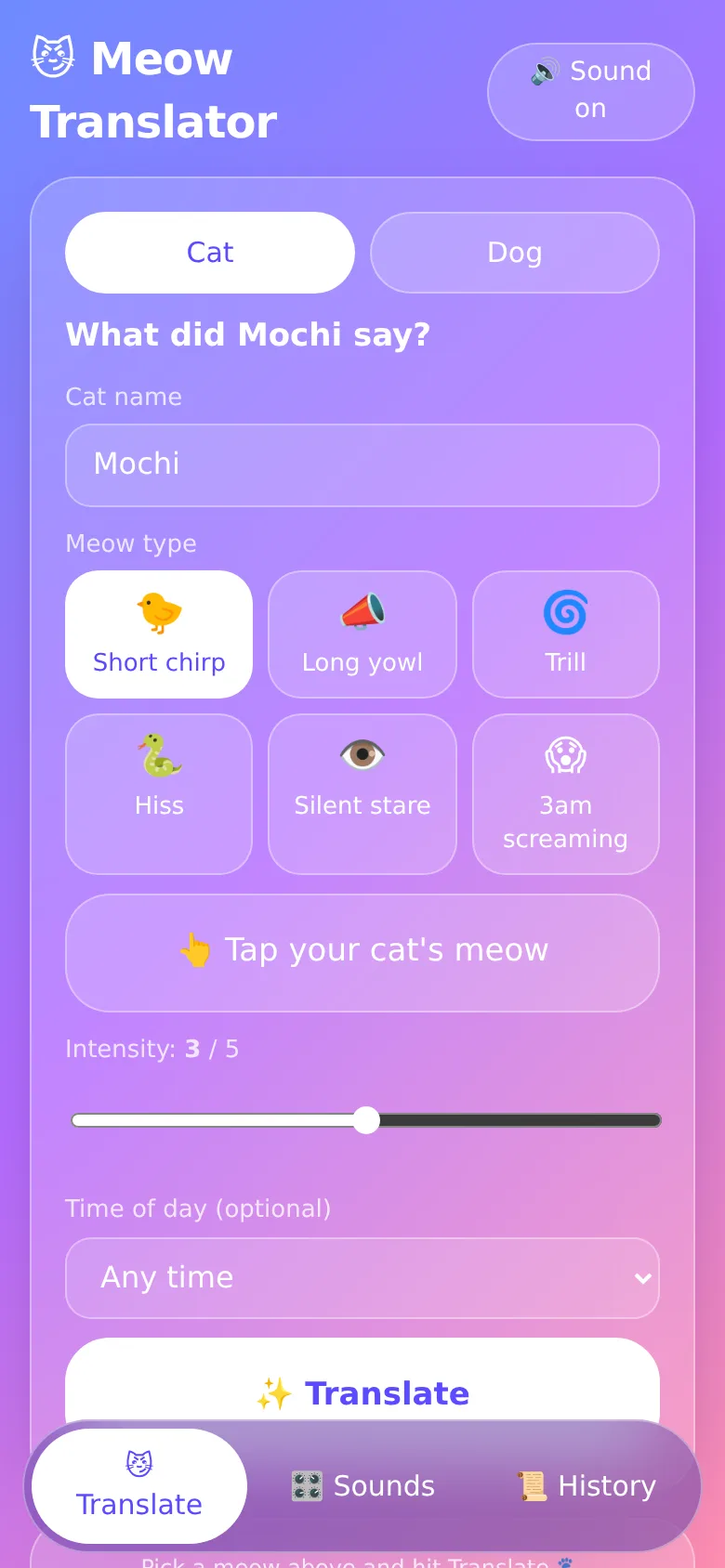
Your cat meows or your dog barks, but what do they really mean? This app listens to your pet's sounds and translates them into funny, over-the-top dramatic lines. Adjust the intensity from mild to apocalyptic, set the time of day, and the app generates a new translation each time. Play it back with sound effects and save your favorites.
What it does
You tap a button to detect your cat's meow or dog's bark type, then adjust a drama intensity slider from 1 to 5. The app generates a theatrical translation based on the sound type and intensity level, spoken in your pet's voice. You can re-translate to get new lines, play the result with sound effects, copy it, star it, or delete it. The app keeps a history of up to 50 translations and a soundboard with dramatic audio clips.
Key features
- Cat and dog detection Tap to detect whether it's a meow, chirp, trill, hiss, stare, or scream from a cat, or bark, howl, whine, growl, yip, or doorbell alert from a dog.
- Intensity levels Drag a slider from 1 (mild) to 5 (apocalyptic) to control how dramatically the app translates the sound into text and dialogue.
- Sound effects and speech Play translations back with dramatic audio effects and text-to-speech narration, or turn sound off with a mute button.
- History and favorites The app saves your last 50 translations. Star favorites to keep them when old ones are trimmed, or delete any translation.
- Soundboard Blast theatrical sound effects like air horns, evil laughs, drum rolls, and pet sounds from a dedicated sound board.
- Copy and share Copy any translation to the clipboard and paste it elsewhere, or star it to review later.
How to use it
- Choose cat or dog by clicking the toggle at the top.
- Enter your pet's name in the text field.
- Tap the big button to detect your pet's sound type, then confirm or change the type shown.
- Drag the intensity slider to set how dramatic the translation should be.
- Click the Translate button to generate a dramatic translation.
Who it’s for
Pet owners who want to turn their cat's meows or dog's barks into funny, exaggerated dialogue. Works for anyone with a web browser and a cat or dog.
What’s new in this version
The app now includes a dog bark translator alongside the original cat meow translator, so you can decode both cats and dogs into dramatic speeches.
How it differs from Meow Translator
This version adds dog bark detection with six bark types (short bark, howl, whine, growl, zoomies yip, doorbell alert) alongside the original cat meow types, expanding the app to work with dogs as well as cats.
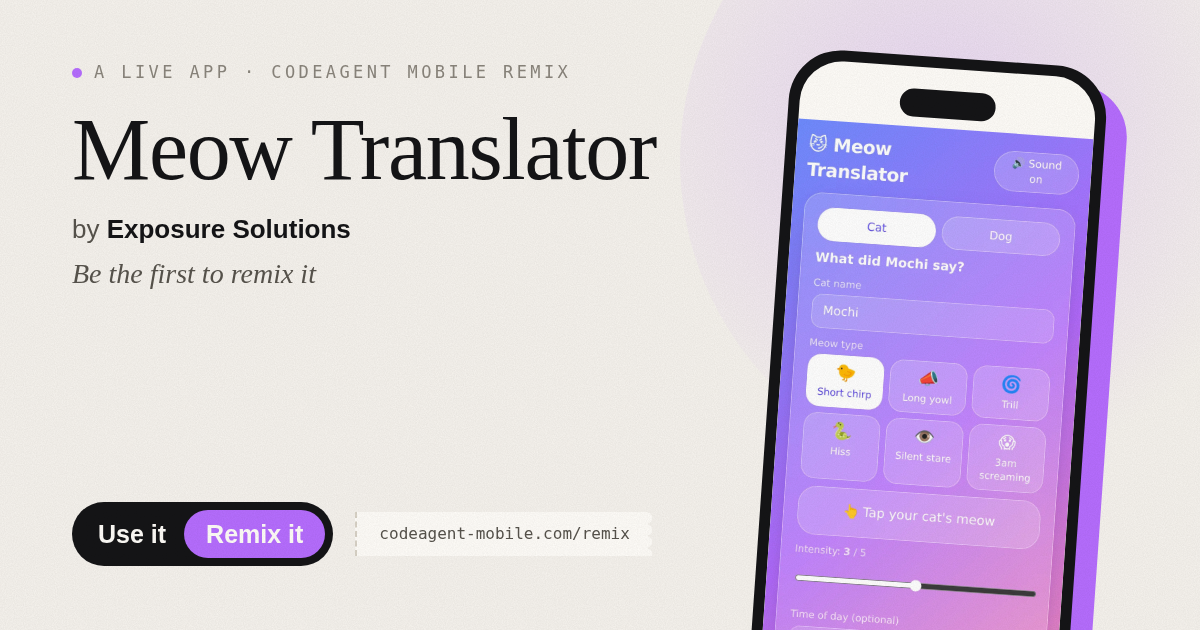
The app’s share card (1200×630)
Questions and answers
Do I need a special device or microphone?
No. You tap a button to tell the app what type of sound your pet made, and the app generates a translation. It does not record audio from your device.
Does the app save my translations?
Yes, the app saves your last 50 translations in your browser's local storage. Starred translations are kept longer. History is not shared or uploaded anywhere.
Can I turn off the sounds and speech?
Yes, click the mute button in the header to turn all sound and speech off. The translations still appear on screen.
Does it work on my phone?
Yes, the app works on phones, tablets, and computers in any web browser.
Remix family
Remixed from Meow Translator · by Matheus The Second
More pets apps
- Fox Knight: Sky Isles · A 2D platformer where you leap across floating islands as a brave fox knight, stomp slimes, collect gems and face a boss across three levels.
- Arena Fist 3D · Juego de pelea 3D con luchadores detallados. Juega en modo historia, 1 vs 1, 2 jugadores o entrena contra un muñeco.
- Arena Fist 3D · Juego de pelea 3D con modo historia, entrenamiento, 1-2 jugadores y modo Jefes con 150 niveles progresivos.
- Pesca Tranquila · Juego de pesca sin apuros donde lanzás, recogés peces, completás tu álbum de especies y mejorás tu equipo.
- Mouse Hunt · A game with realistic 3D mice that have distinct personalities, designed for your cat to chase and catch on screen.
- Mouse Hunt · An interactive game where animated mice scurry, pause and dart across your screen for your cat to chase, with catch tracking and parental controls.