Web app · Games
Mini Sudoku: Play 6×6 puzzles with notes and conflict check
Solve compact 6×6 sudoku puzzles with pencil marks, conflict highlighting, three difficulty levels, and a daily seeded puzzle.
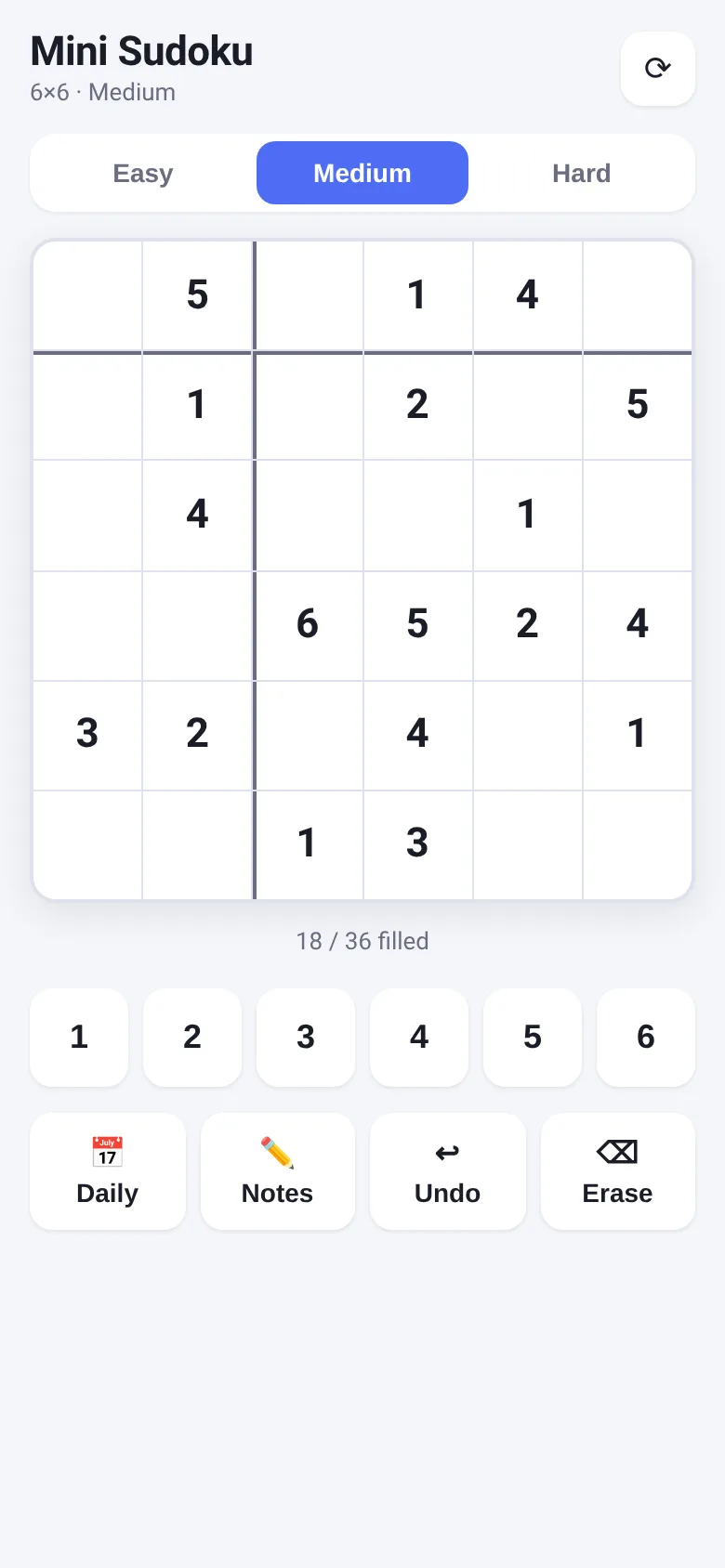
Want a quick sudoku that fits on your phone and doesn't take hours? Mini Sudoku gives you 6×6 grids instead of 9×9, so puzzles stay focused and rewarding. You get pencil marks to track possibilities, instant conflict highlighting to catch mistakes, undo to take back moves, and a daily puzzle that resets each day with the same puzzle for everyone playing that day.
What it does
You tap or click cells on a 6×6 grid and enter numbers 1 through 6. In normal mode, one number per cell; in pencil-mark mode, you jot down candidate notes. The board highlights conflicts in red when a number repeats in its row, column, or 2×3 box. You can undo any move, erase a cell, or start a fresh puzzle. Pick easy, medium, or hard difficulty, or tap Daily to get today's seeded puzzle.
Key features
- Pencil marks (notes mode) Toggle Notes mode to add and remove candidate numbers in each cell, then switch back to enter the final number.
- Conflict highlighting Cells with duplicate numbers in the same row, column, or box turn red so you spot mistakes instantly.
- Three difficulty levels Choose easy, medium, or hard; harder puzzles start with fewer clues and require more logical work.
- Daily puzzle Tap Daily to play today's seeded puzzle; everyone gets the same one, and it changes at midnight.
- Undo and erase Undo moves one at a time or erase the current cell without affecting others.
- Keyboard support Type 1–6 to fill cells, arrow keys to move, and Delete to clear; works on desktop and mobile.
How to use it
- Tap or click a cell to select it.
- Press 1–6 (or tap the number buttons) to enter a value, or tap Notes first to add pencil marks.
- Check for red-highlighted conflicts and fix them.
- Use Undo to step back or Erase to clear the selected cell.
- Fill all 36 cells correctly to solve the puzzle.
Who it’s for
People who want a quick, rewarding sudoku puzzle on their phone or computer without the time commitment of a full 9×9 grid. Suits both casual players and puzzle enthusiasts who like the logic and structure of sudoku.
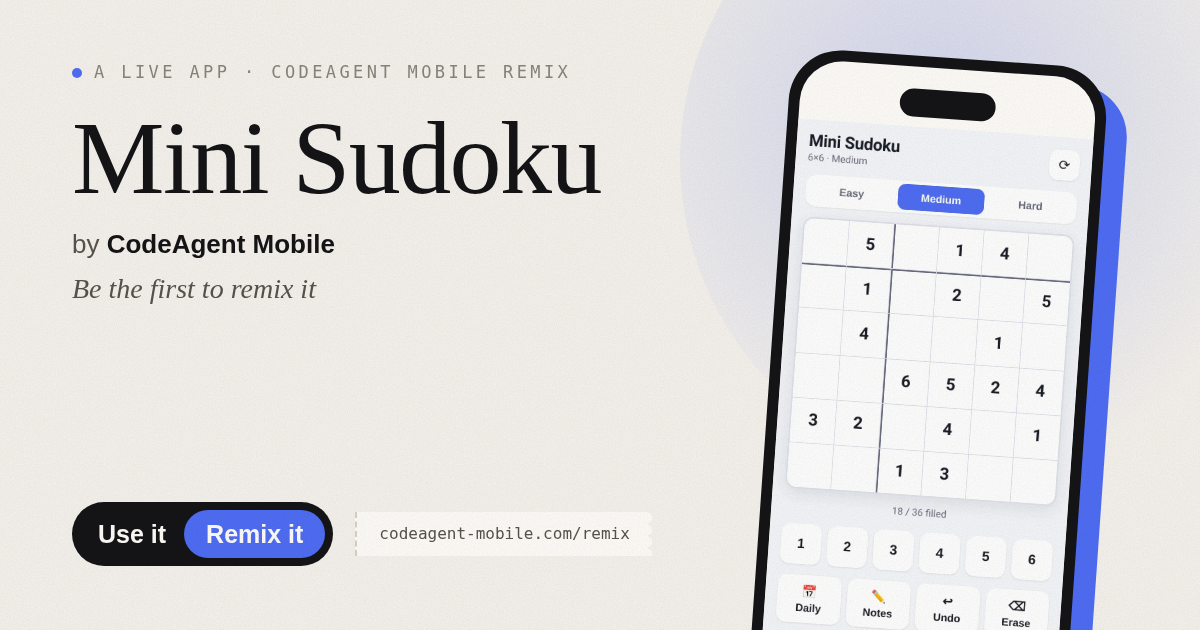
The app’s share card (1200×630)
Questions and answers
Do I need an account or login?
No. Your progress saves automatically to your device's local storage, so you can pause and come back anytime.
Can I play this on my phone?
Yes, it works on phones, tablets, and computers. Tap cells to play, or use your keyboard on desktop.
What happens if I solve the daily puzzle but come back tomorrow?
Tomorrow you'll get a new daily puzzle seeded for that date. Your old solved puzzle stays in your history if you switch back to random-puzzle mode.
How many moves back can I undo?
You can undo up to 100 moves in the current puzzle session.
More games apps
- Fox Knight: Sky Isles · A 2D platformer where you leap across floating islands as a brave fox knight, stomp slimes, collect gems and face a boss across three levels.
- Arena Fist 3D · Juego de pelea 3D con luchadores detallados. Juega en modo historia, 1 vs 1, 2 jugadores o entrena contra un muñeco.
- Arena Fist 3D · Juego de pelea 3D con modo historia, entrenamiento, 1-2 jugadores y modo Jefes con 150 niveles progresivos.
- Pesca Tranquila · Juego de pesca sin apuros donde lanzás, recogés peces, completás tu álbum de especies y mejorás tu equipo.
- Mouse Hunt · A game with realistic 3D mice that have distinct personalities, designed for your cat to chase and catch on screen.
- Mouse Hunt · An interactive game where animated mice scurry, pause and dart across your screen for your cat to chase, with catch tracking and parental controls.