Web app · Learning
StudyFlow AI: Plan, learn, and focus smarter
Organize your schoolwork, turn notes into flashcards, and prep for exams all in one place.
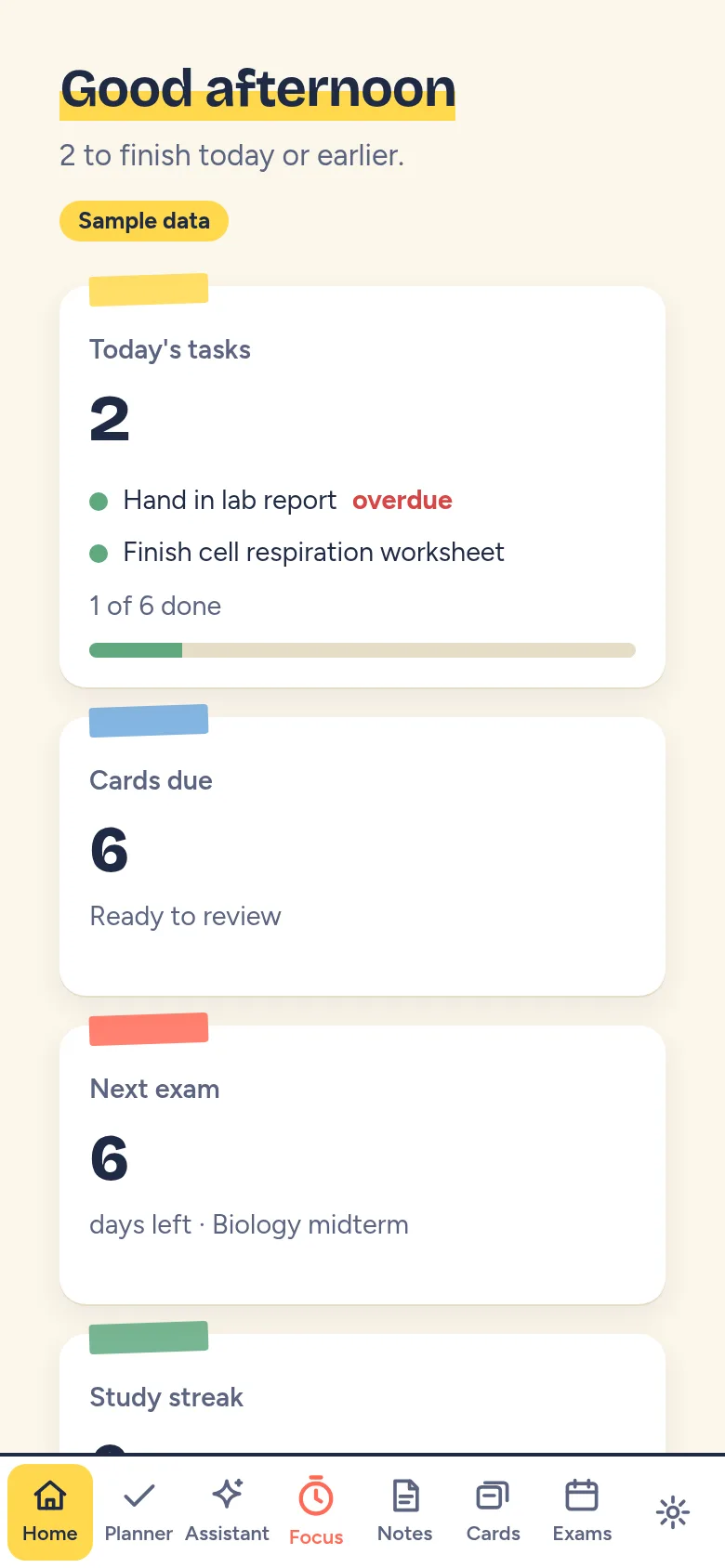
Students juggle multiple subjects, assignments, and exam deadlines without a clear system. StudyFlow AI brings everything together: you plan assignments by subject and due date, turn your notes into flashcards to review key concepts, track exam preparation, and use a focus session timer to work without distractions. Your work stays organized in one app.
What it does
You open StudyFlow AI to see a home screen showing your tasks, exams, and subjects. You add subjects (like Math or History) with custom colors, then create tasks and set due dates in the Planner. In Notes, you write or paste notes tied to each subject. The app helps you make flashcards from those notes for active recall studying. You set up exams with dates and subjects to track prep progress. When it is time to focus, you use the Focus session screen with a timer to study without switching apps.
Key features
- Subject-based organization Group all your tasks, notes, cards and exams by subject with custom names and colors.
- Assignment planner Add tasks with due dates and track what you need to do for each subject.
- Notes to flashcards Write notes in the app and turn them into flashcards for studying and review.
- Exam tracker Create exams with dates and subjects to plan and monitor your exam preparation.
- Focus sessions Use a dedicated timer screen to study a subject without leaving the app.
- Data backup and import Export your study data as JSON or import a backup to restore your work.
How to use it
- Create at least one subject in the Data menu by entering a name and choosing a color.
- Add tasks in the Planner screen with due dates and assign them to a subject.
- Write notes in the Notes screen tied to the same subject.
- Make flashcards in the Cards screen, building them from your notes.
- Set up exams in the Exams screen with their date and subject.
- Start a focus session in the Focus screen and use the timer to study without distractions.
Who it’s for
This app is for students of any age—high school, college, or anyone studying for exams—who want to organize their subjects, notes, and study materials in one place and focus during study time.
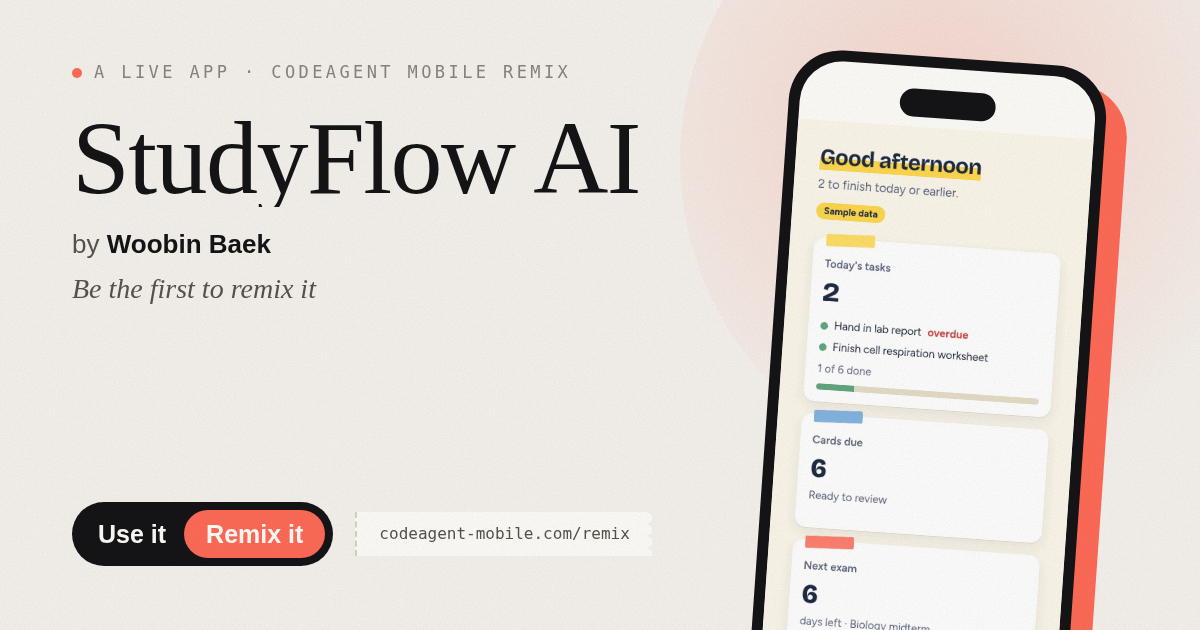
The app’s share card (1200×630)
Questions and answers
Will my data be saved if I close the browser?
Yes. StudyFlow AI saves your subjects, tasks, notes, flashcards and exams locally in your browser. Your data stays until you clear it or export and import a backup.
Can I use this on my phone?
Yes. StudyFlow AI is a web app that works on phones, tablets and desktop browsers. The layout adjusts to fit your screen size.
How do I back up my study data?
Open the Data menu, click Export JSON backup to download a file of all your data. Later, click Import backup to restore it.
Can I share my study notes or flashcards with others?
No, StudyFlow AI stores your data locally in your browser. To share, you would export your backup file and send it to someone else to import.
Remix family
Remixes of this app
- StudyFlow AI · Edgar Durand Díaz
More learning apps
- Day Counter · Track the days until or since events you care about. See countdowns and past milestones in a clean, swipeable card list.
- Flashcards · Learn Spanish with flip cards and spaced repetition. Study greetings, numbers, colors, food, phrases, and days across six themed decks with mastery tracking.
- Focus Timer · A Pomodoro timer with an animated progress ring, soft chimes, and a daily session counter. Customize focus, break, and long break durations.
- StudyFlow AI · Organiza tareas, toma notas, crea tarjetas y prepara exámenes en una sola plataforma web de estudio elegante.
- Grimorio de Retros · Aplicación para retrospectivas de equipo con cartas temáticas, votación compartida en vivo y gestión de acciones acordadas.
- Chord Chart · Browse guitar chord shapes with fretboard diagrams, select a chord, and hear it strummed. Browse common progressions and save favorites.