Web app · Learning
Español Flash: Learn Spanish basics with flip flashcards
Six themed decks of Spanish vocabulary, spaced to show you each word when you need it most.
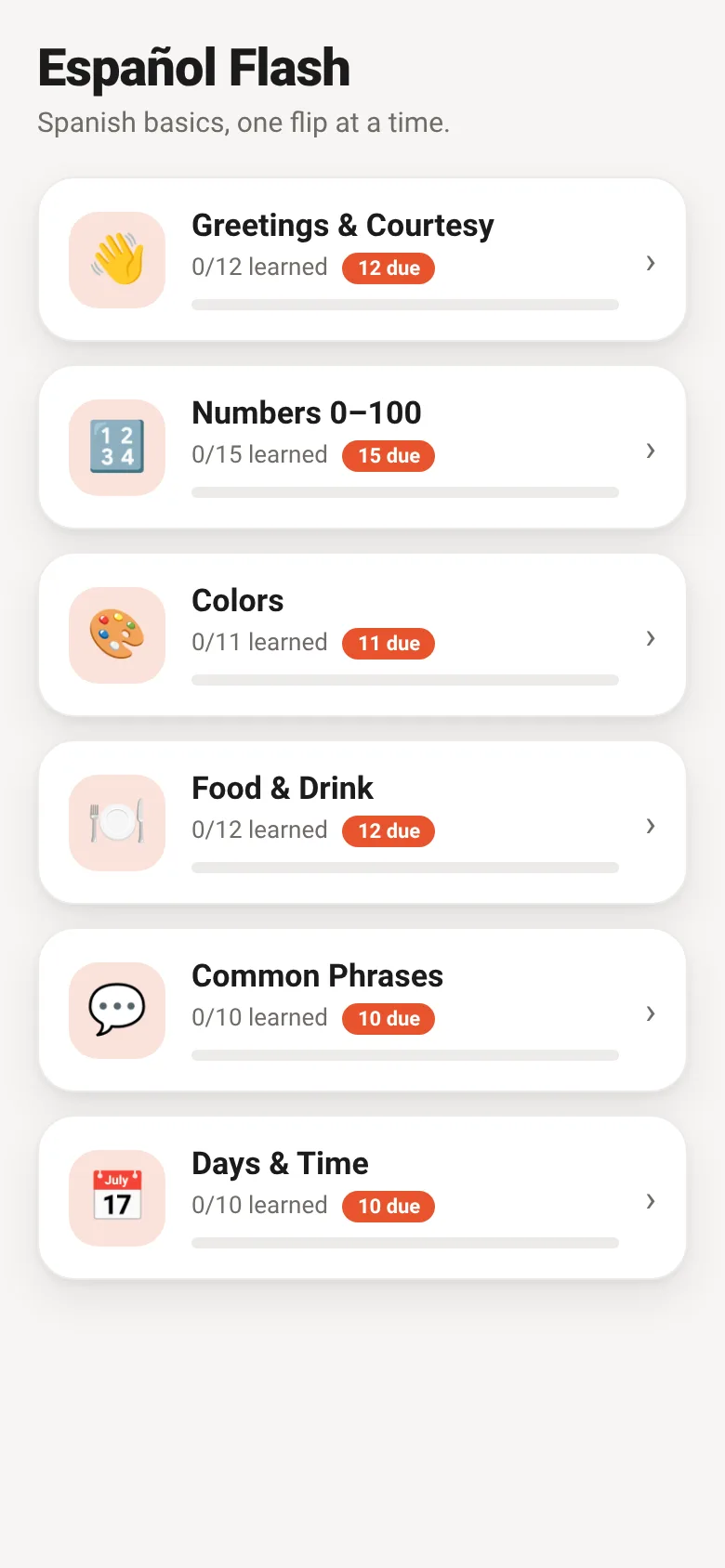
Learning Spanish vocabulary works better when you see words at just the right moment—not too soon, and not after you've forgotten them. Español Flash spaces out your review of each card based on how well you know it. Every card starts in a box and moves through five levels as you master it. Cards you find hard return to the front of your queue to practice soon. Your progress is saved automatically.
What it does
Open one of six decks: Greetings & Courtesy, Numbers 0–100, Colors, Food & Drink, Common Phrases, or Days & Time. Tap a card to flip it and see the English translation. If you know it, tap 'I know it' to move it forward. If you missed it, tap 'Again' to see it sooner. The app shows how many cards you have learned in each deck and how many are due for review today.
Key features
- Six themed vocabulary decks Greetings, numbers, colors, food, common phrases, and days—each with 10–15 essential Spanish words.
- Spaced repetition Cards move through five levels as you master them, with longer gaps between reviews the better you know them.
- Mastery tracking per deck See the percentage of each deck you have learned and how many cards are due today.
- Session stats During study, track how many you know and how many need another look.
- Honest self-grading You rate yourself on each card—no automatic grading means you control your learning pace.
How to use it
- Open the app and tap a deck to start.
- Tap the card to flip it and see the English translation.
- Tap 'I know it' or 'Again' to rate yourself.
- Repeat until all due cards are reviewed.
- Return tomorrow or any time to review cards that are due again.
Who it’s for
Anyone beginning to learn Spanish who wants to build vocabulary through active recall and spacing. Works on any device with a web browser.
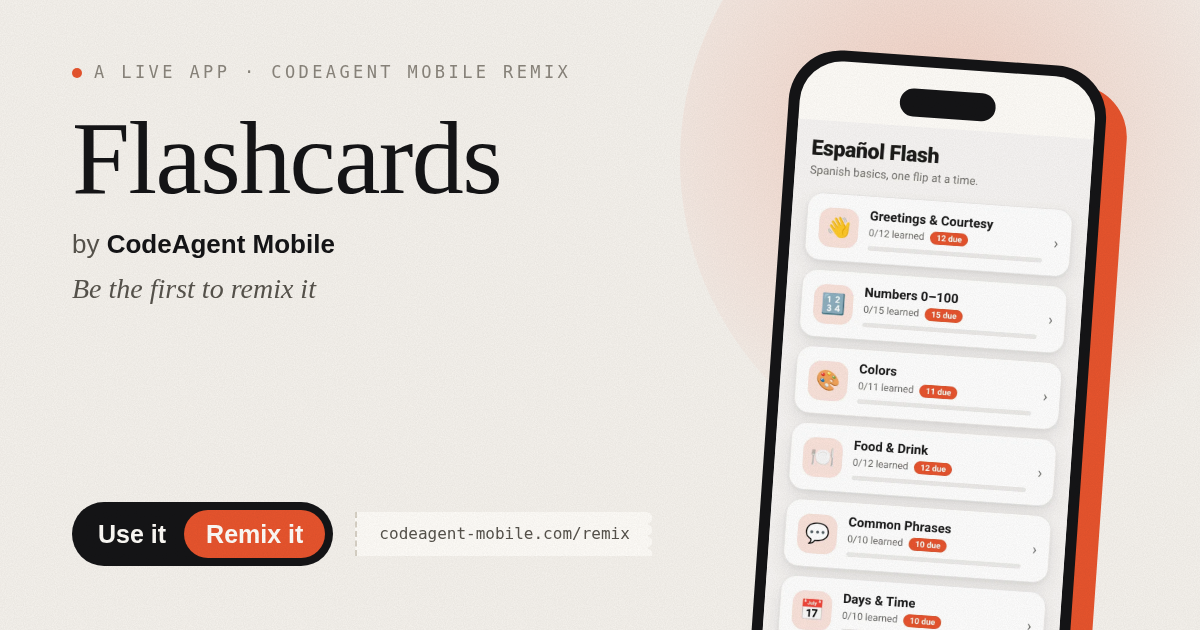
The app’s share card (1200×630)
Questions and answers
Do I need an account?
No. Your progress is saved to your device automatically in your browser storage.
Can I add my own cards?
This version includes six built-in themed decks. You cannot add custom cards in this release.
Does it work on my phone?
Yes. The app is designed to work on any device with a modern web browser.
What if I don't know a word?
Tap 'Again' to see it soon. Cards you choose 'Again' are shuffled back into your queue so you practice them more often.
More learning apps
- StudyFlow AI · Organiza tareas, toma notas, crea tarjetas y prepara exámenes en una sola plataforma web de estudio elegante.
- StudyFlow AI · Organize assignments, create flashcards from notes, prepare for exams and stay focused—all in one study app.
- Chord Chart · Browse guitar chord shapes with fretboard diagrams, select a chord, and hear it strummed. Browse common progressions and save favorites.
- Chord Chart · Look up guitar chord shapes and step through common progressions. Save your favorite progressions for quick access.