Live shared web app · Games
Word Daily: guess today's word and compete on the leaderboard
A new 5-letter word puzzle every day, seeded by the date. Guess in six tries, then compare your result and guess count with everyone else playing today.
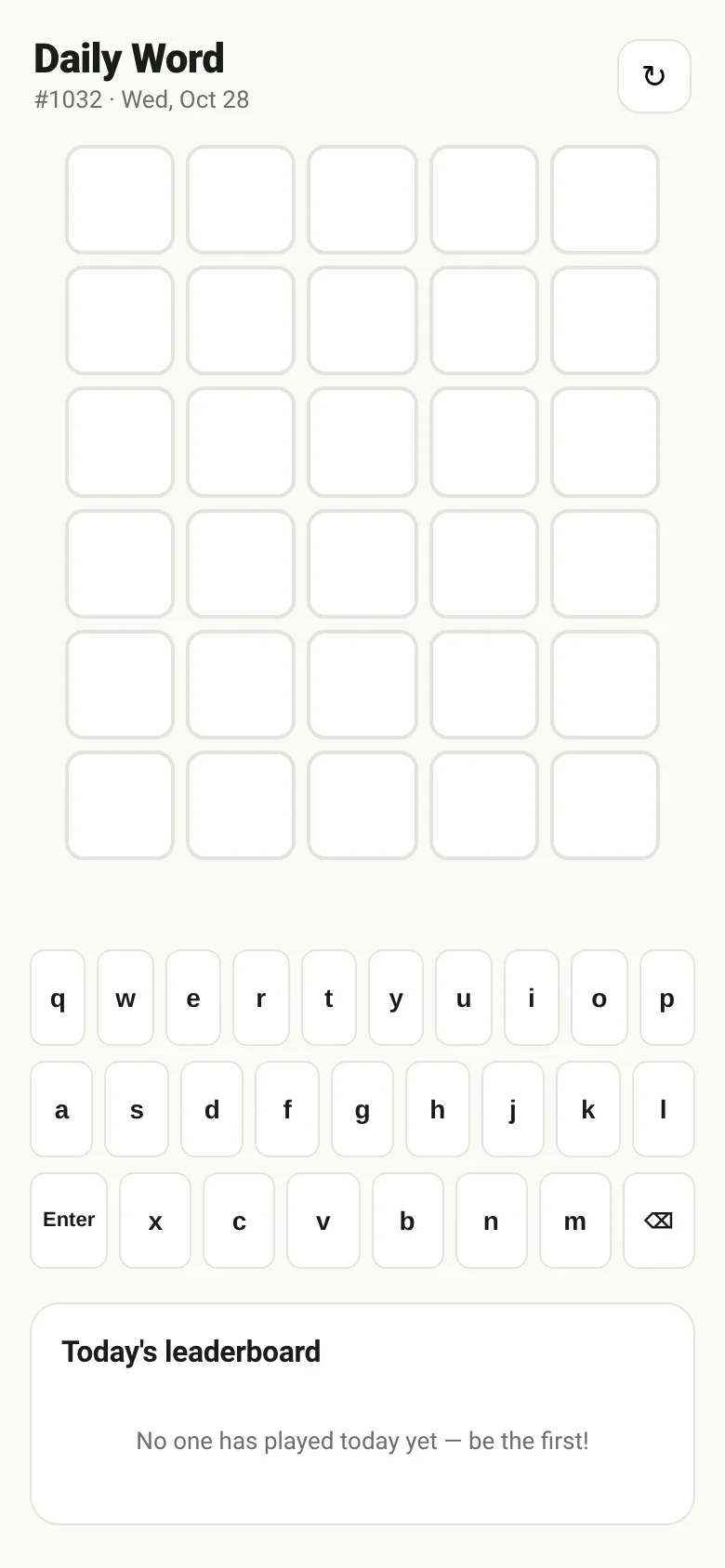
Every day brings a new word puzzle. You get six tries to guess a five-letter word. As you guess, tiles flip to show you whether each letter is in the right spot, in the word but wrong spot, or not in the word at all. Once you finish, your result posts to a live leaderboard shared with everyone playing the same puzzle that day, so you can see how many tries it took others and how many people solved it.
What it does
You type or tap letters to build a five-letter guess. After each guess, colored tiles show which letters are correct (in the right position), present (in the word but wrong position), or absent (not in the word). You have six tries to find the word. The keyboard updates to show letter states. When you finish, you see a chart of how many people solved it in 1, 2, 3, 4, 5, or 6 tries, and a live leaderboard ranks players by tries and win status. Your progress saves locally so you can return to the same puzzle later.
Key features
- Daily puzzle seeded by date Everyone solving on the same day gets the same word, labeled with a puzzle number and today's date.
- Colored feedback on every guess Tiles flip to reveal whether each letter is correct, present in the word, or absent, with the keyboard reflecting letter states.
- Shared leaderboard See how many players solved today's puzzle and in how many tries, refreshed live as others finish.
- Guess distribution chart View a bar chart showing how many players solved the puzzle in each number of tries (1 through 6).
- Local progress save Your guesses and win status are saved locally; return any time to see your result for today's puzzle.
- Keyboard and physical input Type letters on your physical keyboard or tap on-screen keys; backspace to delete and Enter to submit.
How to use it
- Type or tap letters to guess a five-letter word.
- Press Enter or tap the Enter button to submit your guess.
- Read the colored tiles to learn which letters are correct, present, or absent.
- Keep guessing until you find the word or run out of tries.
- When you finish, view the guess distribution and leaderboard to see other players' results.
- Pull to refresh the leaderboard to see new scores.
Who it’s for
Anyone who enjoys word puzzles and wants to solve the same daily challenge alongside others and compare their result on a shared leaderboard.
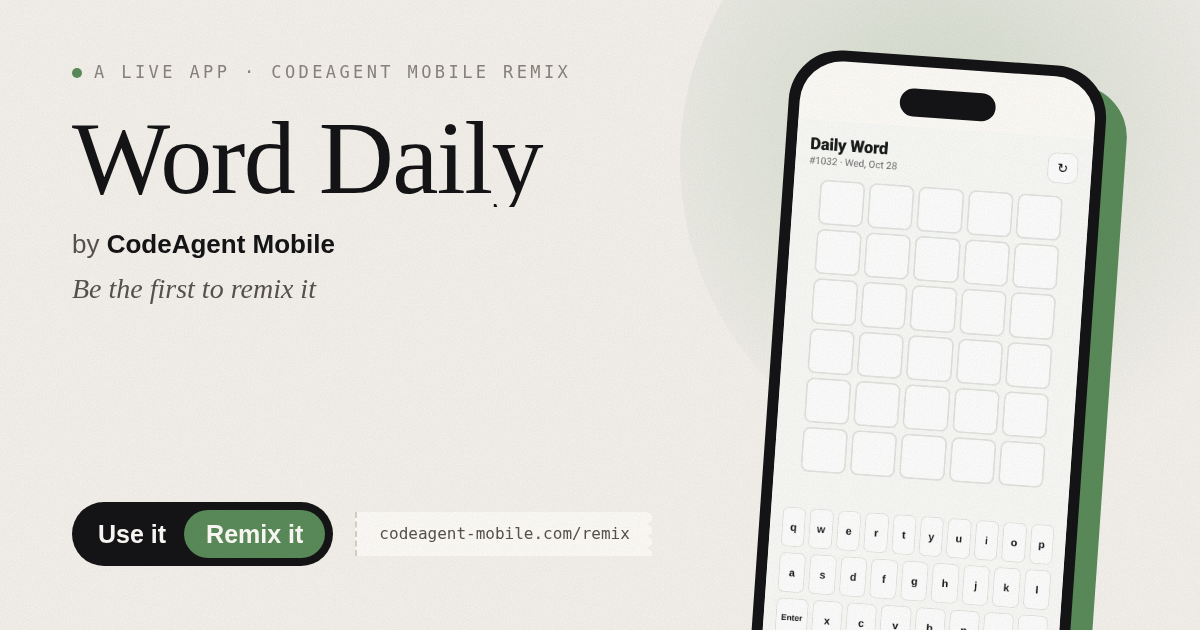
The app’s share card (1200×630)
Questions and answers
Does the app save my progress?
Yes. Your guesses and whether you won are saved in your browser's local storage for today's puzzle, so you can close and return later to see your result.
Does everyone get the same word each day?
Yes. The puzzle is seeded by today's date, so everyone playing Word Daily on the same day solves the same word.
Can I play on my phone?
Yes. The app works in any browser on phone, tablet, or computer. You can type on your keyboard or tap the on-screen letter buttons.
How do I share my result?
Your result posts to the shared leaderboard automatically when you finish. You can see your score and how you compare to others in the leaderboard panel below the puzzle.
More games apps
- Fox Knight: Sky Isles · A 2D platformer where you leap across floating islands as a brave fox knight, stomp slimes, collect gems and face a boss across three levels.
- Arena Fist 3D · Juego de pelea 3D con luchadores detallados. Juega en modo historia, 1 vs 1, 2 jugadores o entrena contra un muñeco.
- Arena Fist 3D · Juego de pelea 3D con modo historia, entrenamiento, 1-2 jugadores y modo Jefes con 150 niveles progresivos.
- Pesca Tranquila · Juego de pesca sin apuros donde lanzás, recogés peces, completás tu álbum de especies y mejorás tu equipo.
- Mouse Hunt · A game with realistic 3D mice that have distinct personalities, designed for your cat to chase and catch on screen.
- Mouse Hunt · An interactive game where animated mice scurry, pause and dart across your screen for your cat to chase, with catch tracking and parental controls.