Web app · Tools & utilities
Discover anime and manage your watchlist
Find anime titles, watch trailers, see where they stream legally, and track what you want to watch.
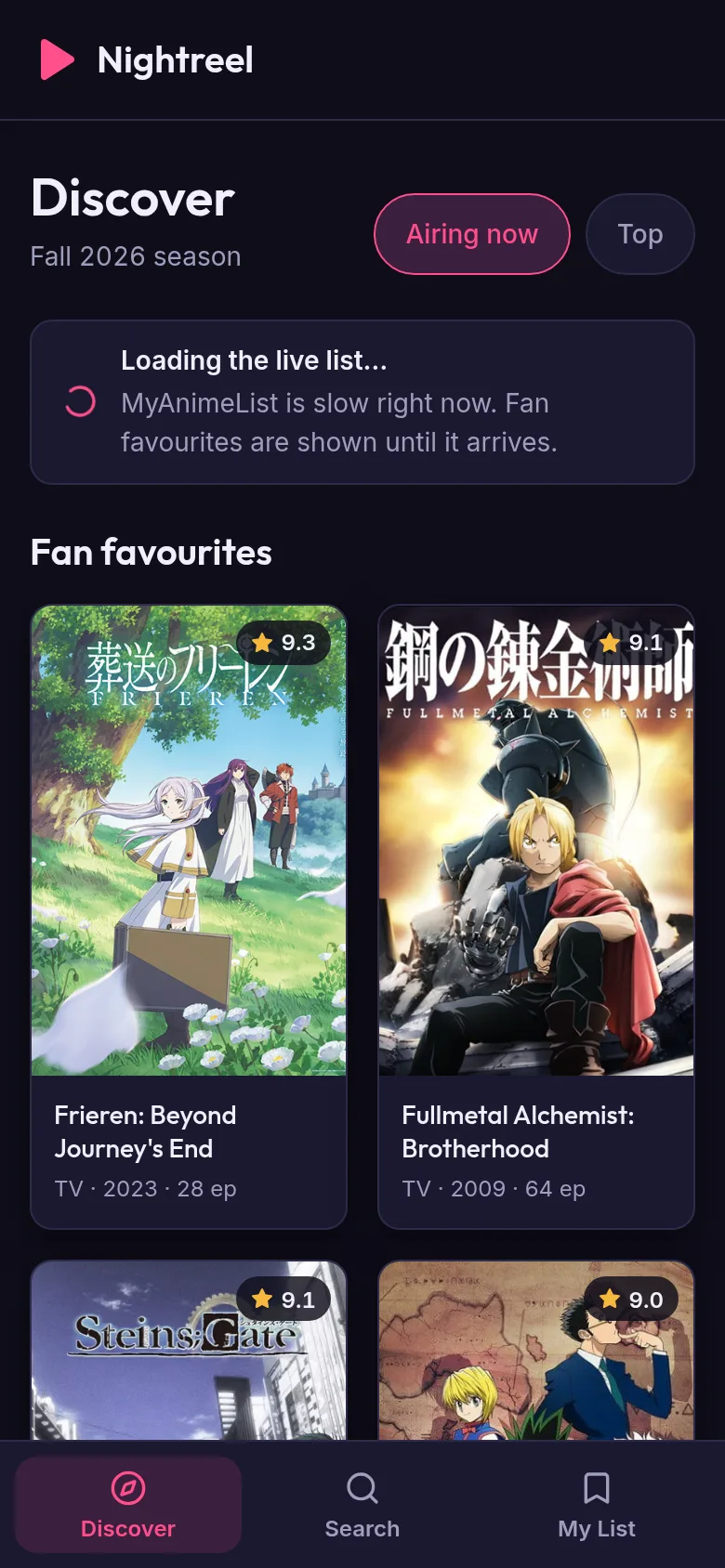
Finding your next anime to watch can mean jumping between multiple sites. Anime Lounge brings discovery, trailers, and streaming information together. Browse new titles, search for specific anime, watch official trailers from YouTube, find which legal streaming service has each show, and keep a personal watchlist of everything you want to watch or are currently watching.
What it does
The app shows you anime titles in a grid with posters, scores, episode counts, and release years. Tap any title to see its full details: synopsis, trailer, genres, aired dates, and how many episodes. You can search for specific anime by name. For each title, the app shows which official streaming service carries it. You can add titles to your watchlist and mark them as plan to watch, watching, completed, or dropped. Your watchlist appears on the My List tab.
Key features
- Discover tab Browse a grid of anime titles with posters, scores, and key details at a glance.
- Search Type an anime title to find it quickly by name.
- Detail view Tap a title to see synopsis, trailer, genres, episode count, type, and aired dates.
- Streaming info See which official streaming service has the anime legally.
- Watchlist Add titles and mark them as plan to watch, watching, completed, or dropped.
- Trailers Watch official trailers from YouTube embedded in the detail view.
How to use it
- Open the Discover tab to browse anime or tap Search to find a specific title.
- Tap any anime card to open its detail view and watch the trailer.
- Check the streaming section to see where you can watch it legally.
- Tap the plus icon or status button to add it to your watchlist.
- Go to My List to see all titles you have saved and their status.
Who it’s for
Anime fans looking for a simple way to discover titles, watch trailers, find legal streams, and organize what they want to watch.
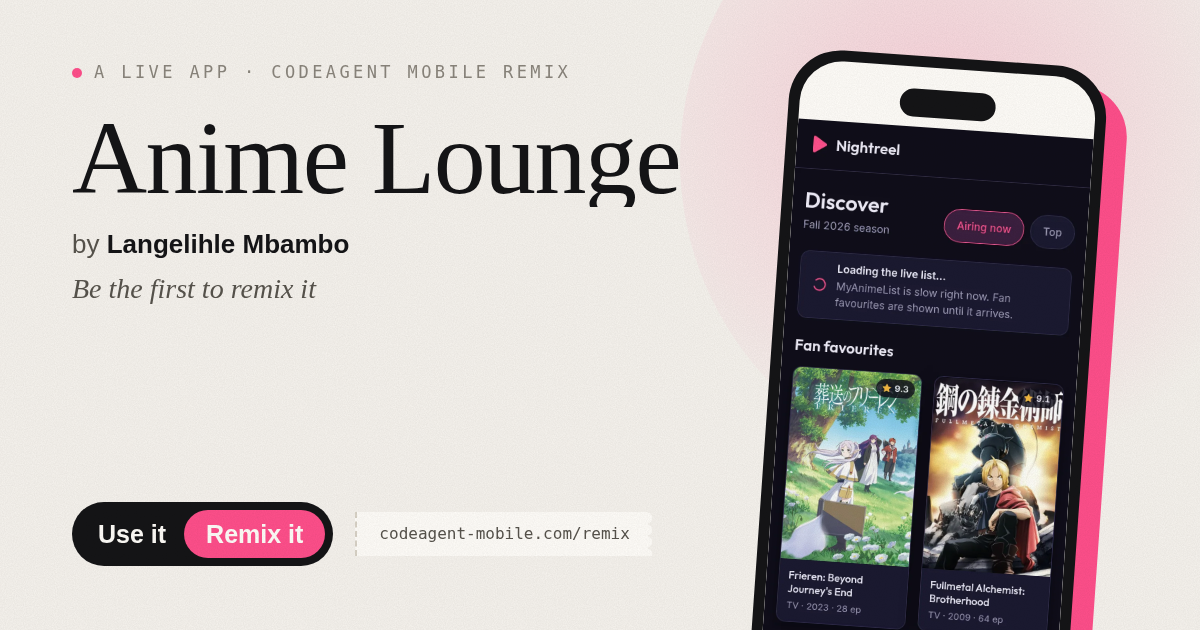
The app’s share card (1200×630)
Questions and answers
Does the app save my watchlist?
Yes, your watchlist is saved locally on your device and stays there between sessions.
Can I watch anime in this app?
No, the app shows you where anime streams legally and plays trailers. To watch full episodes, you visit the streaming service directly.
Does it work on mobile?
Yes, the app is a web app that works on phones, tablets, and computers.
What data does it use to show streaming info?
The app pulls anime information and streaming availability from the Jikan API, which gets data from MyAnimeList.
Remix family
Remixes of this app
- Anime Watchlist · Edgar Durand Díaz
More tools & utilities apps
- Community Beat · साझा बीट बनाएँ: स्टेप दबाएँ, डीजे प्रीसेट चुनें, और सब मिलकर संगीत तैयार करें। वीडियो में एक्सपोर्ट करें।
- Community Beat · Tap drum steps on a shared 16-step beat that everyone editing it hears together. Load DJ presets, mute and solo tracks, export video or audio.
- Meow Translator · Tap to decode your cat's meows into theatrical translations, then blast them with a dramatic soundboard. Fun for cat lovers and parties.
- Haunted Beat · A shared drum machine where everyone taps the grid together to build beats. Dancing pumpkins groove to the rhythm you create.
- Community Beat · Coloca casillas en pistas de batería y escucha el patrón que todos construyen juntos en tiempo real. Exporta tu sesión como video o audio.
- Icebreakers · Swipe through fun, deep, work, and family icebreaker questions and save your favorites for parties and teams.