Live shared web app · Social & party
Birthday Board: see your team's upcoming birthdays at a glance
Add your name and birthday once, then watch the shared list update as teammates join. Confetti marks the celebration.
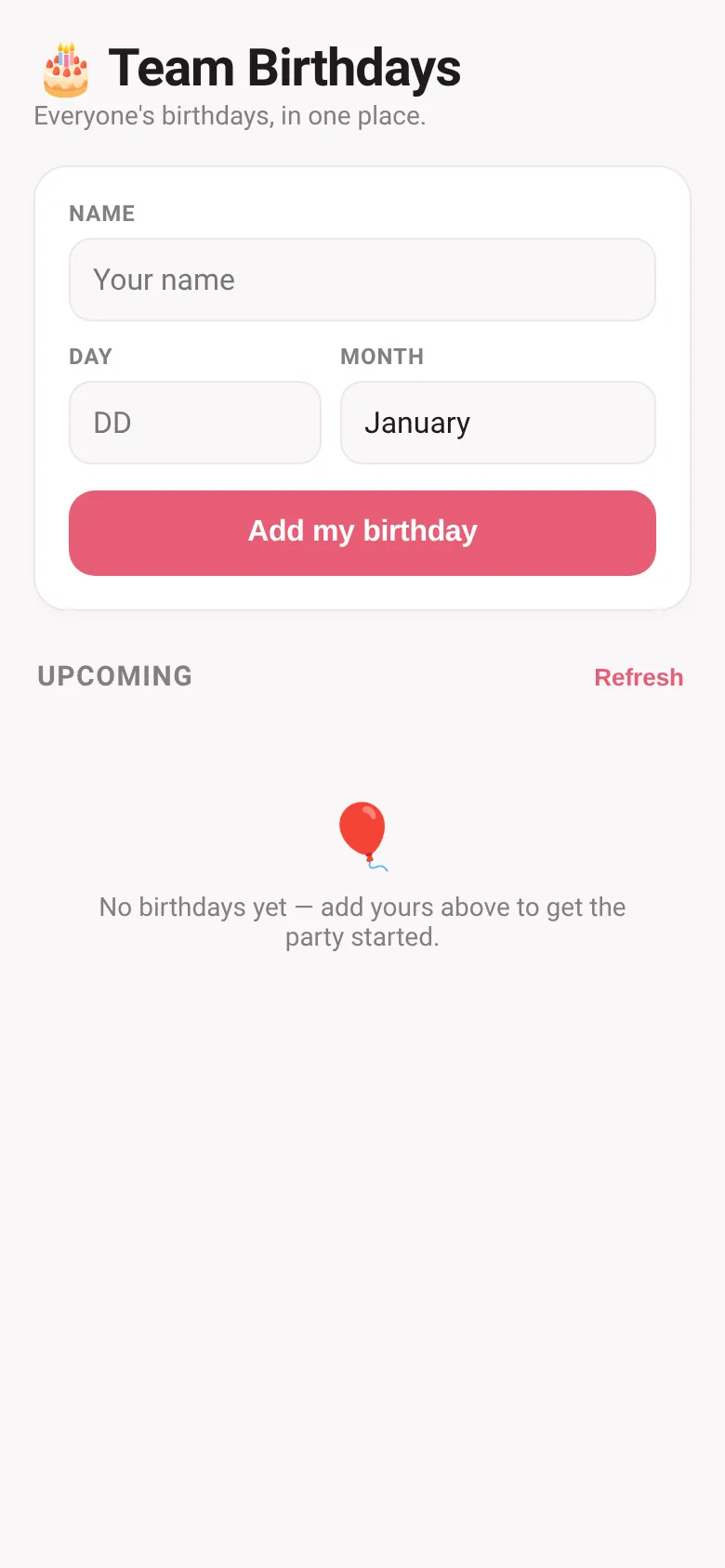
Keeping track of teammates' birthdays across a group is messy—dates scattered in emails, chat, or forgotten entirely. Birthday Board solves this by giving everyone one shared place to add their birthday (day and month only) and see the whole team's celebrations coming up, sorted by date. No setup, no spreadsheets, no missed moments.
What it does
You enter your name and birthday into a form. The app immediately adds you to a live list that everyone else sees, sorted by whose birthday comes next. Each entry shows the date, how many days away it is, and today's birthdays get a celebratory banner with confetti. You can remove your own entry anytime. The list refreshes to stay current throughout the day.
Key features
- Live shared list Everyone's birthday appears instantly for the whole team to see, updated in real time across all open browsers.
- Sorted by upcoming date Birthdays appear in order of who's celebrating next, with a countdown showing how many days away each one is.
- Confetti on the day When it's someone's birthday, the app shows a celebratory banner and launches colorful confetti for anyone viewing the page.
- Manage your own entry You can delete your birthday anytime; only you can remove your own entry from the list.
- February 29 support The app accepts leap-day birthdays and validates dates correctly for each month.
How to use it
- Enter your full name in the Name field.
- Type or select your birth day (1-31) and month.
- Click Add my birthday to join the shared list.
- See all upcoming team birthdays sorted by date.
- Click the Refresh button to reload the list if you opened it hours ago.
Who it’s for
Teams, departments, or groups of coworkers who want a simple, shared way to celebrate birthdays together without forgetting anyone.
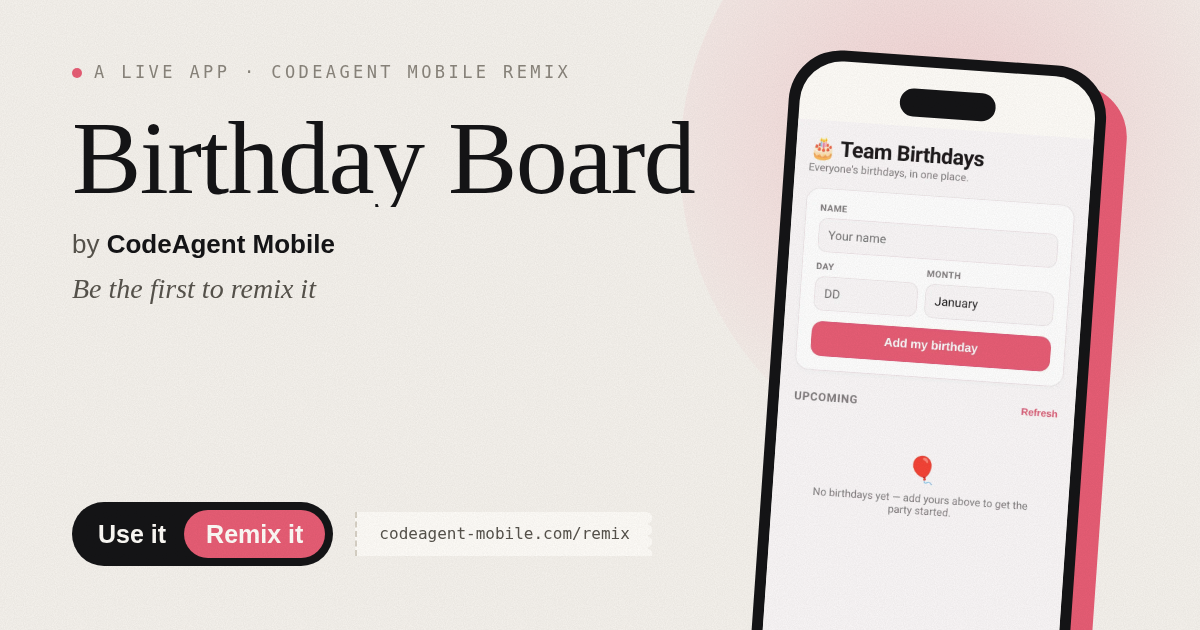
The app’s share card (1200×630)
Questions and answers
Do I have to add my real birthday?
No—you can enter any name and date. The app just needs a valid day and month to work.
Will my birthday be saved if I close the browser?
Yes. Once you add your birthday, it's stored and will appear for everyone who opens the app, even if you close it.
Can I use this on my phone?
Yes, the app works on any device with a web browser.
Can I share this app with my team?
Yes—give everyone the same URL. Each person who opens it sees the same live list and can add their birthday.
More social & party apps
- Community Beat · साझा बीट बनाएँ: स्टेप दबाएँ, डीजे प्रीसेट चुनें, और सब मिलकर संगीत तैयार करें। वीडियो में एक्सपोर्ट करें।
- Community Beat · Tap drum steps on a shared 16-step beat that everyone editing it hears together. Load DJ presets, mute and solo tracks, export video or audio.
- Meow Translator · Tap to decode your cat's meows into theatrical translations, then blast them with a dramatic soundboard. Fun for cat lovers and parties.
- Haunted Beat · A shared drum machine where everyone taps the grid together to build beats. Dancing pumpkins groove to the rhythm you create.
- Community Beat · Coloca casillas en pistas de batería y escucha el patrón que todos construyen juntos en tiempo real. Exporta tu sesión como video o audio.
- Icebreakers · Swipe through fun, deep, work, and family icebreaker questions and save your favorites for parties and teams.