Mobile app · Tools & utilities
Flip a coin or roll a die with 3D animation
Animated coin flips and dice rolls with haptic feedback and a running history of your recent results.
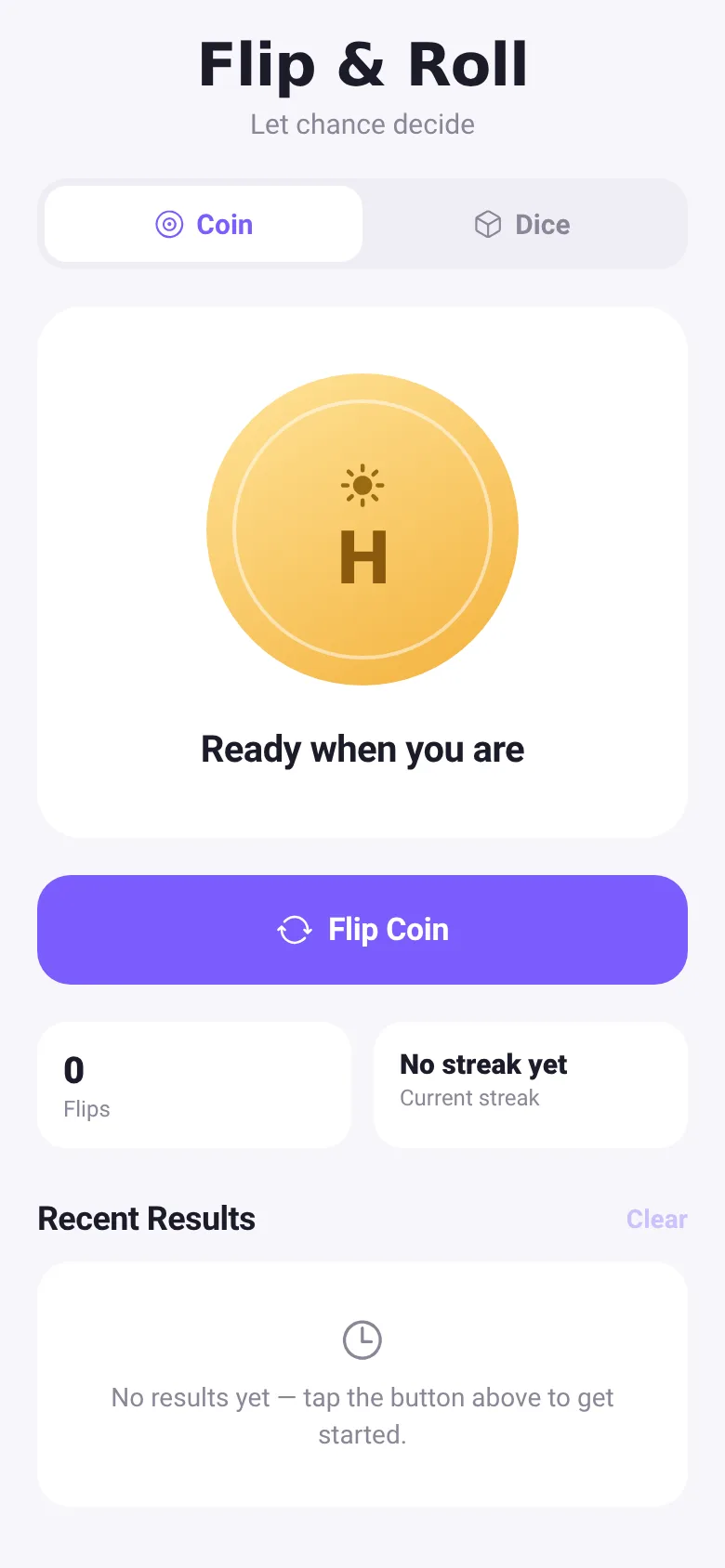
Need to let chance decide? Coin Flip gives you a satisfying way to flip a coin or roll a die on your phone. Watch smooth 3D animations as the coin spins or the die tumbles, feel haptic feedback with each flip, and track your results in a scrollable history that keeps your last 30 outcomes.
What it does
Tap the main button to flip a coin or roll a six-sided die. The coin or die animates with a 3D rotation effect, then lands to reveal heads, tails, or a number from 1 to 6. A text label confirms the result, and each outcome is added to the Recent Results section at the bottom. You can switch between coin and dice modes with the toggle at the top. Stats show your total flips or rolls and either your current streak (for coins) or the average of your last ten rolls (for dice).
Key features
- 3D flip and roll animation Coins spin 1440 degrees and dice tumble 1080 degrees with a bouncy scale effect.
- Haptic feedback Feel a medium tap when you press the button and a success notification when the result lands.
- Running history Every flip or roll is logged with a timestamp; scroll through your last 30 results or clear them all.
- Live statistics Total count of flips or rolls, plus your current streak for coins or rolling average for dice.
- Reduce motion support Animations speed up if your device has reduce motion enabled for accessibility.
How to use it
- Open the app and see Coin or Dice mode selected at the top.
- Tap the main colored button to flip the coin or roll the die.
- Watch the animation and read the result label below the 3D object.
- Check your stats and scroll through Recent Results to see earlier flips or rolls.
- Press Clear to remove all history when you want to start fresh.
Who it’s for
Anyone who needs to make a random decision or settle a question with a coin flip or dice roll on their phone.
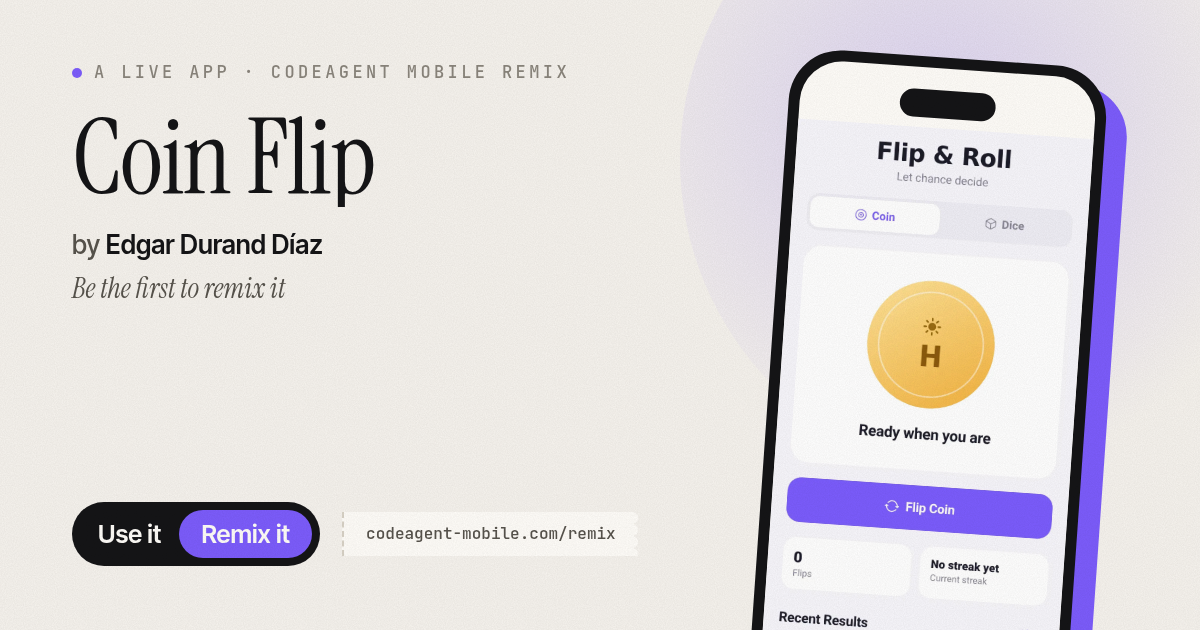
The app’s share card (1200×630)
Questions and answers
Does the app save my flip history?
Yes, your app keeps the last 30 flips or rolls in the Recent Results section. Close the app and reopen it, and the history is still there.
Can I use it on my phone without internet?
Yes, Coin Flip works completely offline. All flipping, rolling, and history tracking happen on your device.
How do I clear my history?
Tap the Clear button in the Recent Results section. It removes all 30 stored results at once.
Can I turn off the vibration feedback?
The app respects your device's accessibility settings, such as reduce motion. For full vibration control, check your device or app permissions.
More tools & utilities apps
- Fox Knight: Sky Isles · A 2D platformer where you leap across floating islands as a brave fox knight, stomp slimes, collect gems and face a boss across three levels.
- Arena Fist 3D · Juego de pelea 3D con luchadores detallados. Juega en modo historia, 1 vs 1, 2 jugadores o entrena contra un muñeco.
- Arena Fist 3D · Juego de pelea 3D con modo historia, entrenamiento, 1-2 jugadores y modo Jefes con 150 niveles progresivos.
- Pesca Tranquila · Juego de pesca sin apuros donde lanzás, recogés peces, completás tu álbum de especies y mejorás tu equipo.
- Mouse Hunt · A game with realistic 3D mice that have distinct personalities, designed for your cat to chase and catch on screen.
- Mouse Hunt · An interactive game where animated mice scurry, pause and dart across your screen for your cat to chase, with catch tracking and parental controls.