How it works
Describe a phone app
Ask for “a phone app that…” or remix one of the phone apps in the feed (filter the feed to Phone apps).
Open it on your phone
In the CodeAgent Mobile app for iOS and Android it opens full screen as a native app. From a computer, scan its QR code with your phone to open it in the app; on a phone, one tap opens it.
Take the code with you
Export it as an Expo project to GitHub, GitLab or a ZIP whenever you like.
Native, not a web page in a frame
Phone apps on Remix are React Native code, the same framework many App Store apps use, and they run natively on your phone. Nothing is locked in: the export is an ordinary Expo project that any React Native developer can open.
What a phone app can do here
Phone apps use your phone’s hardware and keep their data:
- Camera and photo picker, location, motion sensors, microphone and audio, video, haptics and speech.
- Data that stays on the phone between sessions.
- Lists, tabs, forms, swipe gestures and animations, plus the JavaScript libraries the app needs.
From idea to the app stores.
Any phone app you make on Remix can become a real Android app on Google Play, published in your own developer account. No code, no Android Studio. The App Store too, from the same app.
- Describe it Say the phone app you want, by text or voice, or remix one from the feed.
- We build it You get a working native app to try on your phone first, and you change it with a sentence.
- Publish it to the stores A one-time setup of about 15 minutes, then every release is a few taps. We handle the builds, signing and updates.
- You need your own Google Play developer account. Google charges a one-time US$25 registration fee.
- New personal developer accounts must run a closed test before Google lets them publish to production. The wizard guides you through it.
- Each release goes to your internal testing track first. You decide when it goes to production, in Play Console.
- Each release costs 1 remix. The app, its listing and its users stay yours.
Phone apps you can open now
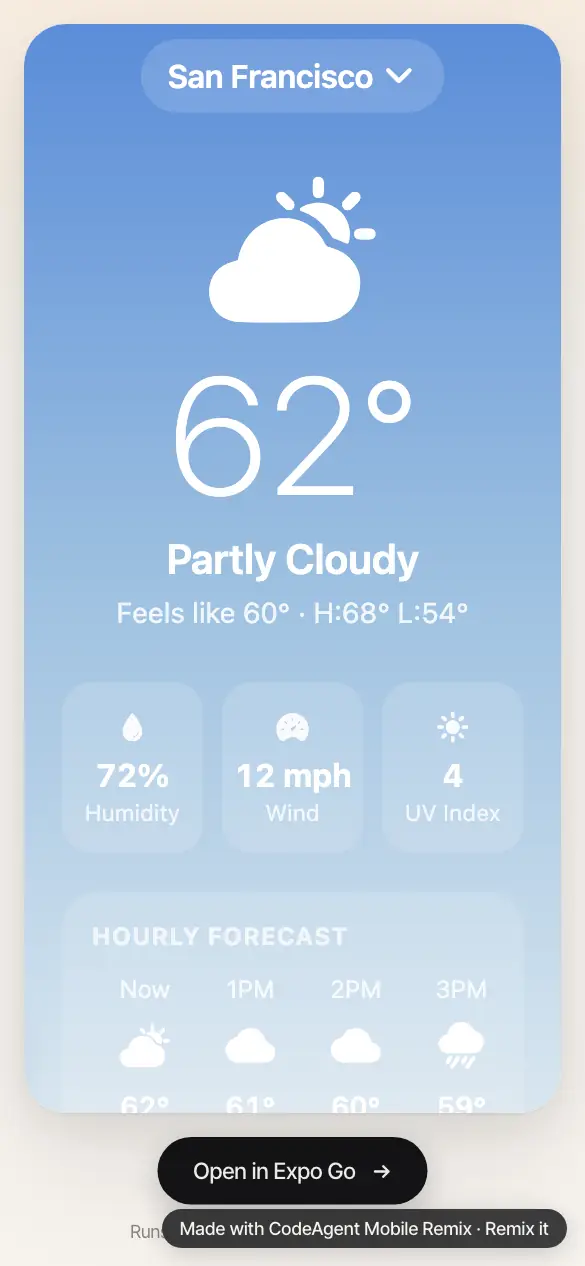
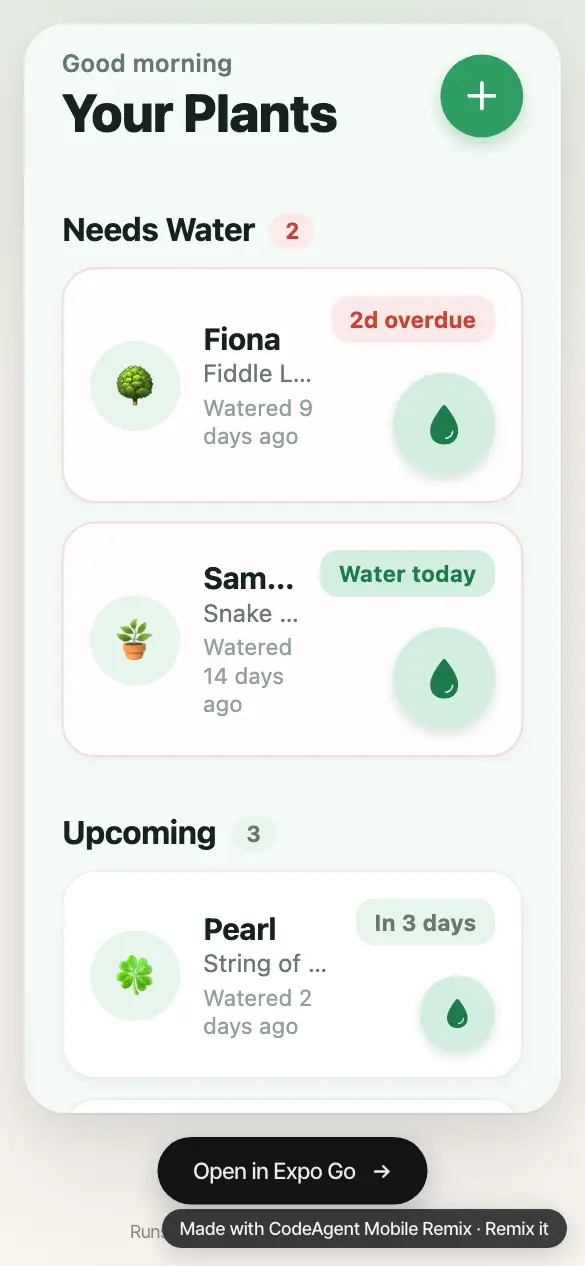
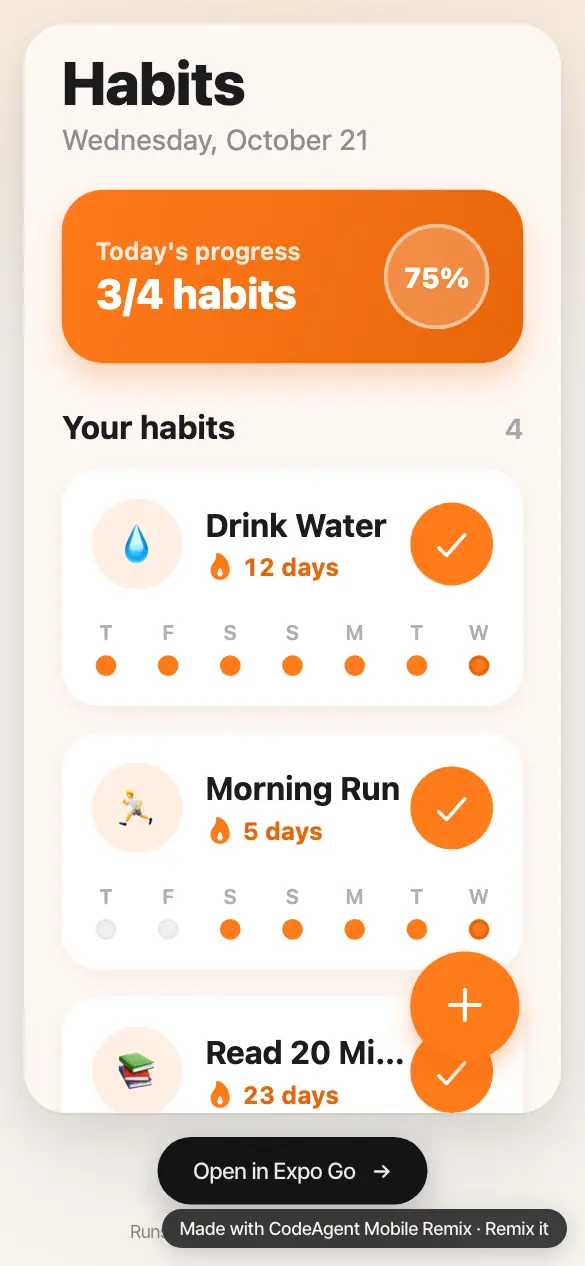
Good to know
- Phone apps can be as big as you need, with many screens. A bigger app takes longer and can cost more than one remix; you see the price before it starts.
- Google Play and App Store publishing are built in (above). Each release to the App Store costs US$2 of credit and goes to TestFlight first; submitting for review is your tap.
- 3D games run natively on your phone.
What it costs
- Every app is free to use, no account needed.
- 2 free remixes every month.
- $0.50 a remix after that, from prepaid credit.
- A bigger app can take more than one remix. You see the price before it starts.
- Pro $19.99/mo: 40 remixes a month + the Advanced console.
Questions
Can AI build a real mobile app?
Yes. Remix writes React Native code with Expo, and the app runs natively on your phone in the CodeAgent Mobile app, using its camera, location, sensors and more. Exporting gives you the Expo project.
Is it React Native or a web view?
React Native. The phone apps are React Native components, and the export is a standard Expo project.
How do I open it on my phone?
In the CodeAgent Mobile app for iOS and Android, tap the app and it opens full screen. From a computer, scan its QR code with your phone’s camera to open it in the CodeAgent Mobile app, free on the App Store and Google Play.
Can I publish my app to Google Play?
Yes. Open your phone app in Remix and choose Publish to Google Play. A one-time setup of about 15 minutes connects it to your own Google Play developer account (Google charges a one-time US$25 registration fee); after that we build, sign and upload every release for you, and each release costs 1 remix. Releases land on your internal testing track first, and you decide when to go to production in Play Console. New personal developer accounts must run Google’s closed test before production.
How do I put it on the App Store?
Open your phone app in Remix and choose Publish to the App Store. You need an Apple Developer account (US$99 a year, paid to Apple) and one App Store Connect API key; the wizard registers the bundle ID, you create the app record once, and from then on Remix builds, signs and uploads every release to TestFlight for US$2 of credit each. Submitting for review is your tap; Apple reviews on its own schedule, and the wizard shows the real state.
What does it cost?
Using any app in the feed is free and needs no account. Each month you get 2 free remixes (a remix = changing someone’s app, a new version of yours, or a new app from an idea). After that a remix costs $0.50 from prepaid credit, with no subscription. A big app or a big change can take more than one remix: you see the price before it starts, you pay only what it really used, and a remix that fails costs nothing. Pro is $19.99 a month for 40 remixes a month + the Advanced console.