Live shared web app · Social & party
Event RSVP: live guest board with countdown
Everyone RSVPs on one shared board. See real-time headcounts for going, maybe, or can't attend, plus dietary notes and a countdown to the event.
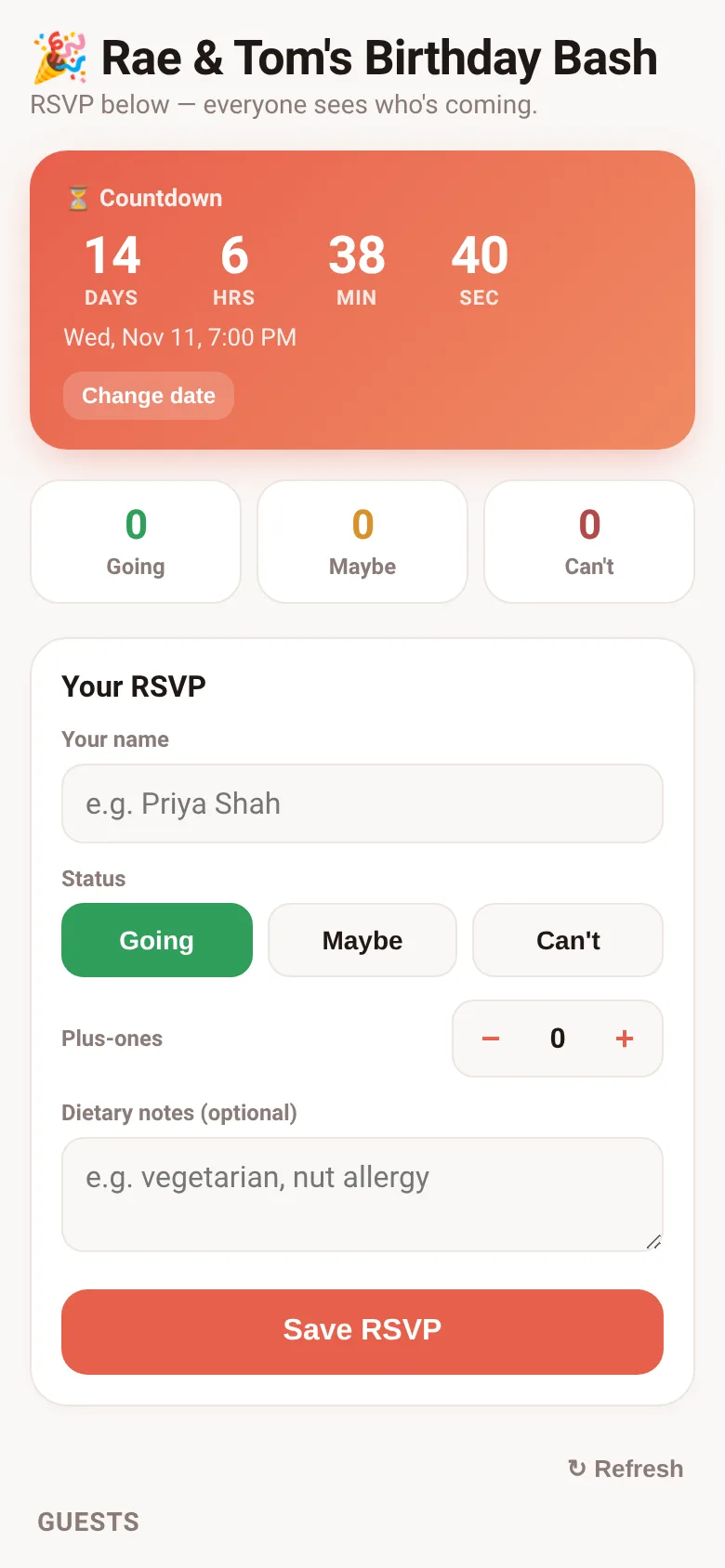
When you invite people to an event, you want to know who's coming without chasing them down. Event RSVP puts all RSVPs on one board that updates as people reply. You enter your name, pick going or maybe or can't, add plus-ones if you're bringing guests, and note any dietary needs. Everyone sees the same live list, total headcount by status, and a countdown to the event date.
What it does
Open the page and you see the event title, a countdown to the event date, and three numbers showing how many people are going, maybe, or can't attend. Below is a form where you enter your name, choose your status (going, maybe, or can't), add plus-ones with a counter, and optionally note dietary restrictions. When you save, your entry appears on the guest list below. The list shows everyone's name, their status, how long ago they replied, and any dietary notes. If you're the one who submitted, you can remove your own entry. A refresh button loads the latest responses.
Key features
- Live guest list All RSVPs appear instantly with name, status, plus-ones, and dietary notes. Everyone sees the same current list.
- Real-time headcounts Three totals at the top show how many people are going, maybe, or can't, counting plus-ones.
- Countdown timer Days, hours, minutes, and seconds until the event, with the date and time shown below. You can change the event date.
- Dietary notes Optionally add notes like vegetarian or nut allergy, visible to the host and other guests.
- Plus-ones counter Add 0 to 10 guests you're bringing. Automatically set to 0 if you can't attend.
How to use it
- Enter your name in the text field.
- Click going, maybe, or can't to pick your status.
- Use the plus and minus buttons to set how many guests you're bringing.
- Type any dietary needs in the notes field, or leave it blank.
- Click Save RSVP and your entry appears on the guest list below.
Who it’s for
Event hosts and guests who need a simple way to RSVP and see who is attending. Works for parties, dinners, weddings, or any gathering where you want live headcounts and dietary info in one place.
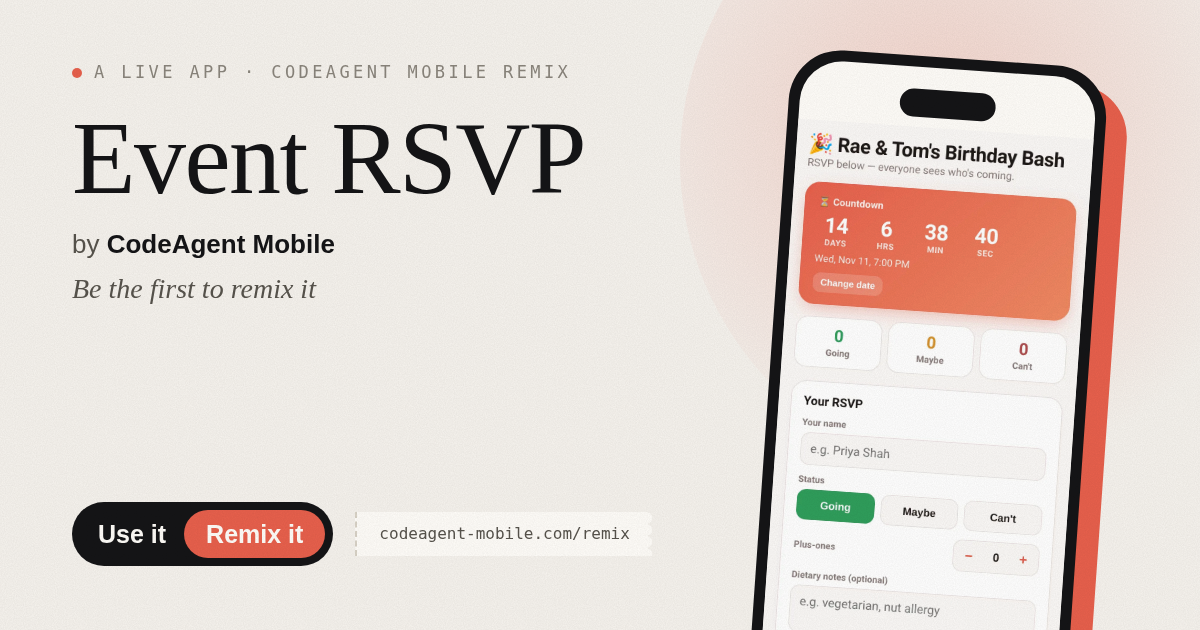
The app’s share card (1200×630)
Questions and answers
Can I change my RSVP after I submit it?
You can remove your RSVP with the X button next to your name, then submit a new one. The app will update the totals and guest list.
Do my responses stay if I close the page?
Your RSVP is saved on the shared board, so it stays even after you leave. Anyone who opens the page will see it.
Can I see this on my phone?
Yes. The page works on any device with a web browser.
Who can change the event date?
Anyone can click the Change Date button to set or update the event date and time for everyone.
More social & party apps
- Community Beat · साझा बीट बनाएँ: स्टेप दबाएँ, डीजे प्रीसेट चुनें, और सब मिलकर संगीत तैयार करें। वीडियो में एक्सपोर्ट करें।
- Community Beat · Tap drum steps on a shared 16-step beat that everyone editing it hears together. Load DJ presets, mute and solo tracks, export video or audio.
- Meow Translator · Tap to decode your cat's meows into theatrical translations, then blast them with a dramatic soundboard. Fun for cat lovers and parties.
- Haunted Beat · A shared drum machine where everyone taps the grid together to build beats. Dancing pumpkins groove to the rhythm you create.
- Community Beat · Coloca casillas en pistas de batería y escucha el patrón que todos construyen juntos en tiempo real. Exporta tu sesión como video o audio.
- Icebreakers · Swipe through fun, deep, work, and family icebreaker questions and save your favorites for parties and teams.