Mobile app · Music & audio
Chord Chart: look up guitar chords and practice progressions
See fretboard diagrams for any chord, step through classic progressions, and save the ones you want to practice.
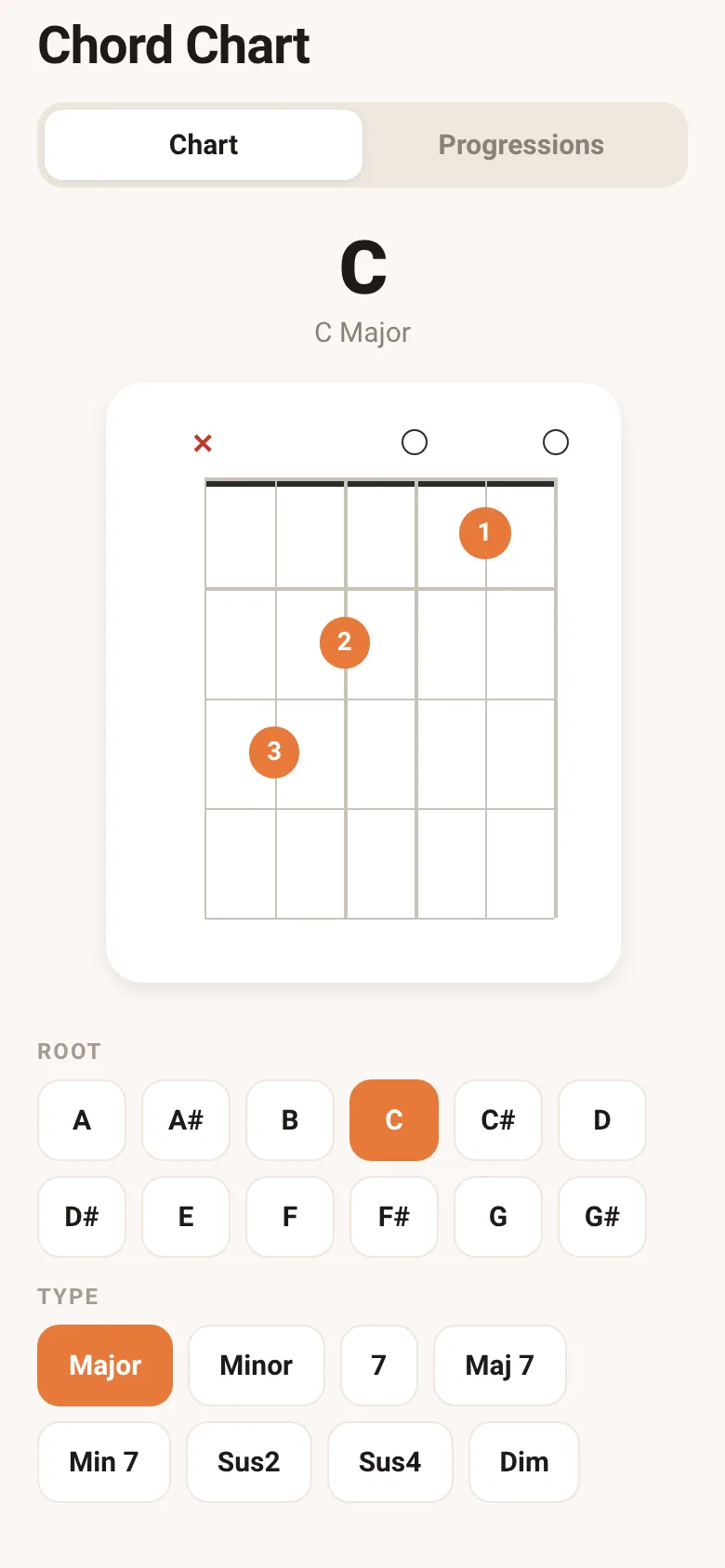
Learning guitar means memorizing chord shapes and how they fit together. Chord Chart shows you the exact finger positions for any root and chord type, so you can see where to place your fingers on the fretboard. You can also explore ready-made progressions—like the pop I–V–vi–IV or 12-bar blues—step through each chord one by one, and save your favorites to a list for instant access next time.
What it does
The app displays a fretboard diagram for the chord you select, showing which strings to play and which fingers to use. On the Chart tab, you pick a root note and chord type from buttons and see the diagram update. On the Progressions tab, you browse preset progressions like Folk I–IV–V or Jazzy ii–V–I, tap to view each chord in the sequence, and mark progressions as favorites with a heart icon. Your saved progressions appear in a dedicated favorites filter.
Key features
- Fretboard diagrams Clear visual layout showing finger positions, open strings, muted strings, and which finger number goes on each fret.
- Chord selector Choose from 12 root notes and 8 chord types (major, minor, 7, maj7, min7, sus2, sus4, dim) to see any shape.
- Preset progressions Step through five common progressions including pop, blues, folk, jazz, and minor shapes, one chord at a time.
- Favorites list Save progressions you want to practice and filter to view only your saved ones.
How to use it
- Open the Chart tab to select a root note and chord type, then view the fretboard diagram.
- Tap the Progressions tab to browse preset sequences.
- Press any progression name to step through its chords with the arrow buttons.
- Tap the heart icon to add a progression to your favorites.
- Press the Favorites button to filter and see only saved progressions.
Who it’s for
Guitar learners and players who want to quickly look up chord shapes and practice common chord progressions on their phone.
What’s new in this version
You can now save your favorite progressions. Heart any progression and access all your saved ones from the Favorites filter.
How it differs from Chord Charts
This version adds the ability to save progressions to a favorites list, letting you keep and quickly return to the progressions you practice most.
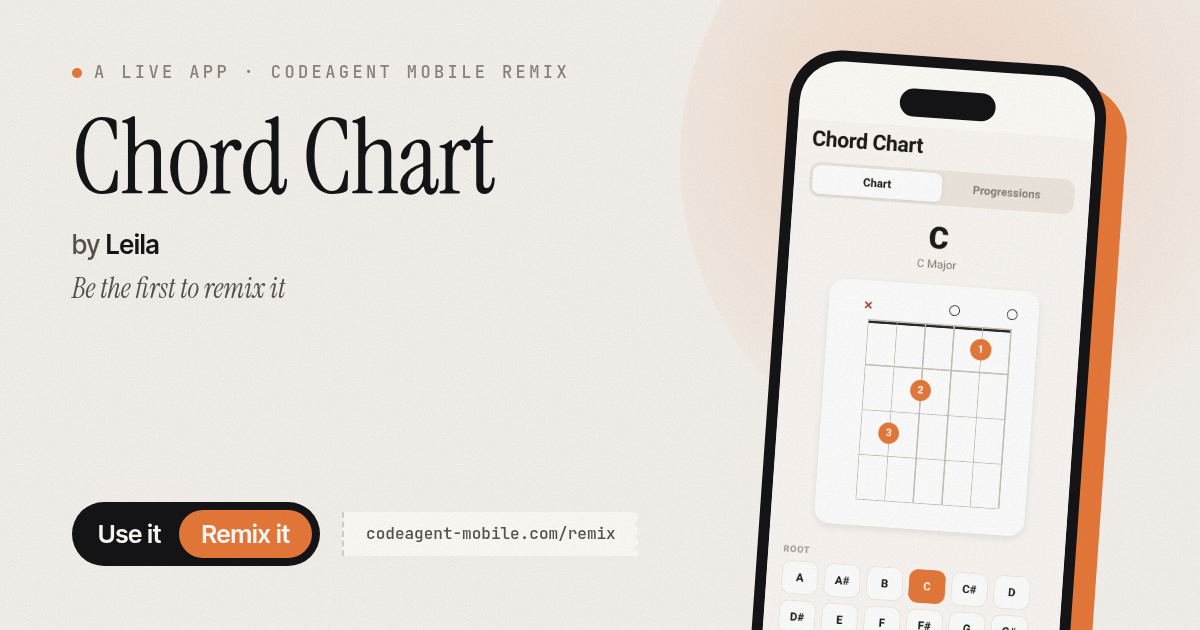
The app’s share card (1200×630)
Questions and answers
Does the app save my progress?
Yes, your favorites list is saved to your phone automatically. The next time you open the app, your saved progressions are still there.
Can I use this on my phone?
Yes, Chord Chart is designed for mobile phones. It works on both iOS and Android.
What if I want a chord that is not in the presets?
Use the Chart tab to pick any root note and chord type from the buttons. The app will generate the shape by transposing from open positions.
How do I step through a progression?
Tap a progression name to select it, then use the arrow buttons or tap individual chord names to move between chords in the sequence.
Remix family
Remixed from Chord Charts · by CodeAgent Mobile
Remixes of this app
- Chord Chart · Edgar Durand Díaz
More music & audio apps
- Chord Charts · Pick a root note and chord type to see a fretboard diagram with finger positions. Build common song progressions step by step.
- Metronome · Keep time with tap tempo, a BPM slider, multiple time signatures, and accented first beats. Essential for musicians and practice sessions.
- Flashcards · Learn Spanish with flip cards and spaced repetition. Study greetings, numbers, colors, food, phrases, and days across six themed decks with mastery tracking.
- StudyFlow AI · Organiza tareas, toma notas, crea tarjetas y prepara exámenes en una sola plataforma web de estudio elegante.
- StudyFlow AI · Organize assignments, create flashcards from notes, prepare for exams and stay focused—all in one study app.
- Chord Chart · Browse guitar chord shapes with fretboard diagrams, select a chord, and hear it strummed. Browse common progressions and save favorites.