Live shared web app · Social & party
Gratitude Jar
Drop in things you're grateful for and watch them float together in a shared jar — tap to read one at random.
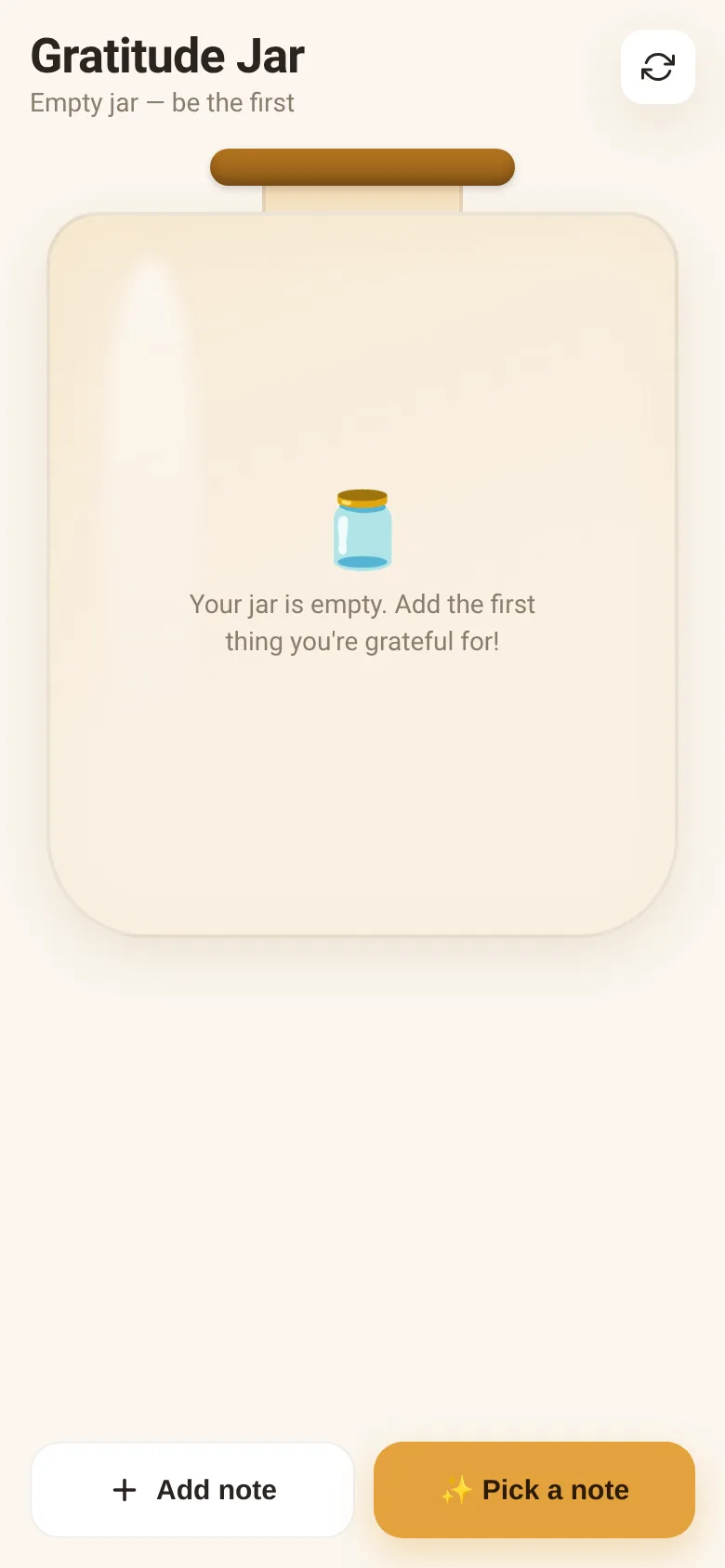
Taking a moment to notice what you're grateful for can shift your mood and perspective. Gratitude Jar lets you jot down one thing you appreciate right now—a warm cup of coffee, a friend's text, sunshine—and adds it to a jar everyone can see. Your notes float alongside those from other people opening the same jar, creating a real-time collection of appreciation that changes as new people add to it.
What it does
When you open Gratitude Jar, you see a visual jar filled with colorful note papers, each with something someone is grateful for written on it. You can tap any note to read it in full and see when it was added. There is a button to add your own note—type up to 140 characters about what you're grateful for today—and a button to pick a random note from the jar. Everyone who visits the jar sees the same live collection of notes, updated every 20 seconds.
Key features
- Add a note Write up to 140 characters about something you're grateful for and drop it into the shared jar.
- Pick a random note Tap to read one note at random from the jar and see when it was added.
- Live sharing Every note added by anyone appears in the jar for all visitors to see, updated in real time.
- Visual jar Notes appear as floating papers in a hand-drawn jar, each in a different pastel color.
- Remove your own notes When you open a note you wrote, you can remove it from the jar.
How to use it
- Open Gratitude Jar in your browser.
- Tap Add note and type something you're grateful for.
- Tap Drop in jar to add it to the shared collection.
- Tap Pick a note to read one at random from the jar.
- Tap any note in the jar to read it and see who wrote it.
Who it’s for
Anyone looking for a moment of gratitude or appreciation. Works well as a social or team activity, a wellness break, or a shared reflection.
The app’s share card (1200×630)
Questions and answers
Do my notes stay in the jar?
Yes. Once you add a note, it stays in the jar for everyone to see until you remove it or the jar reaches capacity. The jar syncs every 20 seconds to show new notes from others.
Can I see who wrote each note?
When you open a note, you see how long ago it was added. If you wrote it, it shows a YOU badge so you can remove it if you change your mind.
Can I use this on my phone?
Yes, Gratitude Jar works on any phone or browser. Just open the link and tap to add and pick notes.
Is this jar shared with other people?
Yes. Everyone who opens the same jar sees the same notes in real time. It is a live shared space, not personal.
More social & party apps
- Community Beat · साझा बीट बनाएँ: स्टेप दबाएँ, डीजे प्रीसेट चुनें, और सब मिलकर संगीत तैयार करें। वीडियो में एक्सपोर्ट करें।
- Community Beat · Tap drum steps on a shared 16-step beat that everyone editing it hears together. Load DJ presets, mute and solo tracks, export video or audio.
- Meow Translator · Tap to decode your cat's meows into theatrical translations, then blast them with a dramatic soundboard. Fun for cat lovers and parties.
- Haunted Beat · A shared drum machine where everyone taps the grid together to build beats. Dancing pumpkins groove to the rhythm you create.
- Community Beat · Coloca casillas en pistas de batería y escucha el patrón que todos construyen juntos en tiempo real. Exporta tu sesión como video o audio.
- Icebreakers · Swipe through fun, deep, work, and family icebreaker questions and save your favorites for parties and teams.