Live shared web app · Social & party
Group Wishlist
Add gift ideas with prices and links, then quietly claim items so others know what you're getting.

Coordinating gifts for a group can mean duplicate purchases and wasted money. Group Wishlist lets everyone see what people want, where to find it and how much it costs. When you decide to buy something, you mark it as claimed—others see it's covered, and you see who's getting what, all without group chat chaos.
What it does
Open the app in a shared link and see a live list of gift ideas. Each idea shows a name, price (if given), and a link to where to buy it. Add your own ideas by tapping "Add a gift idea" and filling in the name, price, and store or website. Tap "I'll get this" on any idea to claim it; the card dims and shows "You're getting this" so you remember. Everyone else sees it's claimed. Unclaim it anytime. Delete your own ideas. The count shows how many ideas are on the list and how many are claimed.
Key features
- Add gift ideas Enter a name, optional price, and optional link to where it can be bought.
- Quiet claiming Mark an item "I'll get this" without notifying others; claimed items dim and show you're getting them.
- Live sharing Everyone who opens the shared link sees the same list and updates in real time.
- Remove your ideas Delete gift ideas you added; only you can remove your own.
- Relative timestamps See when each idea was added (just now, 5m ago, 2h ago, etc.).
How to use it
- Open the shared link on any device.
- Tap "Add a gift idea" and type in what you want (name is required; price and link are optional).
- Tap "Add to wishlist" or press Enter.
- To claim an item, tap "I'll get this" on anyone's gift idea.
- To unclaim, tap "✓ You'll get this" to mark it unclaimed again.
- Refresh at the top to reload the list if it doesn't update.
Who it’s for
Groups giving gifts together—families, friend groups, roommates, or teams—who want to avoid buying the same thing twice and keep gift ideas visible to everyone.
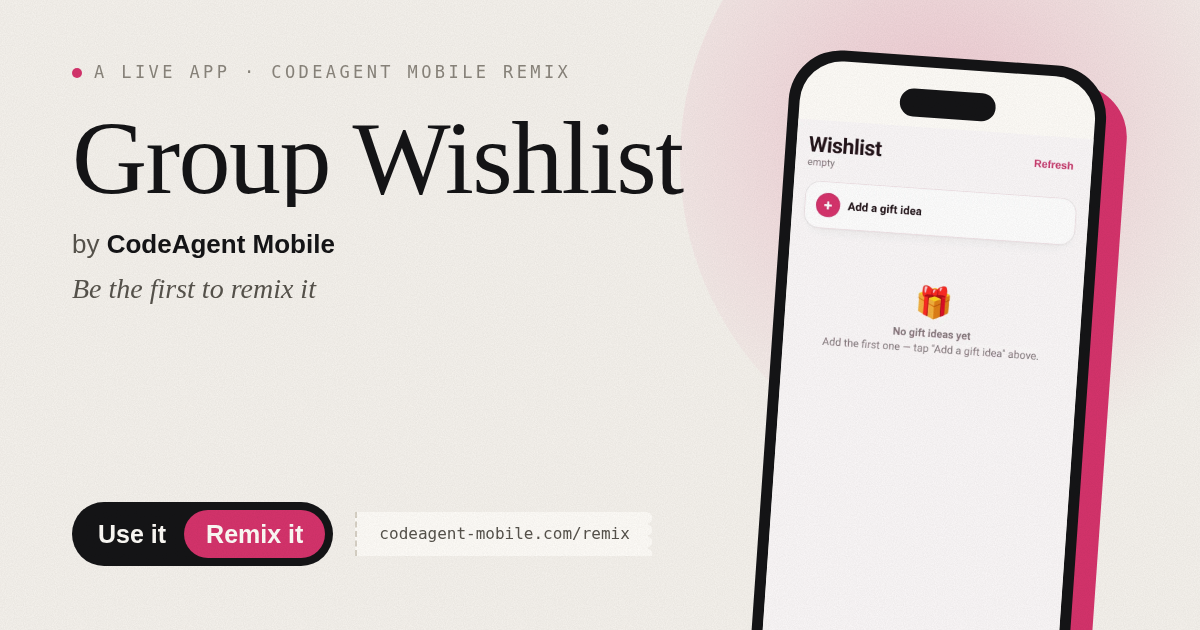
The app’s share card (1200×630)
Questions and answers
How do I start a wishlist?
Open the app and share the link with your group. Everyone who opens the link sees and edits the same wishlist.
Does the app save my progress?
Yes. All gift ideas and claims are saved and synced live across everyone's devices.
Can I see who is claiming items?
No. You can see that something is claimed, but not who is buying it—that way it stays a surprise.
Can I claim an item and then change my mind?
Yes. Tap the blue "✓ You'll get this" button to unclaim it.
More social & party apps
- Community Beat · साझा बीट बनाएँ: स्टेप दबाएँ, डीजे प्रीसेट चुनें, और सब मिलकर संगीत तैयार करें। वीडियो में एक्सपोर्ट करें।
- Community Beat · Tap drum steps on a shared 16-step beat that everyone editing it hears together. Load DJ presets, mute and solo tracks, export video or audio.
- Meow Translator · Tap to decode your cat's meows into theatrical translations, then blast them with a dramatic soundboard. Fun for cat lovers and parties.
- Haunted Beat · A shared drum machine where everyone taps the grid together to build beats. Dancing pumpkins groove to the rhythm you create.
- Community Beat · Coloca casillas en pistas de batería y escucha el patrón que todos construyen juntos en tiempo real. Exporta tu sesión como video o audio.
- Icebreakers · Swipe through fun, deep, work, and family icebreaker questions and save your favorites for parties and teams.