Live shared web app · Social & party
Little Guestbook
Say hello and leave your mark — everyone sees what visitors write.
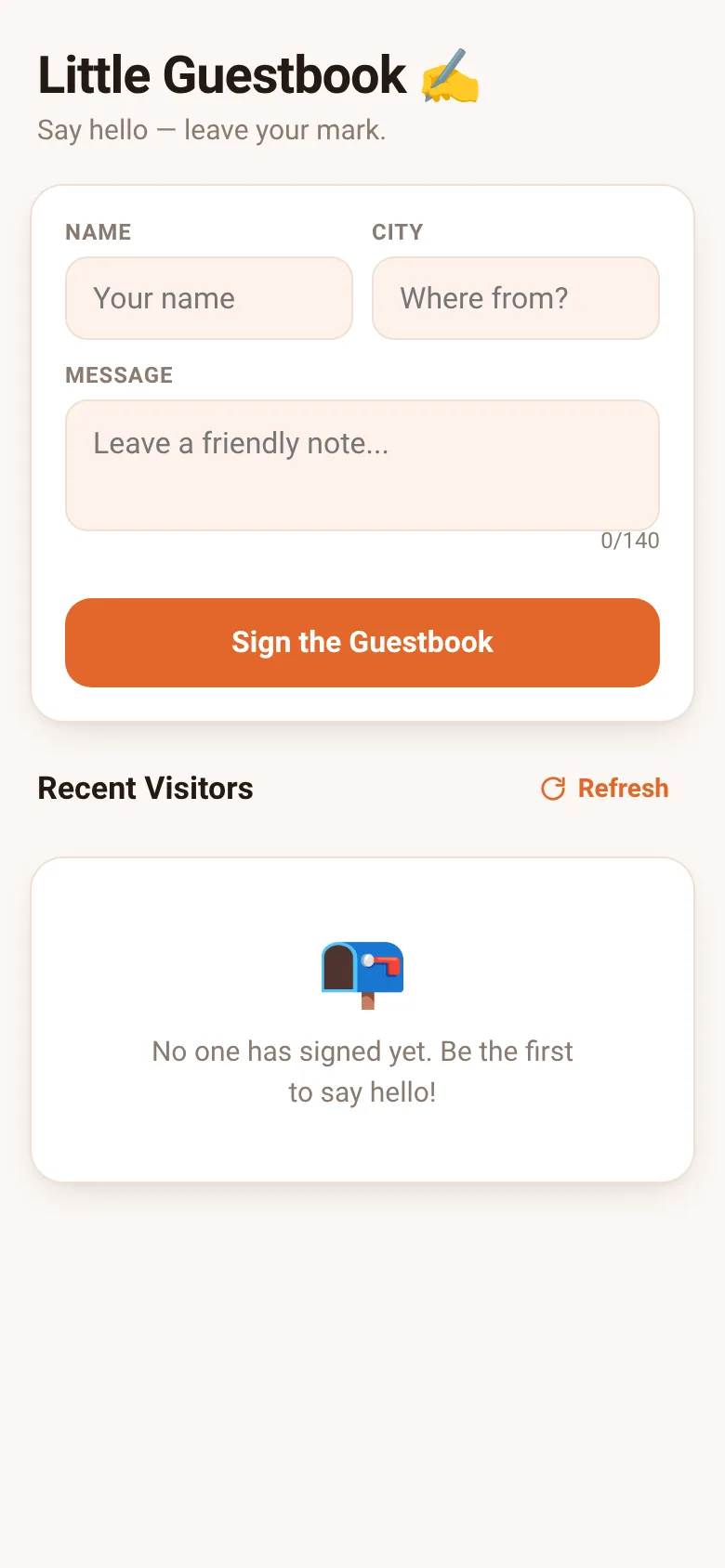
A guestbook lets people passing through a website or event leave a friendly trace. Little Guestbook makes it simple: each visitor types their name, where they're from, and a brief message up to 140 characters. As soon as someone signs in, their entry appears at the top of the list for everyone to see, live and instantly.
What it does
You fill in a form with your name and city, then write a message. When you submit, your entry appears instantly at the top of a shared list that everyone viewing the page sees. Each entry shows the visitor's initial in a colored circle, their name and city, the message, and how long ago they signed. If you signed an entry yourself, you can edit or delete it anytime. A refresh button pulls the latest entries from the shared guestbook.
Key features
- Live shared entries Everyone viewing the page sees new signatures appear in real time.
- Edit and delete your own You can change or remove entries you wrote by clicking edit or delete next to your name.
- Auto-save your name and city Your name and city are remembered locally, so you do not have to type them again.
- Relative timestamps Each entry shows when it was written: just now, minutes ago, hours ago, or the date.
- Character counter Messages are limited to 140 characters; a counter shows how many you have used.
How to use it
- Type your name in the Name field.
- Enter the city or place you are visiting from.
- Write your message in up to 140 characters.
- Click Sign the Guestbook to post your entry.
- See your entry appear at the top of the Recent Visitors list.
Who it’s for
Anyone visiting a website or event who wants to leave a friendly note that others will see instantly. Works for personal sites, gatherings, or any place where a shared moment of connection matters.
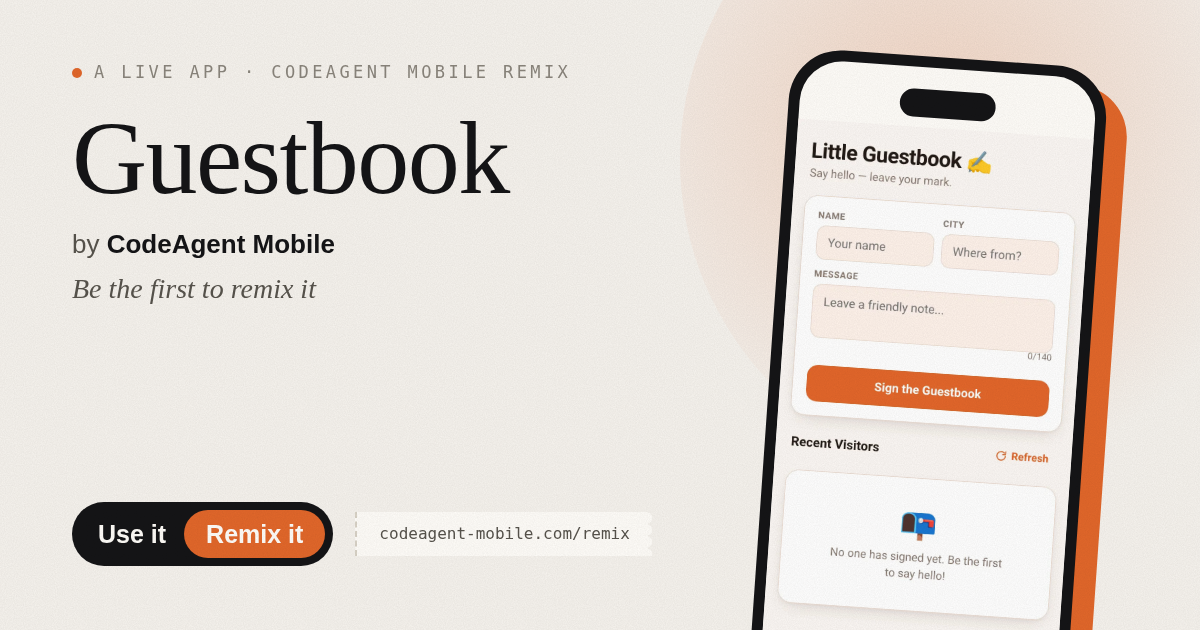
The app’s share card (1200×630)
Questions and answers
Will my entry stay after I close the page?
Yes. Your entry is stored and shared with everyone who visits, even if you leave and come back later.
Can I edit or delete what I wrote?
Yes. Your own entries show Edit and Delete buttons. You can change the text or remove the entry entirely.
Does this work on a phone?
Yes. The form adapts to any screen size and works on phones, tablets and computers.
What if I see an error when I sign in?
Common reasons are that you left a field blank, your message is too long, or you are posting very fast. Fill in all fields and try again.
More social & party apps
- Community Beat · साझा बीट बनाएँ: स्टेप दबाएँ, डीजे प्रीसेट चुनें, और सब मिलकर संगीत तैयार करें। वीडियो में एक्सपोर्ट करें।
- Community Beat · Tap drum steps on a shared 16-step beat that everyone editing it hears together. Load DJ presets, mute and solo tracks, export video or audio.
- Meow Translator · Tap to decode your cat's meows into theatrical translations, then blast them with a dramatic soundboard. Fun for cat lovers and parties.
- Haunted Beat · A shared drum machine where everyone taps the grid together to build beats. Dancing pumpkins groove to the rhythm you create.
- Community Beat · Coloca casillas en pistas de batería y escucha el patrón que todos construyen juntos en tiempo real. Exporta tu sesión como video o audio.
- Icebreakers · Swipe through fun, deep, work, and family icebreaker questions and save your favorites for parties and teams.