Mobile app · Learning
Vocab Swipe: Learn French with swipeable flashcards
Master French vocabulary by swiping cards right when you know them and left to review later, with instant visual progress tracking.
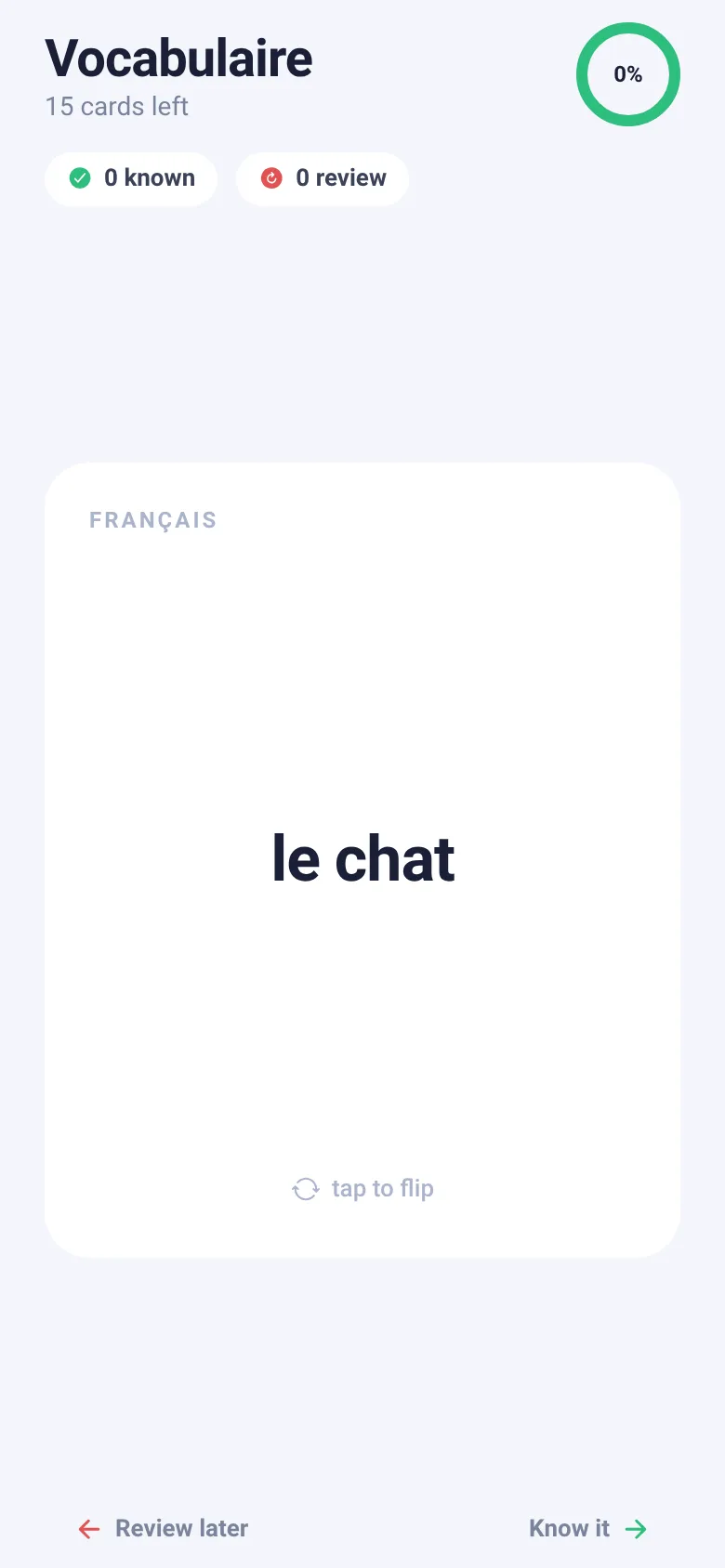
Learning French vocabulary can feel like endless memorization. Vocab Swipe turns it into a quick, satisfying card game. You see a French word, tap to reveal the English translation and example sentence, then swipe right if you know it or left to review it later. Every swipe counts toward your progress, displayed live as a percentage ring at the top.
What it does
The app shows you one French vocabulary card at a time with the word on the front. Tap it to flip and see the English translation plus a real French example sentence. Swipe the card right to mark it as known, or left to save it for review. Three cards stack behind the active one so you can see what's coming. As you work through the deck, the progress ring fills up, and counters track how many words you have known and flagged for review. When you finish all 15 words, you see a summary and can restart.
Key features
- Tap to flip Press any card to flip between French and English, with the translation and an example sentence on the back.
- Swipe to sort Swipe right to mark a word as known, or left to review it later; spring animations smooth each swipe.
- Progress ring A live ring at the top fills as you master words, showing your percentage progress through the deck.
- Stats and summary Counters show how many words you know and how many you want to review; a final screen sums up your results.
- Haptic feedback Feel taps, flips, and successful swipes with vibrations that confirm your actions.
How to use it
- Open the app and look at the French word on the front card.
- Tap the card to flip it and see the English translation and example sentence.
- Swipe the card right if you know the word, or swipe left if you want to review it later.
- Keep swiping through the deck and watch the progress ring fill.
- When all cards are done, tap Restart deck to try again.
Who it’s for
Beginner and intermediate French learners who want a quick, game-like way to practice vocabulary on their phone.
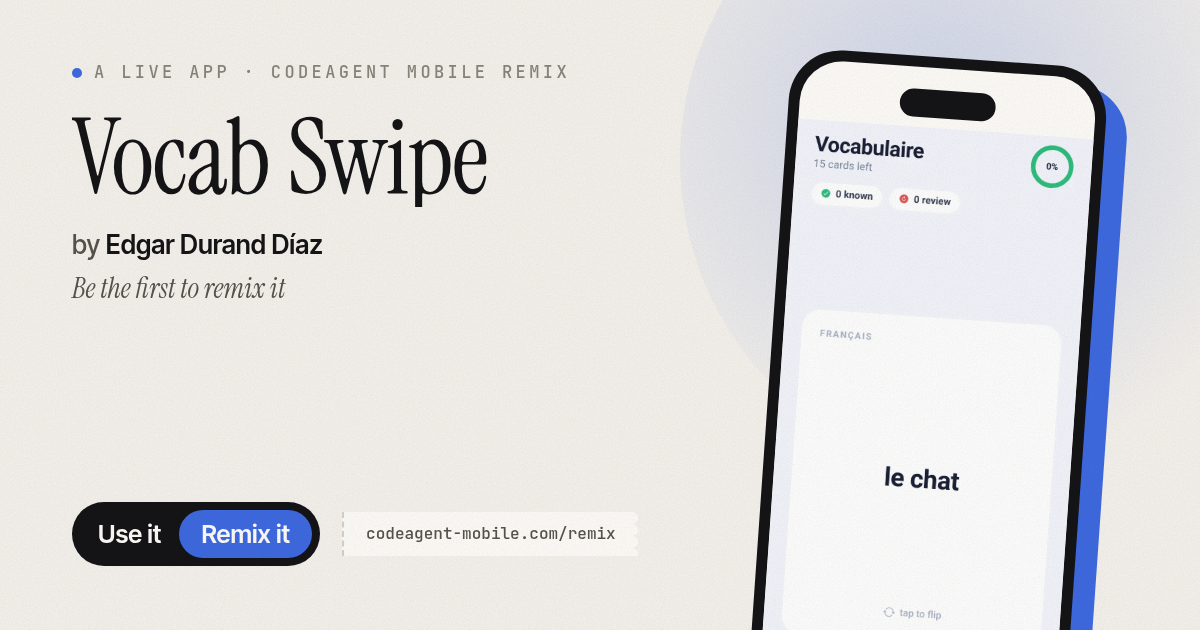
The app’s share card (1200×630)
Questions and answers
Can I track my progress across sessions?
The app tracks your progress while you use it in the current session. When you restart the deck, your counts reset. Progress is shown live in the progress ring and stat counters.
Does this work offline?
Yes, Vocab Swipe runs entirely on your phone with no internet connection required.
Can I use this on a tablet?
The app is designed for phones, but it will run on any device that supports React Native.
How many words are in the deck?
The current deck includes 15 common French words with English translations and example sentences.
More learning apps
- ABC Explorer · Swipe through big letter cards with emoji words, then play a game to find matching letters. For children learning their ABCs.
- Interview Bank · Post and upvote real interview questions by role and type. Mark questions you were asked to build your prep list.
- Study Hours · Log study sessions by subject and minutes. See your group's weekly hours, leaderboard, and a heatmap of the busiest study days.
- Interview Prep · Practice 30 behavioral interview questions, structure your answers using the STAR method, time yourself speaking, and save your responses for review.
- Percent Pal · Answers common percentage questions like X% of Y, what % is X of Y, percentage change, and stacked discounts. Each answer includes a plain explanation.
- Storm Distance · Tap when you see lightning, tap again when you hear thunder, and see how far the storm is and whether it's approaching or moving away.