Web app · Food & drink
Kitchen Converter
Cups, spoons, grams and ounces — in real baking numbers.
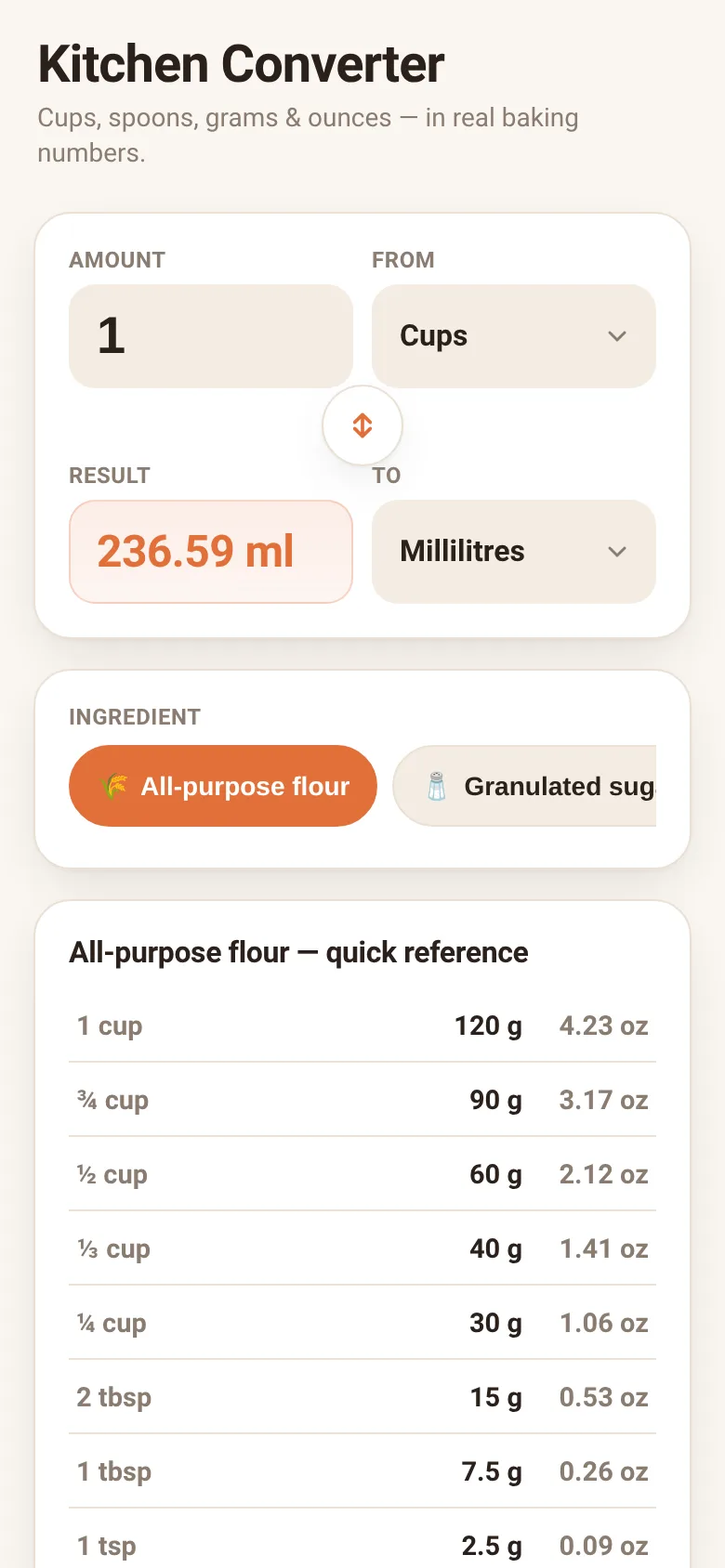
Recipe measurements vary by country and source. American cups don't equal metric cups, and a cup of flour weighs differently than a cup of sugar. Kitchen Converter solves this by letting you switch between cups, tablespoons, teaspoons, grams, ounces and millilitres, accounting for what you're measuring. Pick an ingredient, enter an amount, choose your units, and get the exact conversion you need.
What it does
Enter an amount and select two units to convert between. Choose an ingredient from twelve common baking and cooking staples—flour, sugar, butter, honey, rice, oats and others—and the app accounts for their different densities when converting between weight and volume. A quick-reference table below shows standard conversions for that ingredient at common amounts like 1 cup, 3/4 cup, 1 tablespoon and 1 teaspoon. Swap units with a button, and the app saves your choices so they persist next time you visit.
Key features
- Ingredient-specific density Conversions between volume and weight account for each ingredient's actual density, not a generic average.
- Six measurement units Convert cups, tablespoons, teaspoons, millilitres, grams and ounces in any direction.
- Quick reference table See common amounts for your chosen ingredient—1 cup, 3/4 cup, 2 tbsp, 1 tsp and others—in both grams and ounces.
- Twelve ingredients included All-purpose flour, sugars, butter, honey, milk, water, rice, oats, cocoa powder, and salt with their standard US baking weights.
- Persistent settings Your last amount, units and ingredient choice are saved in your browser and restored when you return.
- Swap units instantly Click the swap button to reverse from and to units without re-entering your amount.
How to use it
- Select an ingredient from the coloured buttons.
- Enter the amount you want to convert in the top field.
- Choose the unit you're converting from in the From dropdown.
- Choose the unit you want to convert to in the To dropdown.
- Read the result instantly, and refer to the quick-reference table below for other common amounts.
Who it’s for
Home cooks and bakers who need to convert between US and metric measurements, or adapt recipes that use volume measurements when they prefer to weigh ingredients.
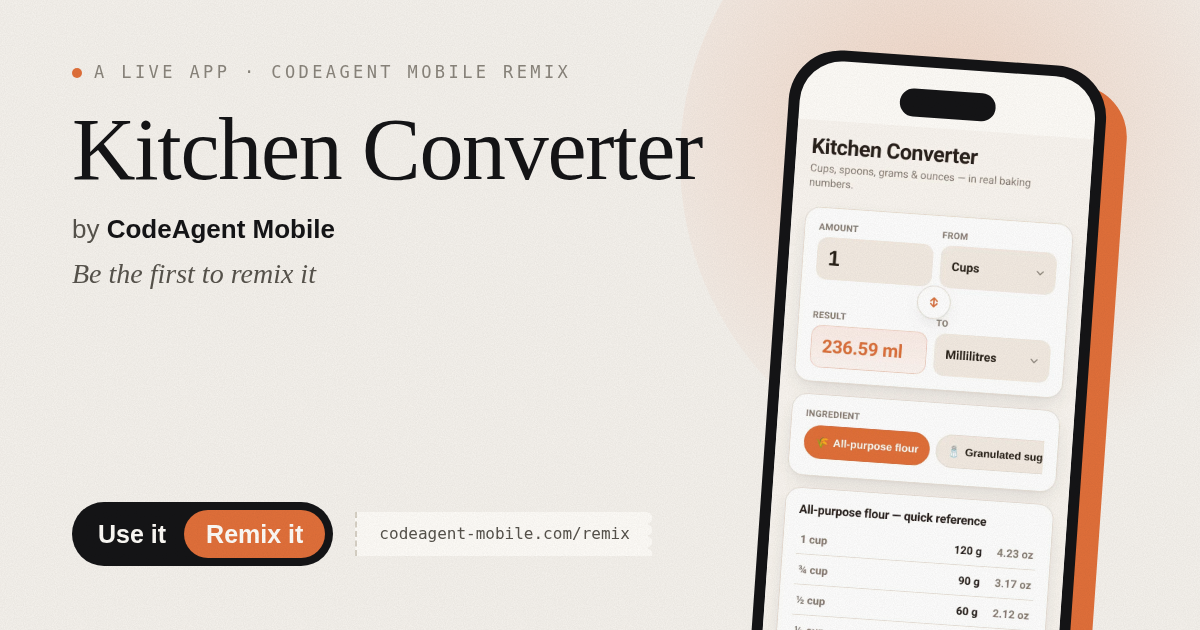
The app’s share card (1200×630)
Questions and answers
Why does 1 cup convert to different weights for different ingredients?
Volume and weight are different. A cup of flour weighs about 120 grams, but a cup of honey weighs 340 grams, because honey is denser. This app uses real baking weights for each ingredient so your conversions are accurate.
Will my choices be saved?
Yes. Your last amount entered, the units you selected, and the ingredient you chose are saved in your browser and automatically restored when you return to the app.
Does it work on my phone?
Yes. The app is designed to work on any device with a web browser, including phones and tablets.
What if I need an ingredient that is not listed?
The app includes twelve common baking and cooking ingredients. If you need a different one, you can estimate using water (236.59 g per cup) as a reference for similar-density items.
More food & drink apps
- Packing List · Builds a categorized packing checklist tailored to your trip length, weather, and activities. Check items off as you pack.
- Day Counter · Track the days until or since events you care about. See countdowns and past milestones in a clean, swipeable card list.
- Decision Wheel · Add your options, spin the wheel, and let it pick the winner. Settle choices with a satisfying spin and confetti celebration.
- Metronome · Keep time with tap tempo, a BPM slider, multiple time signatures, and accented first beats. Essential for musicians and practice sessions.
- Palette Maker · Generate harmonious color palettes, lock your favorites, and copy hex codes instantly. Switch between analogous, complementary, and triadic schemes.
- Tip Calculator · Quickly calculate tips with preset percentages or custom amounts, split the bill among people, and round up if you want.