Live shared web app · Health & fitness
Run Club Log: Post runs and see the club's weekly leaderboard live
Log each run with distance and time, watch your pace calculate automatically, and see all runners' weekly totals on a shared leaderboard.
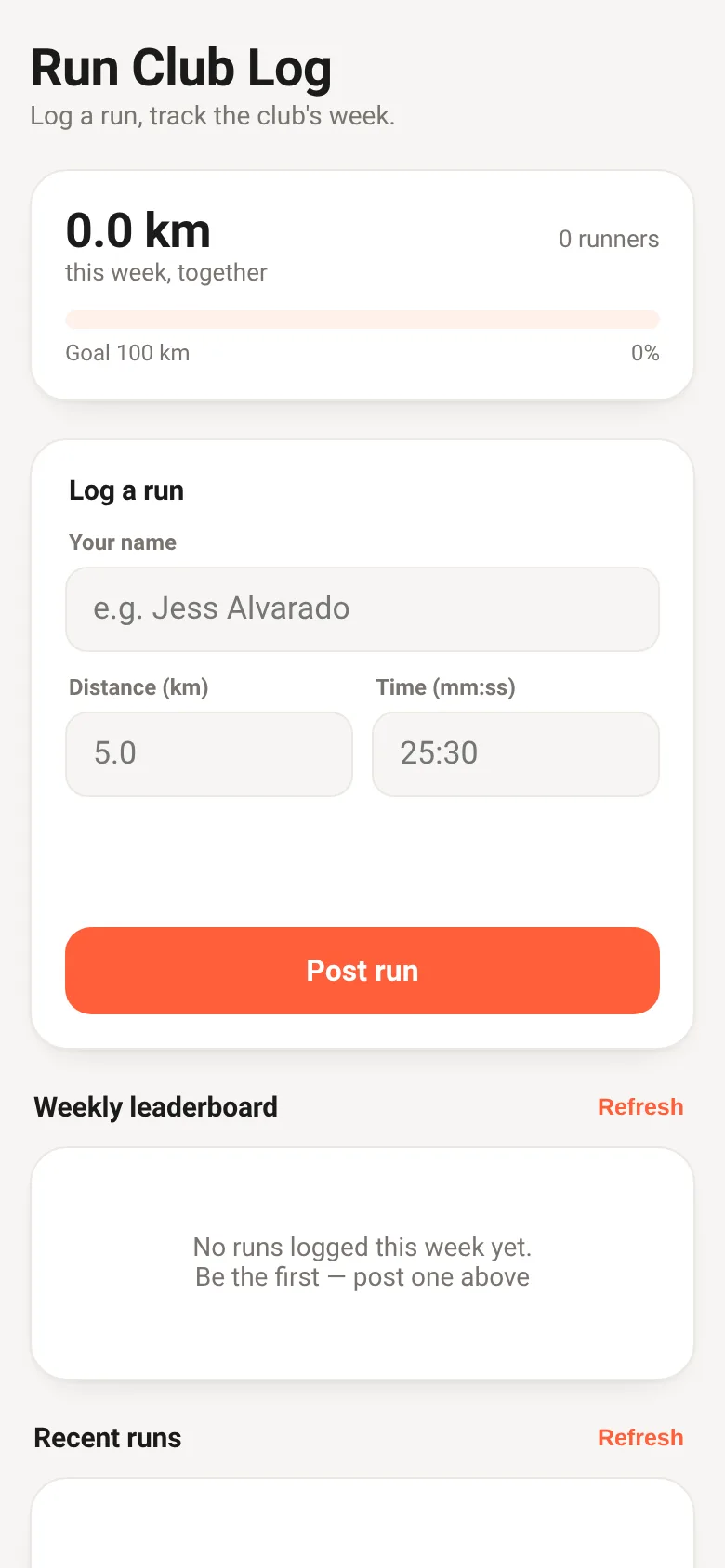
Running clubs need a simple way to log workouts and see who is hitting miles this week. Run Club Log lets you post each run with distance and time; it calculates your pace instantly. Everyone sees a live leaderboard of weekly distance, the club's total kilometers this week, and a feed of recent runs from all members. No sign-up, no friction, just log and see.
What it does
When you open Run Club Log, you enter your name, distance in kilometers, and time in mm:ss format. The app shows your pace per kilometer instantly. When you post, your run appears in a recent-runs feed and contributes to the weekly leaderboard, ranked by total distance. At the top, a progress bar shows the club's combined distance this week toward a 100 km goal, and you can see how many runners posted that week. Refresh buttons reload the leaderboard and feed. You can delete your own runs.
Key features
- Instant pace calculation Enter distance and time, see pace per km update live as you type.
- Weekly leaderboard Runners ranked by total distance this week, with top three highlighted.
- Club progress bar See combined kilometers this week and percentage toward the 100 km weekly goal.
- Recent runs feed See all posted runs with runner name, distance, time, pace, and how long ago posted.
- Delete your runs Remove runs you posted; only you see the delete button on your own entries.
- Live shared data All changes appear instantly for everyone; data syncs live across devices.
How to use it
- Enter your name in the form.
- Type your run distance in kilometers.
- Enter your run time as minutes and seconds (e.g., 25:30).
- Tap Post run to add it to the club log.
- Check the leaderboard and recent runs to see everyone's workouts.
- Tap Refresh to load the latest posts from the club.
Who it’s for
For members of a running club or running group who want to log workouts and see the group's weekly progress together in real time.
What’s new in this version
The latest update added a shared run log where members post runs with distance and time, pace is calculated automatically, a weekly distance leaderboard appears, and the club's total distance this week shows as a progress bar toward a 100 km goal.
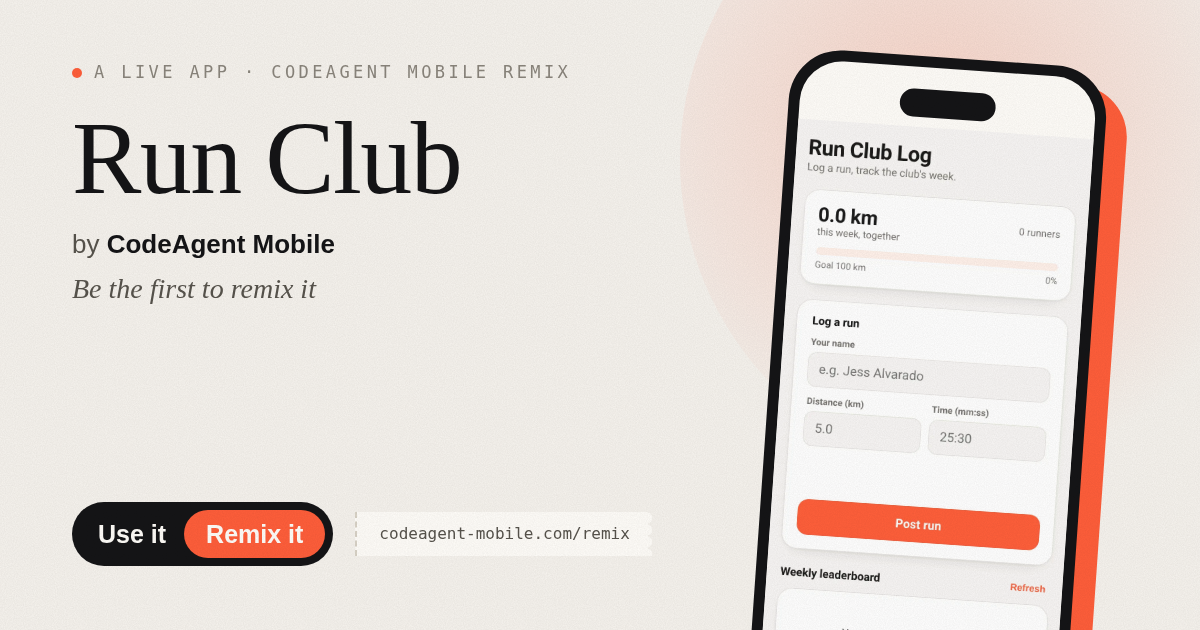
The app’s share card (1200×630)
Questions and answers
Do I need to sign up or log in?
No. Just enter your name and start posting runs. The app saves your name in your browser so you do not have to type it each time.
Does the app work on my phone?
Yes. Run Club Log is a web app that works on any device with a browser, including phones and tablets.
Will my run be saved if I close the app?
Yes. Once you post a run, it is saved and appears on the shared leaderboard and feed for everyone. Your name is also saved in your browser so you do not re-enter it.
Can I see runs from other weeks?
The leaderboard and progress bar show only this week's runs. The recent runs feed shows the latest posts from all time.
More health & fitness apps
- Community Beat · साझा बीट बनाएँ: स्टेप दबाएँ, डीजे प्रीसेट चुनें, और सब मिलकर संगीत तैयार करें। वीडियो में एक्सपोर्ट करें।
- Meow Translator · Tap to decode your cat's meows into theatrical translations, then blast them with a dramatic soundboard. Fun for cat lovers and parties.
- Haunted Beat · A shared drum machine where everyone taps the grid together to build beats. Dancing pumpkins groove to the rhythm you create.
- Community Beat · A shared step sequencer where everyone taps, plays, and exports drum beats together live. Create group rhythms and download video or audio.
- Icebreakers · Swipe through fun, deep, work, and family icebreaker questions and save your favorites for parties and teams.
- Charades · Pick a category, flip words for 60 seconds, tap to score, and track team totals per round.