Web app · Money
Track subscriptions and see where your money goes
Add each subscription, mark how often you use it, and find candidates to cancel based on cost per use.
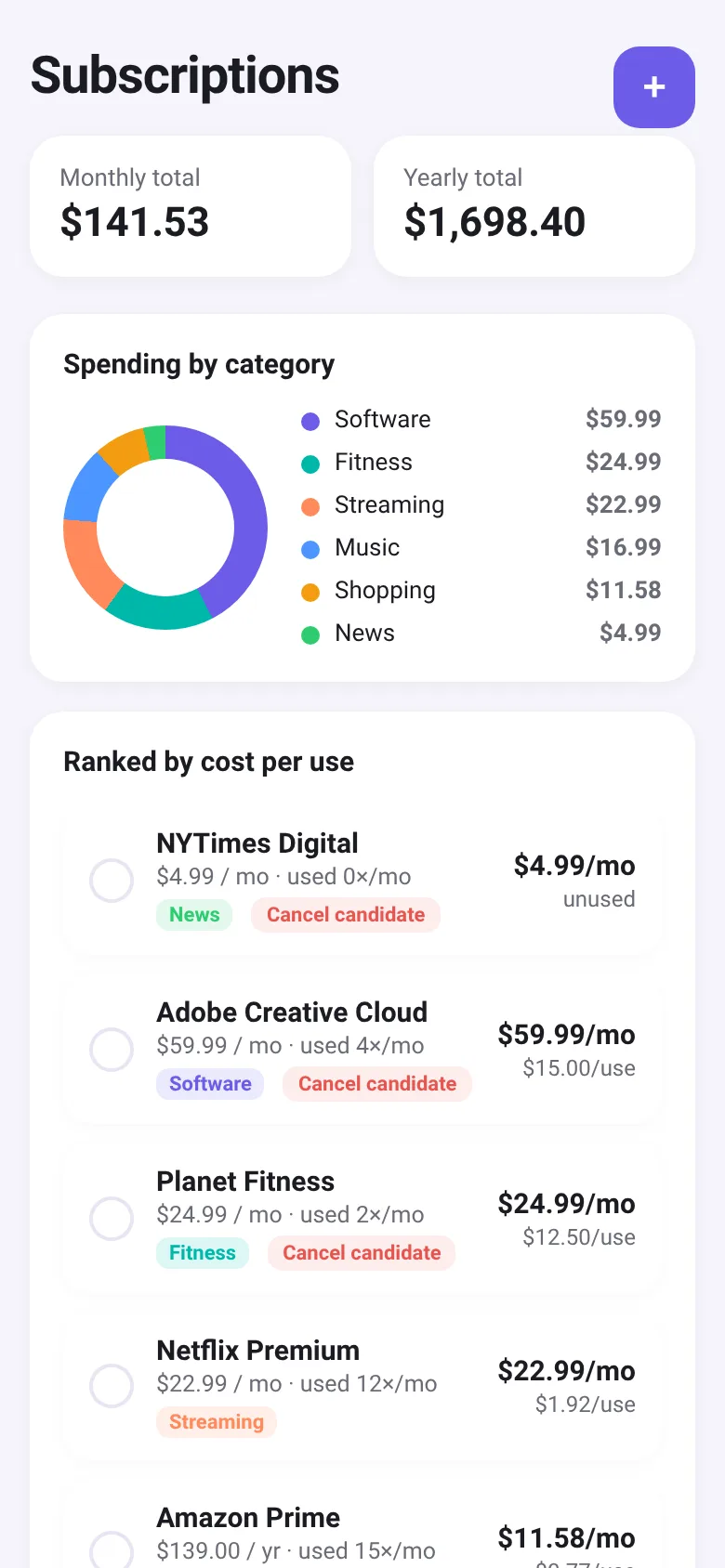
Most people pay for subscriptions they forget about or barely use. Subscription Audit lets you list every recurring charge you have, see your total monthly and yearly spending, and identify which ones cost the most per use. Then select the ones you want to drop and see exactly how much you'd save each year.
What it does
You add each subscription with its name, price, billing cycle, category, and how many times per month you use it. The app shows your spending by category in a donut chart, ranks subscriptions by cost per use to highlight unused ones, and calculates monthly and yearly totals. Pick any subscriptions to cancel and the app tells you the yearly savings.
Key features
- Monthly and yearly totals See at a glance how much you spend per month and per year across all subscriptions.
- Spending by category A donut chart breaks down costs by category like Streaming, Music, Software, and Fitness.
- Cost per use ranking Subscriptions are sorted by cost per use to surface unused or barely used ones as cancel candidates.
- Savings calculator Select subscriptions you want to drop and see the total yearly savings.
- Usage tracking Enter how many times per month you use each subscription to calculate cost efficiency.
How to use it
- Tap the plus button to add a subscription, enter its name, price, billing cycle, and category.
- Record how many times per month you actually use it.
- Review the donut chart to see which categories drain your budget most.
- Look at the ranked list to find subscriptions with high cost per use.
- Check the boxes next to subscriptions you want to cancel and see the yearly savings.
- Tap Cancel selected to remove them from your list.
Who it’s for
Anyone paying for multiple recurring services who wants to understand their spending and identify subscriptions to stop paying for.
What’s new in this version
The latest update now shows how often you use each subscription, ranks them by cost per use, flags cancel candidates, and displays the yearly savings from subscriptions you select to remove.
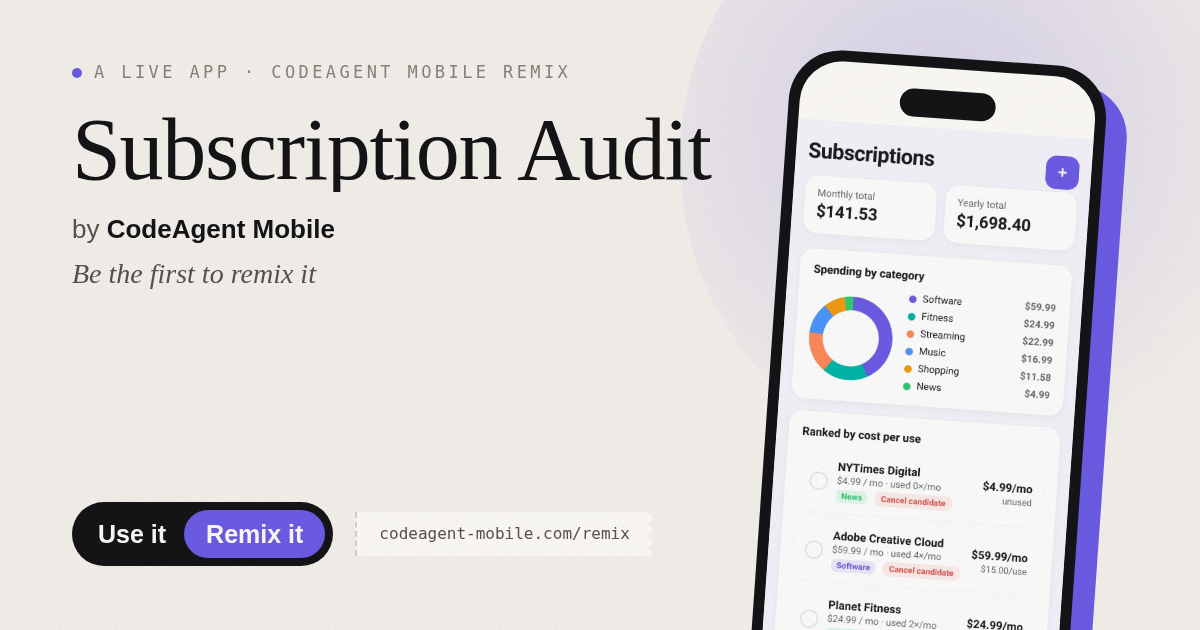
The app’s share card (1200×630)
Questions and answers
Does the app save my subscriptions?
Yes, all subscriptions are saved in your browser's local storage so they stay there when you close and reopen the app.
Can I use it on my phone?
Yes, it works on any device with a web browser and adjusts to fit your screen size.
How do I edit a subscription I already added?
Tap or click on any subscription in the list to open the editor and change its details.
What happens when I cancel subscriptions?
They are removed from your list and the app shows you the yearly savings. You still need to actually cancel them with your provider.
More money apps
- Historial Clínico Pet · Sistema para registrar y gestionar el historial médico completo de perros y gatos: vacunas, visitas, tratamientos, peso y avisos de vencimiento.
- Pitch Timer · Write cue cards, pick a 30/60/90-second timer, and rehearse your pitch with haptics and per-card timing feedback.
- Pocket Kanban · A minimal kanban board for your phone. Add colored task cards and tap them to move through To do, Doing, and Done with satisfying spring animations.
- Budget Envelopes · Track spending across monthly budget envelopes like groceries and transport. Add expenses with a quick keypad and watch animated fill levels show how much you
- Interview Bank · Post and upvote real interview questions by role and type. Mark questions you were asked to build your prep list.
- Study Hours · Log study sessions by subject and minutes. See your group's weekly hours, leaderboard, and a heatmap of the busiest study days.