Mobile app · Money
Budget Envelopes
Divide your monthly budget into envelopes, spend from each with a quick keypad, and watch animated fills show your progress.
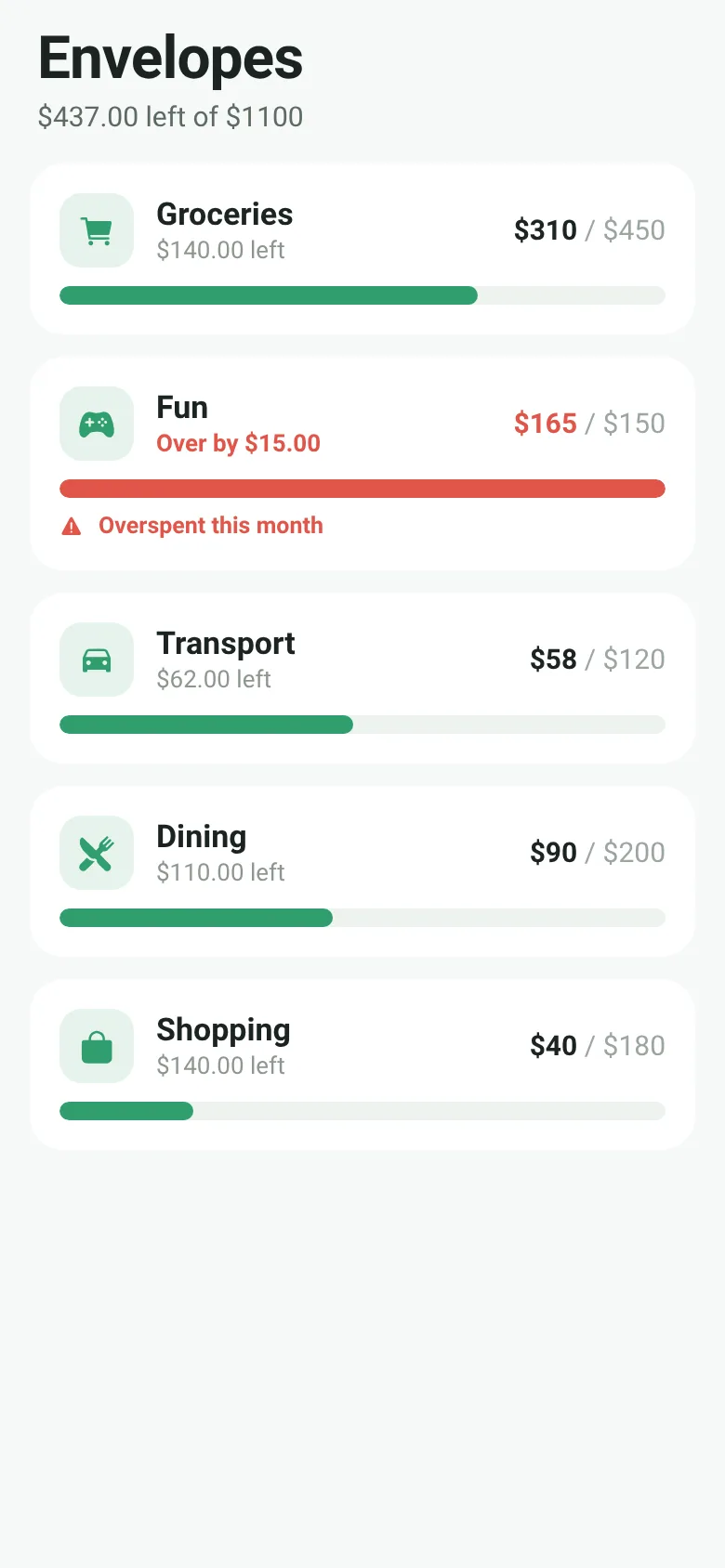
Managing multiple budgets for groceries, fun, transport and other categories can feel scattered. Budget Envelopes gives each category its own visual envelope. You see your total budget and remaining balance at a glance, tap any envelope to log a spending moment, and the app animates its fill level and alerts you if you overspend. Everything works in one clean screen.
What it does
The app shows a scrolling list of budget envelopes, each with an icon, name, amount spent, amount budgeted, and an animated fill bar. Tap any envelope to open a modal with a simple numeric keypad. Enter the amount you spent, confirm it, and the app updates that envelope's total instantly. The fill bar animates to the new level, and if you go over budget, the bar turns red and a warning appears on the card.
Key features
- Quick keypad entry Tap any envelope to open a modal with a numeric keypad and backspace, enter the amount, and confirm in seconds.
- Animated fill levels Each envelope's progress bar animates smoothly as you log spending, showing at a glance how much budget is left.
- Overspend warning If spending exceeds the budget for an envelope, the fill bar turns red and a warning label appears on the card.
- Total budget summary The header shows your total budget and total remaining balance across all envelopes.
- Five pre-set envelopes Starts with Groceries, Fun, Transport, Dining, and Shopping, each with a budget and icon.
How to use it
- Open the app and review the envelopes shown on the main list.
- Tap any envelope card to open the spending entry modal.
- Use the keypad to enter the amount you just spent.
- Tap Confirm Spend to add it to that envelope.
- Watch the fill bar animate and check the header for your remaining budget.
Who it’s for
Anyone who budgets by category or needs a simple way to track everyday spending across multiple purposes without opening a spreadsheet or complex app.
What’s new in this version
The app includes monthly envelopes with budgets, a quick keypad for logging spending, animated fill levels showing progress, and overspend warnings when you exceed an envelope's budget.
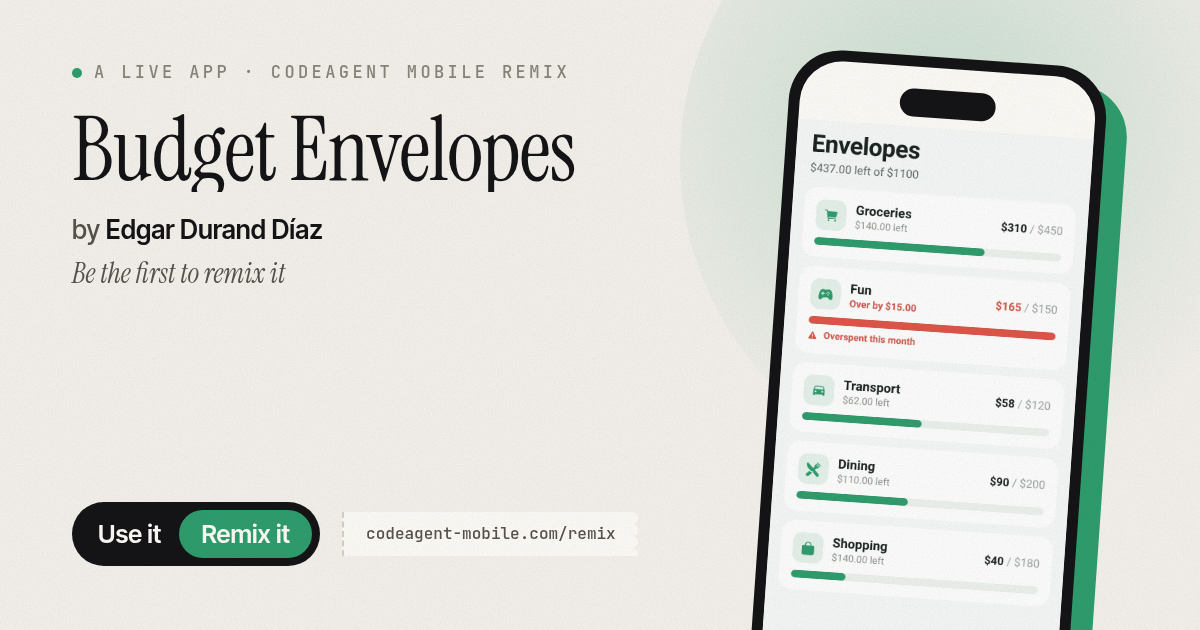
The app’s share card (1200×630)
Questions and answers
Does the app save my spending between sessions?
The app stores your envelope spending in memory while it is open. When you close and reopen the app, the spending resets to the default state; it does not persist data to your phone.
Can I change the budget amounts or add new envelopes?
The current version shows five fixed envelopes with pre-set budgets. You cannot edit them in the app.
What happens if I overspend?
The fill bar turns red, the card shows how much you went over, and a warning appears. You can still log more spending; the app does not block you.
Does it work on my phone?
Yes, Budget Envelopes is a mobile app for iOS and Android phones.
More money apps
- Group Expenses · Add shared expenses with friends and see the fewest transfers needed to settle up. Balances update live for everyone.
- Offer Compare · Compare job offers side by side by salary, bonus, equity, benefits, commute and remote work. See weighted scores and radar charts.
- Watt Meter · Add your appliances and see how much electricity they cost daily, monthly, and yearly. Get ranked costs and savings tips.
- Meeting Cost · Set attendees and hourly rate, start the timer, and watch a live odometer tally what the meeting is costing in real time.
- Subscription Audit · List your subscriptions with prices and usage. See monthly and yearly totals, spending by category, and how much you'd save by cancelling the ones you pick.
- Debt Snowball · Enter your debts and extra payment to compare snowball vs avalanche payoff dates and total interest paid.