Mobile app · Art & design
Swing Paint: Create glowing neon art by swinging a hanging paint can
Drag a paint can hanging from the ceiling and watch it trace luminous patterns on the studio floor below.
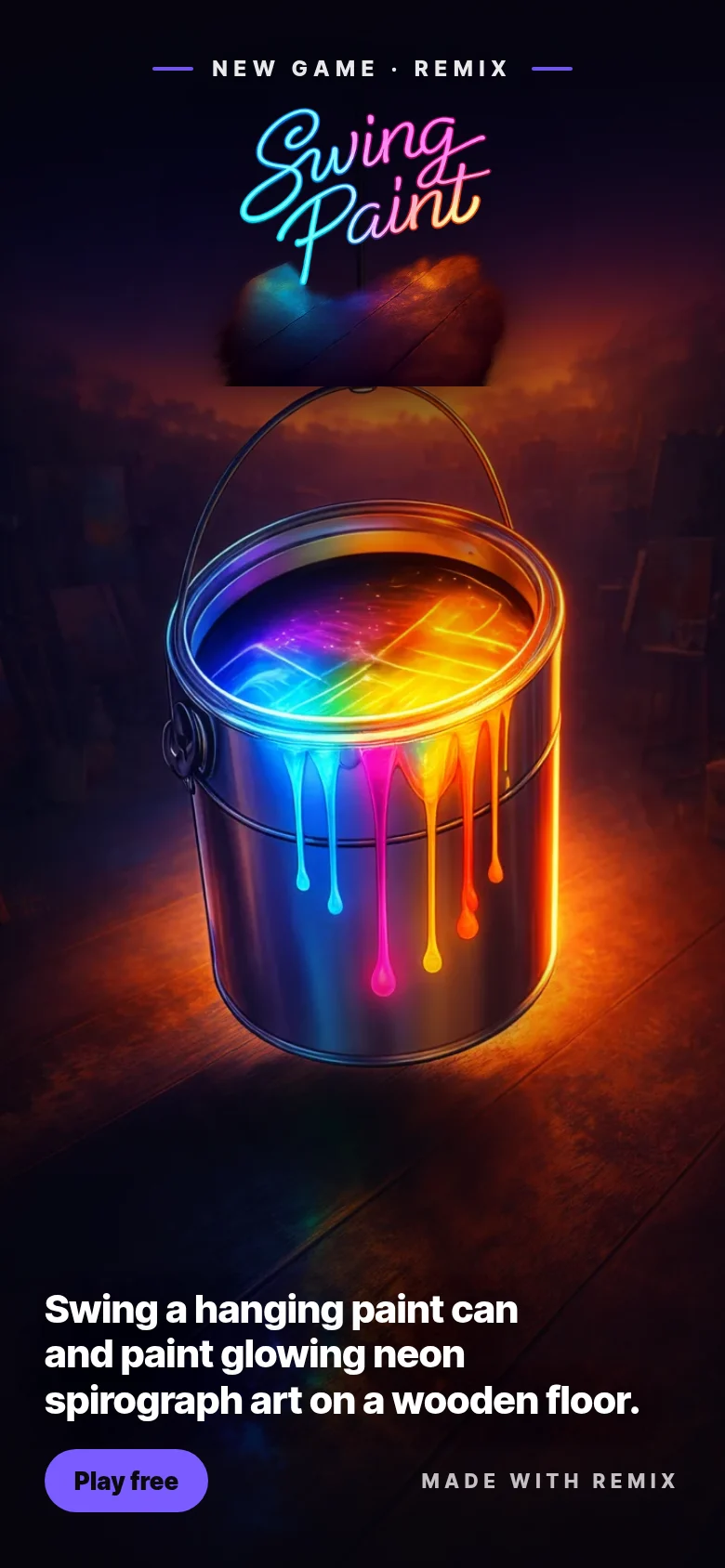
You stand in a dark studio with a single paint can suspended from the ceiling. Pull it back and release it to set it swinging. As it moves through the air, it paints glowing trails on the wooden floor in mesmerizing spirograph patterns. Each swing creates a unique design shaped by the orbital style you choose—from roses and bows to hearts and squares. The longer you play, the more patterns and paint effects you unlock.
What it does
Swing Paint shows a 3D studio floor viewed in perspective, with oak planks and a rotating reference guide at the top showing pattern shapes. You drag the paint can to set up its swing, then release it to watch it paint. The app draws the can's path in neon colors on a large canvas. You can select different orbital patterns that make the can swing in different shapes, choose between glowing or glittery paint, adjust how long swings last with a weight control, and pitch the swing for variation.
Key features
- Multiple orbital patterns Swing styles include rose ellipses, bow ties, toruses, stars, hearts, squares, and hybrid combinations of existing patterns.
- Paint effects Choose between glowing paint and glitter paint to change how your designs look.
- Swing control Adjust weight to make swings last longer or shorter, and pitch your swing to create variation in each design.
- Reference guides Tap the top card to cycle through rotating rainbow and cyan-white Lissajous pattern guides before you paint.
- Share your art Save and share your painted designs with others.
How to use it
- Open the app and view the studio with the paint can and floor.
- Tap the reference card at the top to preview pattern shapes.
- Select an orbital style and paint effect from the shop options.
- Drag the paint can back to set up your swing, then release it.
- Adjust weight and pitch settings if you want to modify how long or how the can swings.
- Share your finished painting by tapping the share button.
Who it’s for
This app is for people who enjoy creative play, visual art, and relaxing interactions. It appeals to casual players who like watching satisfying patterns emerge from simple actions, and to artists exploring generative design.
What’s new in this version
All shop features are now free to use. New orbital patterns include heart shapes and square swings. Glowing and glitter paint options are available. A weight slider lets you control swing duration, and you can now pitch swings for added variation. A hybrid orbit option combines whichever patterns you currently have.
The app’s share card (1200×630)
Questions and answers
How do I start painting?
Drag the paint can away from its resting position and release it. It will swing and paint a pattern on the floor based its orbital style.
Does the app save my paintings?
Yes. You can share paintings directly from the app, and the app saves the images you create.
Can I play this on my phone?
Yes. Swing Paint is a mobile app designed for phones running iOS or Android.
Do I have to pay for new patterns?
No. All orbital patterns, paint effects, and features are free to use.
More art & design apps
- Fox Knight: Sky Isles · A 2D platformer where you leap across floating islands as a brave fox knight, stomp slimes, collect gems and face a boss across three levels.
- Arena Fist 3D · Juego de pelea 3D con luchadores detallados. Juega en modo historia, 1 vs 1, 2 jugadores o entrena contra un muñeco.
- Arena Fist 3D · Juego de pelea 3D con modo historia, entrenamiento, 1-2 jugadores y modo Jefes con 150 niveles progresivos.
- Pesca Tranquila · Juego de pesca sin apuros donde lanzás, recogés peces, completás tu álbum de especies y mejorás tu equipo.
- Mouse Hunt · A game with realistic 3D mice that have distinct personalities, designed for your cat to chase and catch on screen.
- Mouse Hunt · An interactive game where animated mice scurry, pause and dart across your screen for your cat to chase, with catch tracking and parental controls.