Mobile app · Games
Tic Tac Pro: play against AI or a friend
Challenge an easy, medium, or unbeatable AI opponent, or play pass-and-play with a friend. Running score keeps track across matches.

Want a quick game of tic-tac-toe but need a worthy opponent or just somewhere to compete with a friend? Tic Tac Pro puts a full game on your phone with three AI difficulty levels to match your skill, or a two-player mode for friendly competition. Every win, loss and draw counts on the score board, and you see the winning line animate across the board when someone wins.
What it does
You start by choosing to play against AI (easy, medium, or unbeatable) or with another person on the same phone. Tap cells to make your move. In AI mode you are X and go first; the AI plays O and thinks before responding. In two-player mode, X and O take turns. When someone wins, a line animates across the three winning cells. The score for X, draws and O stays visible at the top and updates after each game. Tap Play Again to start a new round without losing your score.
Key features
- Three AI difficulty levels Easy picks random moves, medium plays smartly half the time, unbeatable uses perfect play and never loses.
- Two-player pass-and-play Take turns with a friend on one device; the game tells you whose turn it is.
- Animated winning line When a player wins, a line animates across the three winning cells for a clear visual moment.
- Running score tracker Wins for X, O and draws count across all games in the session and display above the board.
- Haptic feedback and animation Cell taps and game events trigger tactile and visual feedback to make each move feel responsive.
How to use it
- Open the app and tap Play vs AI or Two Players.
- If playing AI, choose your difficulty level from the chips at the top.
- Tap any empty cell to make your move.
- In AI mode wait for the AI to respond; in two-player mode pass the phone to your friend.
- When someone wins or it is a draw, tap Play Again to start a new game.
Who it’s for
Anyone who wants a quick, polished tic-tac-toe game on their phone, whether to kill time against an AI or play casually with a friend.
What’s new in this version
The latest update added animated winning lines that draw themselves across the board, haptic feedback on taps and wins, and a persistent score card tracking X wins, O wins and draws across multiple games.
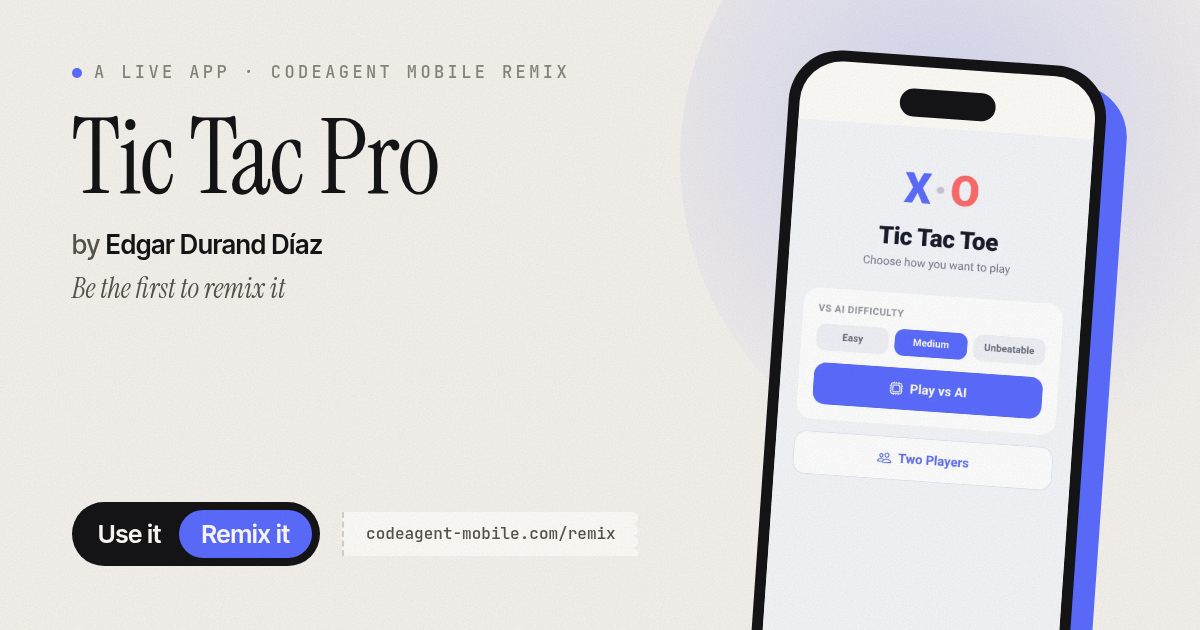
The app’s share card (1200×630)
Questions and answers
Do I need to create an account or log in?
No. The app runs immediately when you open it with no account needed. Your score resets when you close the app.
Can I play on a tablet or just a phone?
The app is built for phones. It will run on a tablet but is optimized for smaller screens.
If I leave the game mid-match, is my score saved?
No. Your score and board are only kept while you are in the current session. Closing the app or going back to the menu resets the board, but the score stays until you leave the game mode entirely.
Can the AI on unbeatable difficulty actually be beaten?
No. The unbeatable AI uses perfect strategy (minimax) and will either win or draw, never lose. Easy and medium offer a fairer challenge.
More games apps
- Fox Knight: Sky Isles · A 2D platformer where you leap across floating islands as a brave fox knight, stomp slimes, collect gems and face a boss across three levels.
- Arena Fist 3D · Juego de pelea 3D con luchadores detallados. Juega en modo historia, 1 vs 1, 2 jugadores o entrena contra un muñeco.
- Arena Fist 3D · Juego de pelea 3D con modo historia, entrenamiento, 1-2 jugadores y modo Jefes con 150 niveles progresivos.
- Pesca Tranquila · Juego de pesca sin apuros donde lanzás, recogés peces, completás tu álbum de especies y mejorás tu equipo.
- Mouse Hunt · A game with realistic 3D mice that have distinct personalities, designed for your cat to chase and catch on screen.
- Mouse Hunt · An interactive game where animated mice scurry, pause and dart across your screen for your cat to chase, with catch tracking and parental controls.