Web app · Learning
Explore AI frontiers and score your predictions
Eight domains of AI innovation, sorted by time horizon. Make predictions, track them in your journal, and see your scorecard as the future unfolds.
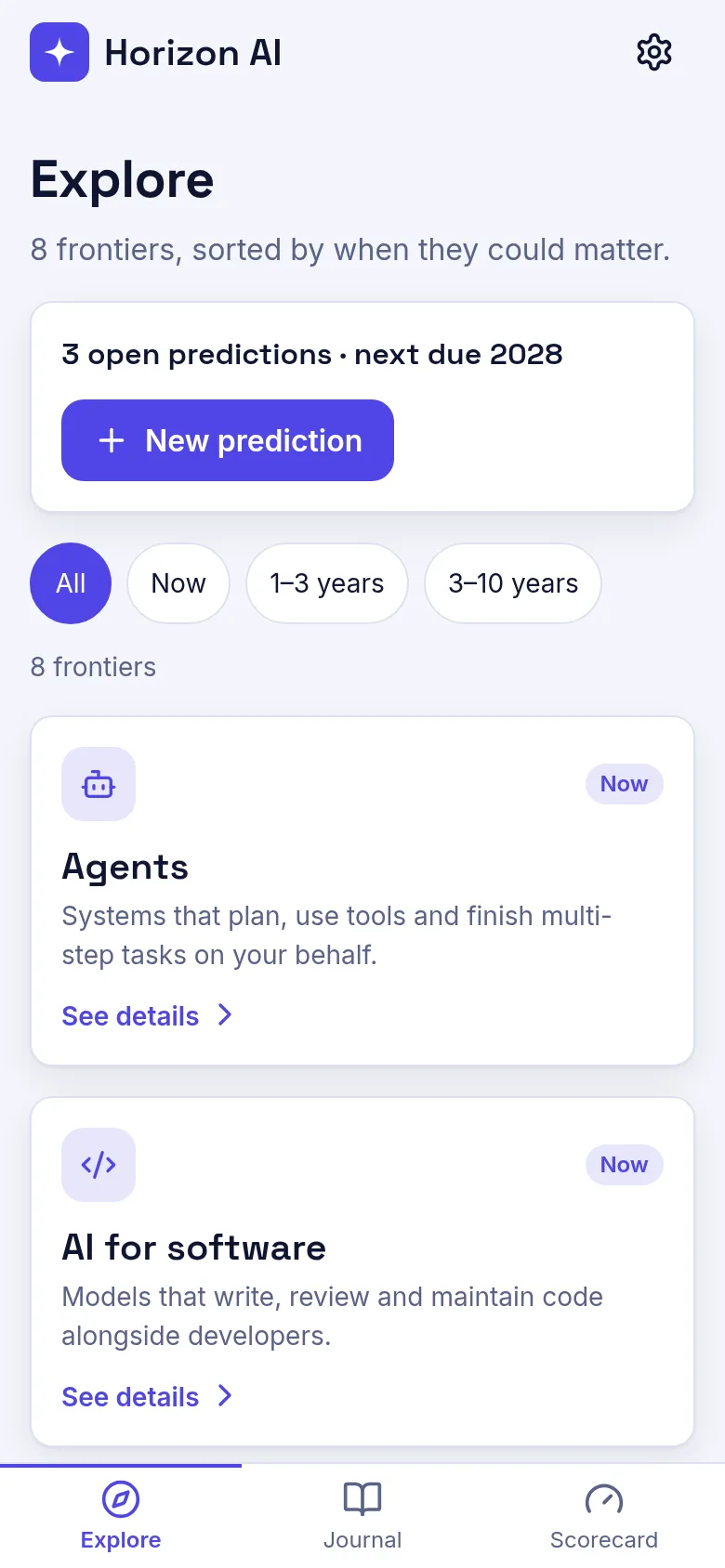
Wondering when AI agents will arrive? When on-device models will work well? When we'll solve AI reasoning? AI Futures Atlas shows you eight frontiers where breakthroughs could happen soon or later. You pick a frontier, make a specific prediction with a target year, add it to your journal, and mark it resolved when you learn what actually happened. The app keeps score of your accuracy over time.
What it does
The Explore tab displays eight AI frontiers—agents, coding, reasoning, on-device models, science, safety, robotics, and AGI—each tagged with how soon it matters: now, soon, or later. Click a frontier to read more and add a prediction. Your Journal shows all predictions you have made, with the ability to edit them or mark them true, false, or reopen them. The Scorecard tracks how many of your predictions came true, came false, or are still open, letting you see your track record.
Key features
- Eight frontier topics Each frontier covers a different area of AI innovation, organized by near-term, medium, and long-term horizons.
- Prediction journal Write, edit, and store predictions tied to specific years; mark each one true, false, or reopen it as new information arrives.
- Scorecard tracking See at a glance how many predictions you got right, wrong, or still have open.
- Sample data Start with example predictions to understand how the app works; clear them from settings whenever you like.
- Undo actions Deleted a prediction by mistake? Undo the action from the toast notification.
How to use it
- Open the Explore tab and browse the eight AI frontiers.
- Click a frontier you care about to read its details.
- Click New Prediction or Predict on the frontier detail to make your forecast.
- Enter your prediction text and target year, then save it to your journal.
- Go to Journal to see all your predictions and edit or resolve them.
- Check Scorecard to track how accurate you are over time.
Who it’s for
Anyone curious about AI's future who wants to make concrete predictions and test their intuitions against reality. Good for students, researchers, tech enthusiasts, and anyone thinking through long-term AI trends.
What’s new in this version
The app now displays the brand name as Horizon AI and emphasizes the core loop of exploration, prediction, and scoring as the future of AI futures thinking.
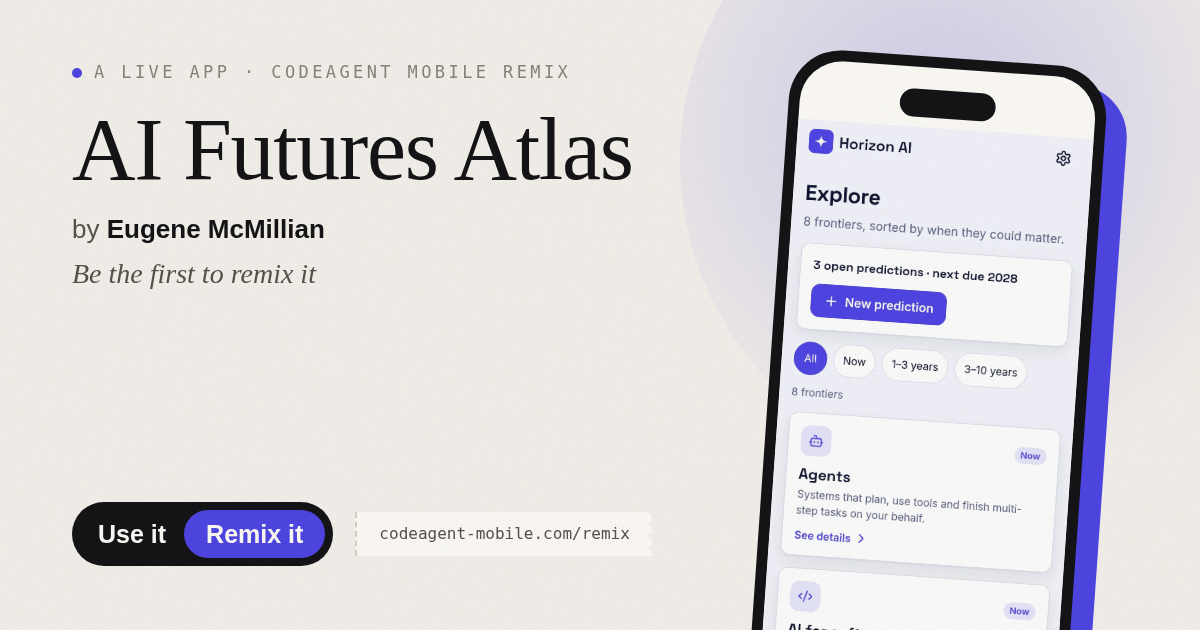
The app’s share card (1200×630)
Questions and answers
Do you save my predictions?
Yes. All predictions you make are saved in your browser. If you clear your browser data, they will be lost.
Can I try it without adding my own predictions?
Yes. The app comes with sample predictions loaded so you can see how it works. You can clear them anytime from Settings.
How do I know when a prediction is resolved?
You mark it yourself in your Journal when you learn the outcome. Choose true, false, or reopen it if circumstances change.
Does it work on my phone?
Yes. The app works on any device with a web browser and adapts its layout for phones, tablets, and desktop.
More learning apps
- Icebreakers · Swipe through fun, deep, work, and family icebreaker questions and save your favorites for parties and teams.
- Pitch Timer · Write cue cards, pick a 30/60/90-second timer, and rehearse your pitch with haptics and per-card timing feedback.
- Sun Arc · See the sun's arc across the sky for any latitude and day, with sunrise, sunset, day length, and golden hour windows.
- Big Text · Flash giant text across a room in auto-fit or scrolling marquee mode, with color themes and a gentle blink for safety.
- Shot List · Plan video scenes with shot cards, durations, and location tags. Check off shots as you film to track progress.
- Tally Counter · Track multiple named counts with big tap targets, haptics feedback, and one-tap undo on reset.