Mobile app · Art & design
Shot List: Plan and track your video production shots
Organize scenes by location, add shot cards with types and durations, and check them off as you film.
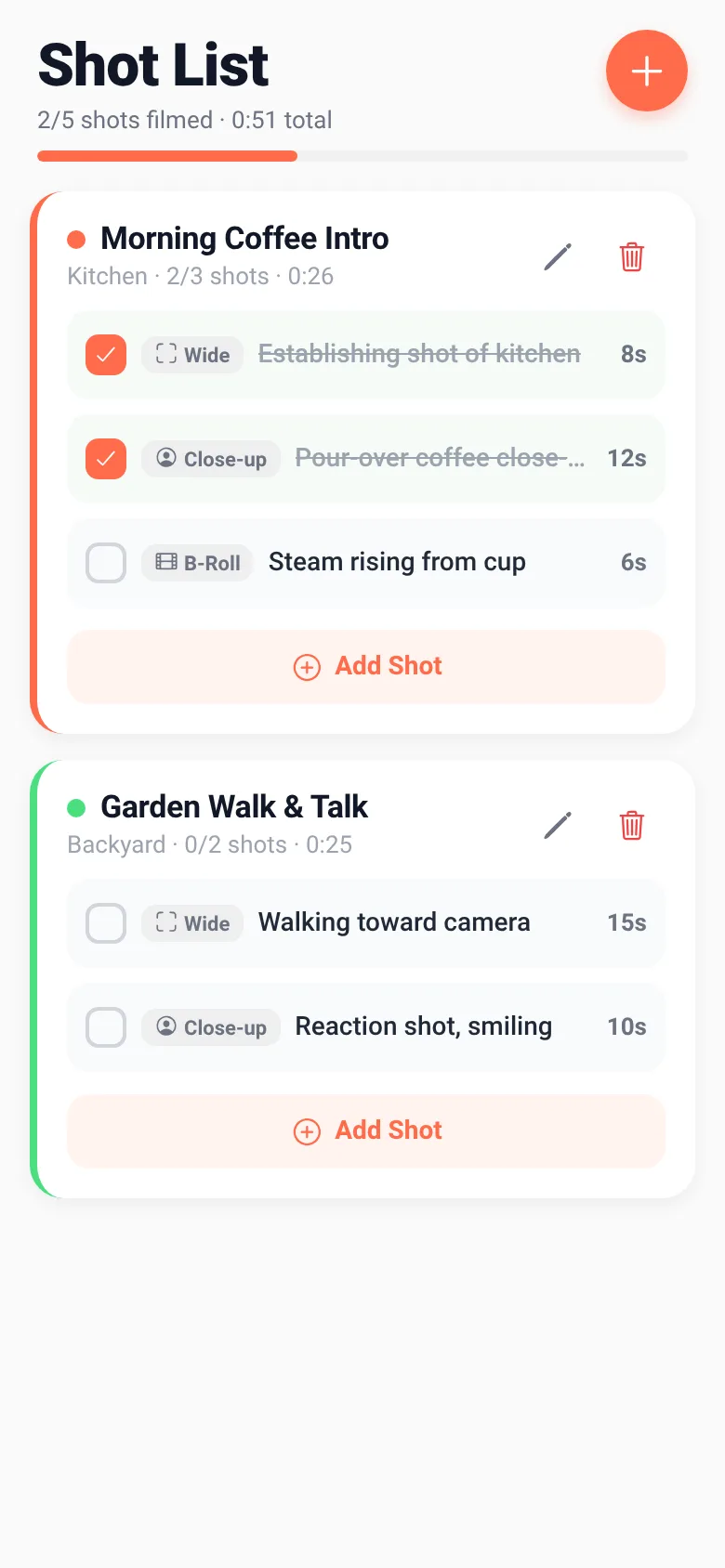
Video production requires planning dozens of shots across multiple scenes and locations. Shot List lets you build a scene-by-scene plan with individual shot cards (wide, close-up, B-roll), each tagged with duration and a location color. As you film, you check off each shot and watch your progress bar fill. The app shows you totals—how many shots you have left, and how many minutes of footage you still need—so you stay on schedule and don't miss a take.
What it does
You create scenes, each tied to a location with a color tag. Within each scene, you add shot cards with a type (wide, close-up, or B-roll), a description, and a duration in seconds. A progress bar shows how many shots you've filmed. Tap each shot card to mark it done, or long-press to delete it. A header shows your total footage time and how many shots remain. Sample scenes come pre-loaded so you can see how it works.
Key features
- Shot cards with types Add wide, close-up, or B-roll shots to each scene with descriptions and durations.
- Location color tags Assign one of five preset locations (Kitchen, Backyard, Living Room, Rooftop, Studio) to each scene for quick visual identification.
- Check off shots while filming Tap a shot card to mark it filmed; a progress bar shows your completion rate.
- Duration totals The app adds up all shot durations and displays total footage time and remaining shots in the header.
- Edit and delete scenes Tap the pencil icon to rename a scene or change its location; tap trash to remove it.
How to use it
- Tap the + button in the header to create a new scene.
- Enter a scene title and pick a location color, then save.
- Tap 'Add Shot' to add a shot card with a type, description, and duration.
- Tap a shot card to mark it filmed; watch the progress bar update.
- Long-press a shot to delete it, or edit a scene with the pencil icon.
Who it’s for
Video directors, cinematographers, and production coordinators who need a quick, focused tool to plan shots on set and track what they have filmed without distraction.
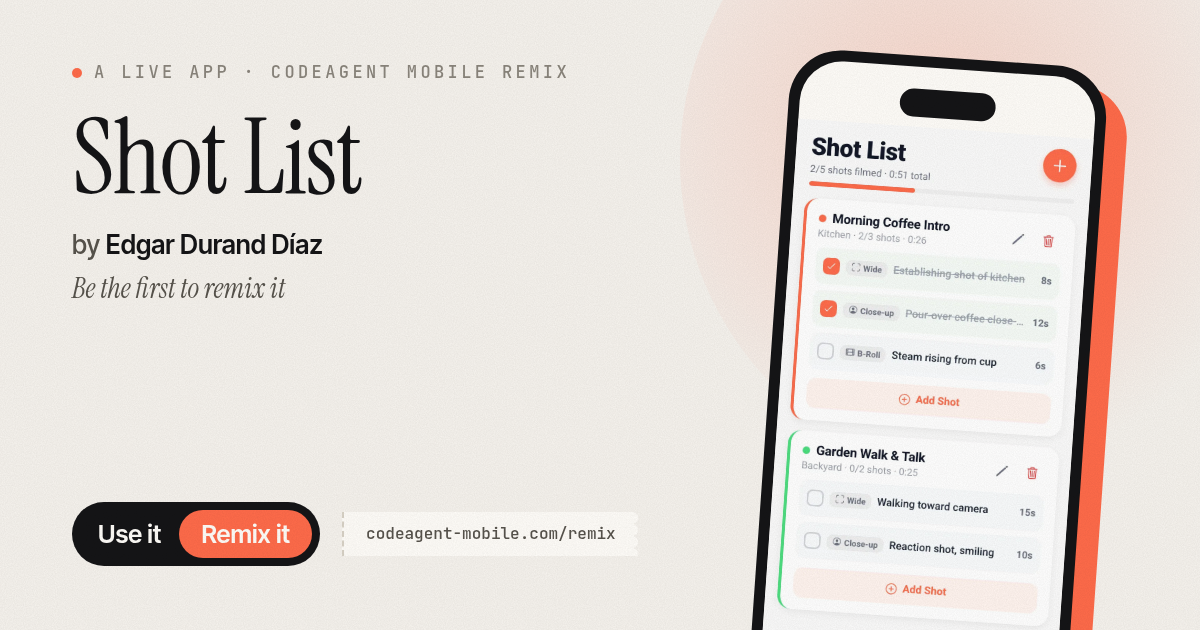
The app’s share card (1200×630)
Questions and answers
How do I start planning?
Tap the + button in the header to create your first scene, give it a title, pick a location, and save. Then add shot cards one by one.
Can I change a shot after I add it?
You can delete a shot by long-pressing it, then add a new one. Tap the pencil icon on a scene to edit its title or location.
Does it save my work?
Yes, your scenes and shots are saved on your phone. They persist when you close and reopen the app.
Does it work offline?
Yes, Shot List runs entirely on your phone and does not require an internet connection.
More art & design apps
- Icebreakers · Swipe through fun, deep, work, and family icebreaker questions and save your favorites for parties and teams.
- Pitch Timer · Write cue cards, pick a 30/60/90-second timer, and rehearse your pitch with haptics and per-card timing feedback.
- Sun Arc · See the sun's arc across the sky for any latitude and day, with sunrise, sunset, day length, and golden hour windows.
- Big Text · Flash giant text across a room in auto-fit or scrolling marquee mode, with color themes and a gentle blink for safety.
- Tally Counter · Track multiple named counts with big tap targets, haptics feedback, and one-tap undo on reset.
- Visited Countries · Check off countries you've visited by continent and see your world travel percentage. Track progress with visual rings for each continent.