Mobile app · Tools & utilities
Big Text: Flash messages full screen
Display text giant and bright from across a room, in auto-fit or scrolling mode, with seven color themes and a smooth blink option.
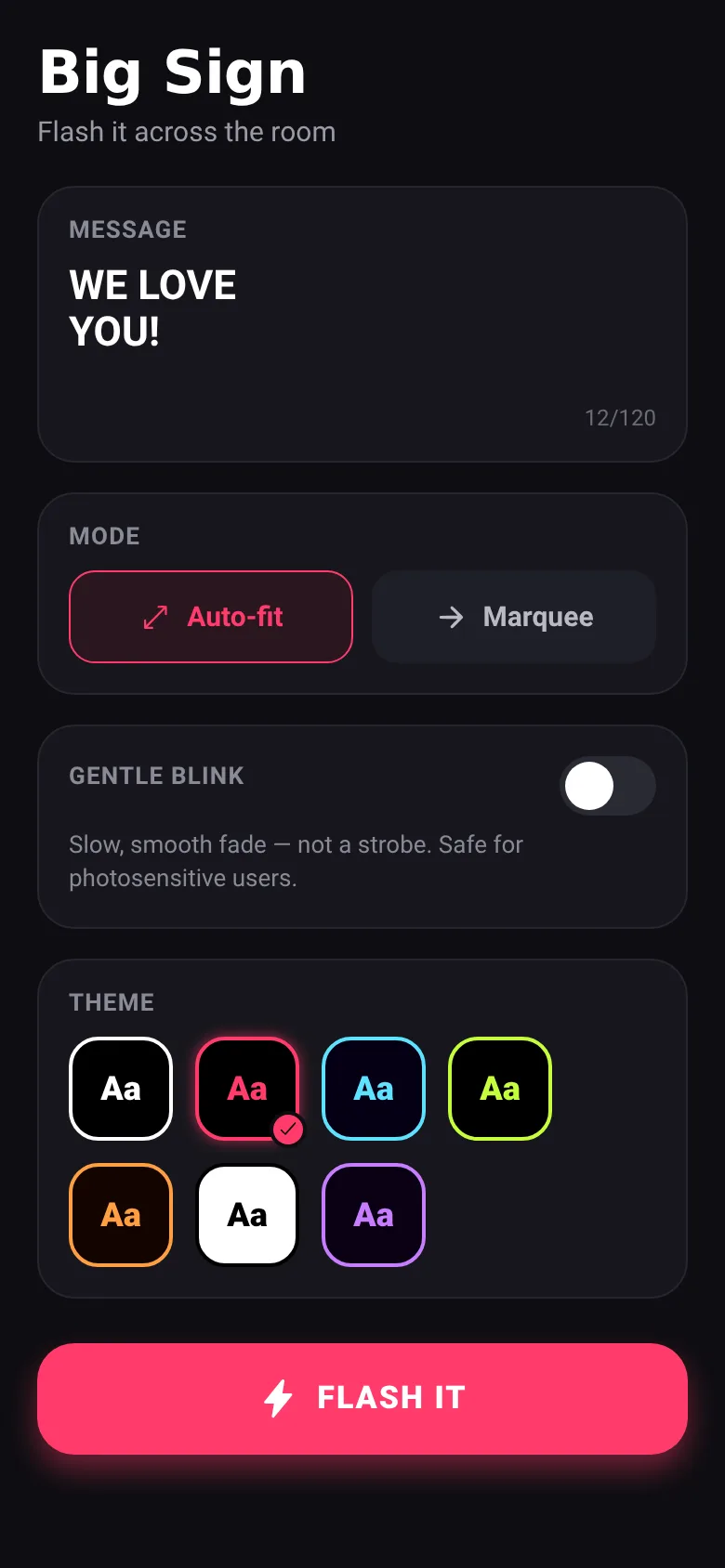
Need to show a message to a large group—at a concert, airport, or classroom? Big Text fills your phone screen with huge, readable text. You type once, pick how you want it to appear (stretching to fit or scrolling like a marquee), choose a color theme, optionally add a gentle fade-in-fade-out blink, then tap Flash It to display it full screen.
What it does
The app opens with a message editor where you type up to 120 characters. You choose between auto-fit mode, which scales the text to fill the screen, or marquee mode, which scrolls it horizontally. Seven color themes let you pick combinations like classic black-and-white, hot pink, electric blue, lime, sunset orange, inverted, or violet. A gentle blink toggle adds a slow, smooth fade (not a strobe) safe for photosensitive viewers. Press Flash It and the screen goes full, hiding all controls—tap anywhere to return to editing.
Key features
- Auto-fit and marquee modes Scale text to fill the screen or scroll it continuously from side to side.
- Seven color themes Choose from Classic, Hot Pink, Electric, Lime, Sunset, Invert, and Violet combinations.
- Gentle blink option Smooth, slow fade in and out—not a strobe, safe for people with photosensitivity.
- Full-screen display Hides status bar and all controls; tap to exit back to the editor.
- Up to 120 characters Supports multiple lines and auto-capitalizes as you type.
How to use it
- Type or paste your message in the MESSAGE box (up to 120 characters).
- Tap Auto-fit or Marquee to choose how the text appears.
- Optionally toggle Gentle Blink on for a fade effect.
- Select a color theme from the seven swatches.
- Press the FLASH IT button to display full screen.
- Tap anywhere on the display to return and edit.
Who it’s for
Anyone who needs to display text visibly across a large space: event organizers, teachers, performers, airport staff, or anyone wanting to share a big message at a distance.
What’s new in this version
The app was built to meet this exact request: a compact, full-screen message flasher with auto-fit text, marquee scrolling, color themes, and a photosensitivity-safe blink mode, all under 30 KB with no extra screens or bloat.
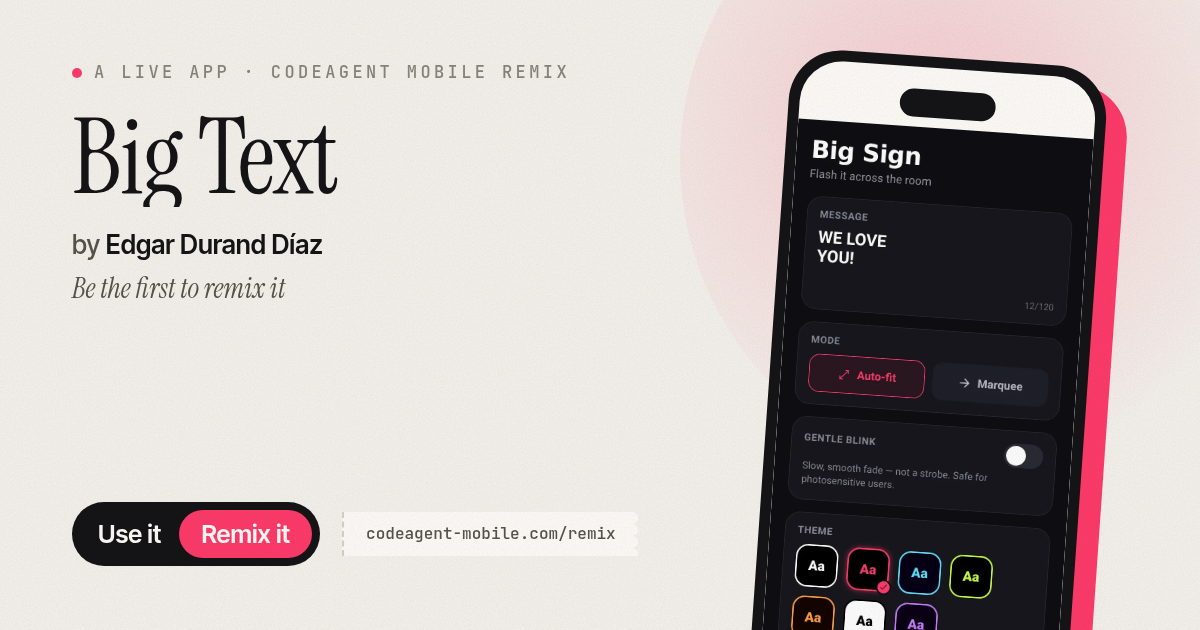
The app’s share card (1200×630)
Questions and answers
How do I start?
Open the app, type your message in the MESSAGE box, pick a display mode and theme, then tap FLASH IT.
Does it save my messages?
Your current message stays in the editor until you close the app. It does not auto-save between sessions.
Can I use it on my phone?
Yes, it runs on any phone with React Native support—iOS and Android.
Is the blink mode safe?
Yes. The gentle blink is a slow, smooth fade (900 ms in and out), not a strobe, and is safe for photosensitive users.
More tools & utilities apps
- Icebreakers · Swipe through fun, deep, work, and family icebreaker questions and save your favorites for parties and teams.
- Pitch Timer · Write cue cards, pick a 30/60/90-second timer, and rehearse your pitch with haptics and per-card timing feedback.
- Sun Arc · See the sun's arc across the sky for any latitude and day, with sunrise, sunset, day length, and golden hour windows.
- Shot List · Plan video scenes with shot cards, durations, and location tags. Check off shots as you film to track progress.
- Tally Counter · Track multiple named counts with big tap targets, haptics feedback, and one-tap undo on reset.
- Visited Countries · Check off countries you've visited by continent and see your world travel percentage. Track progress with visual rings for each continent.