Mobile app · Social & party
Create Personalized Quote Posters and Share to WhatsApp
Design beautiful daily quote and status posters featuring your name, photo, and custom text, then share them directly to WhatsApp.
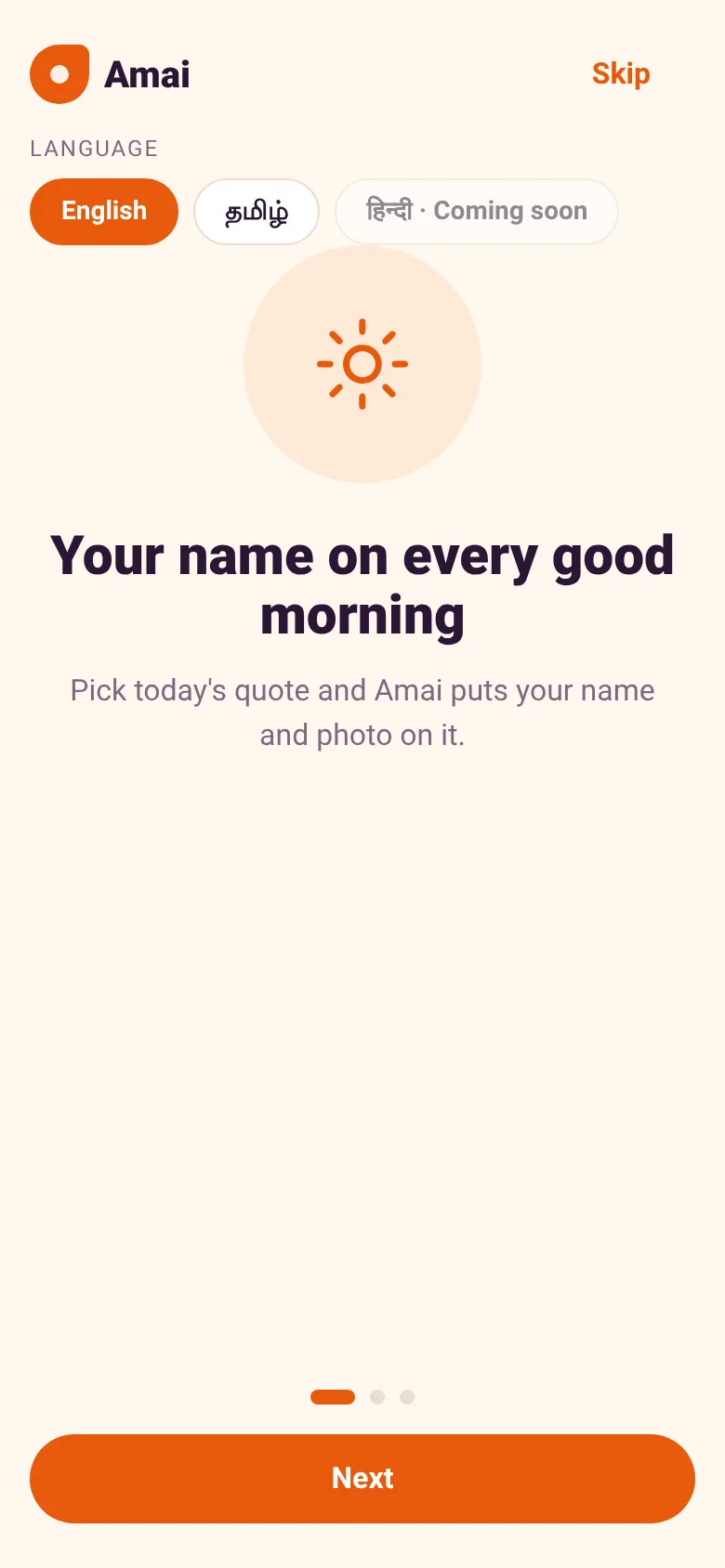
Many people want to share inspiring quotes and personal messages on WhatsApp but struggle to create attractive designs quickly. Amai Quote Studio lets you build personalized quote posters in seconds. Choose from ready-made templates, add your own photo, write your message, and share directly to WhatsApp without leaving the app.
What it does
The app presents a home screen, a searchable library of quote templates, and a creator section where you design posters. You pick a template or start from scratch, customize text with your own words, add your photo to a personalized footer with your name and business details, adjust colors and layouts, and preview your design. Once satisfied, you share the finished poster to WhatsApp. Your profile settings control what personal information appears on each poster.
Key features
- Template Library Browse and search a collection of pre-designed quote and status templates ready to customize.
- Photo and Name Footer Add your photo, name, business name, tagline, city, or phone number as a personalized footer on posters.
- Text and Design Editing Edit text, choose fonts, colors, alignment, and adjust sticker elements directly on your poster.
- Multiple Layouts Create posters in 1:1, 4:5, and 9:16 aspect ratios for different sharing needs.
- Direct WhatsApp Sharing Share finished posters instantly to WhatsApp without exporting or leaving the app.
- Favourites and Library Save favourite designs and access your saved work from a personal library.
How to use it
- Open the app and complete the onboarding setup with your name, photo, and business details.
- Go to the Create tab and choose a template or start with a blank poster.
- Edit the text, colors, and layout to match your message and style.
- Review your poster in the preview.
- Tap Share and send your finished poster to WhatsApp.
Who it’s for
This app is for individuals, entrepreneurs, and small business owners in India who want to create and share motivational quotes, daily messages, and personal status updates on WhatsApp with a professional, branded appearance.
The app’s share card (1200×630)
Questions and answers
Do I need to sign in?
Yes. After onboarding, you log in with your account to save your designs and profile information.
Does the app save my designs?
Yes. Your designs are saved in your library and you can mark them as favourites for quick access.
Can I use my own photos?
Yes. You can add your photo to the poster footer and it will appear on every design you create.
What personal information shows on the poster?
Only the information you choose to show: your photo, name, business name, tagline, city, and phone are optional toggles in your profile settings.
More social & party apps
- Community Beat · साझा बीट बनाएँ: स्टेप दबाएँ, डीजे प्रीसेट चुनें, और सब मिलकर संगीत तैयार करें। वीडियो में एक्सपोर्ट करें।
- Community Beat · Tap drum steps on a shared 16-step beat that everyone editing it hears together. Load DJ presets, mute and solo tracks, export video or audio.
- Meow Translator · Tap to decode your cat's meows into theatrical translations, then blast them with a dramatic soundboard. Fun for cat lovers and parties.
- Haunted Beat · A shared drum machine where everyone taps the grid together to build beats. Dancing pumpkins groove to the rhythm you create.
- Community Beat · Coloca casillas en pistas de batería y escucha el patrón que todos construyen juntos en tiempo real. Exporta tu sesión como video o audio.
- Icebreakers · Swipe through fun, deep, work, and family icebreaker questions and save your favorites for parties and teams.