Web app · Food & drink
Perfect Egg Timer
Set your egg size, starting temperature, and how runny or firm you want it, then watch the yolk set as the timer counts down.
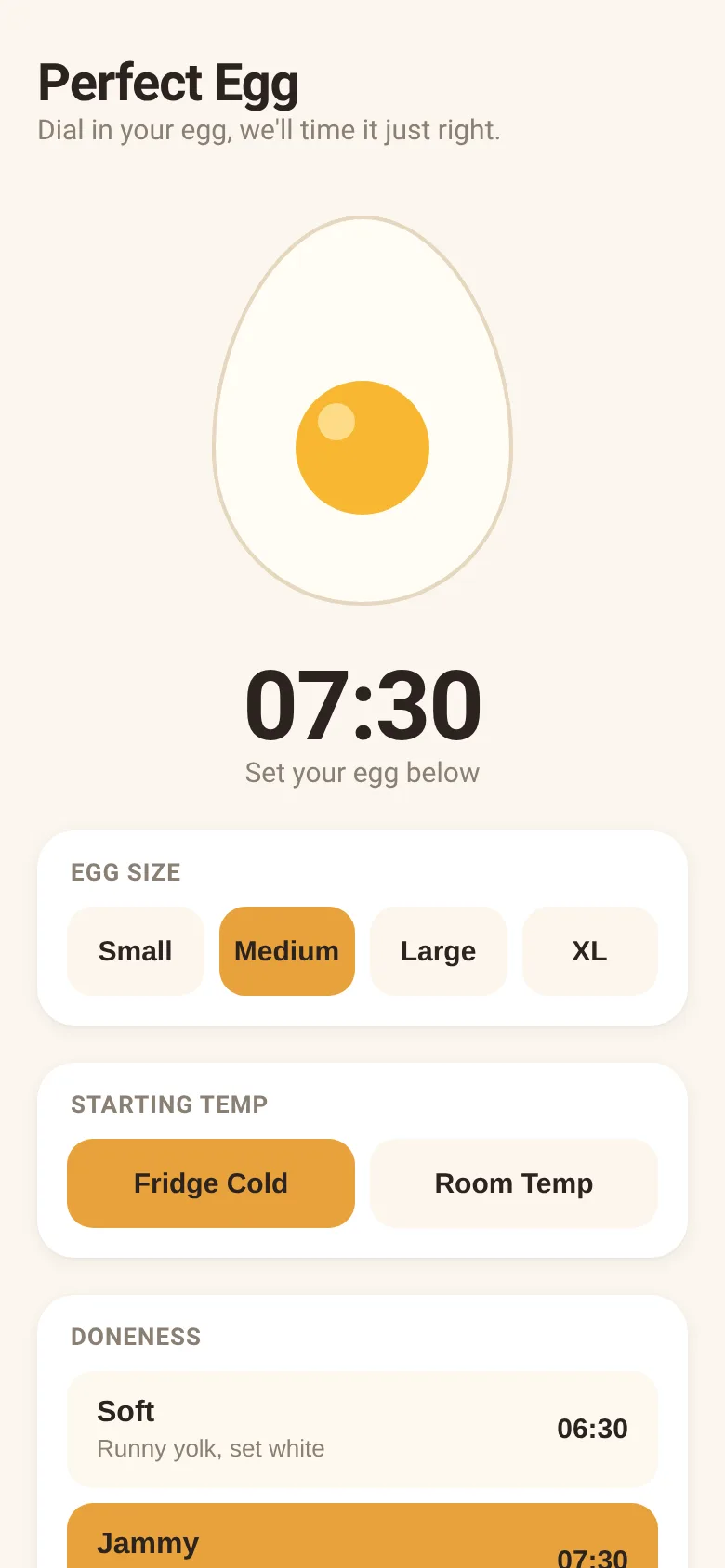
Boiling eggs seems simple but timing is everything: too short and the yolk is runny, too long and you get that grey ring. This timer accounts for egg size, whether it started in the fridge or at room temperature, and your preferred doneness level—soft, jammy, medium, or hard. It calculates the exact seconds needed and shows you a live cross-section of the egg where the yolk visibly firms up as the timer runs.
What it does
Pick your egg size from small to XL, choose whether it came from the fridge or room temperature, and select how you want the yolk: runny with a set white, thick and glossy, fudgy, or fully set. The app displays your boil time and shows an animated egg with a yolk that darkens and shrinks as time passes. Start, pause, or reset the countdown with buttons, and get a musical alarm when the egg is ready.
Key features
- Size and temperature adjustments Accounts for small, medium, large, or XL eggs starting cold from the fridge or at room temperature.
- Four doneness levels Choose soft, jammy, medium, or hard, each with a description and the calculated time for your settings.
- Live yolk animation The egg cross-section shows the yolk changing color and shrinking as cooking progresses.
- Pause and resume Start the timer, pause if you need to attend to something, and resume when ready.
- Alarm when done A musical chime plays automatically when the countdown reaches zero.
How to use it
- Tap your egg size: small, medium, large, or XL.
- Choose the starting temperature: fridge cold or room temperature.
- Pick your doneness: soft, jammy, medium, or hard.
- Tap Start to begin the countdown.
- When the alarm sounds, remove the egg from the water immediately.
Who it’s for
Home cooks who want reliably perfect boiled eggs without guesswork. Works on any device with a browser, whether in the kitchen or at the stovetop.
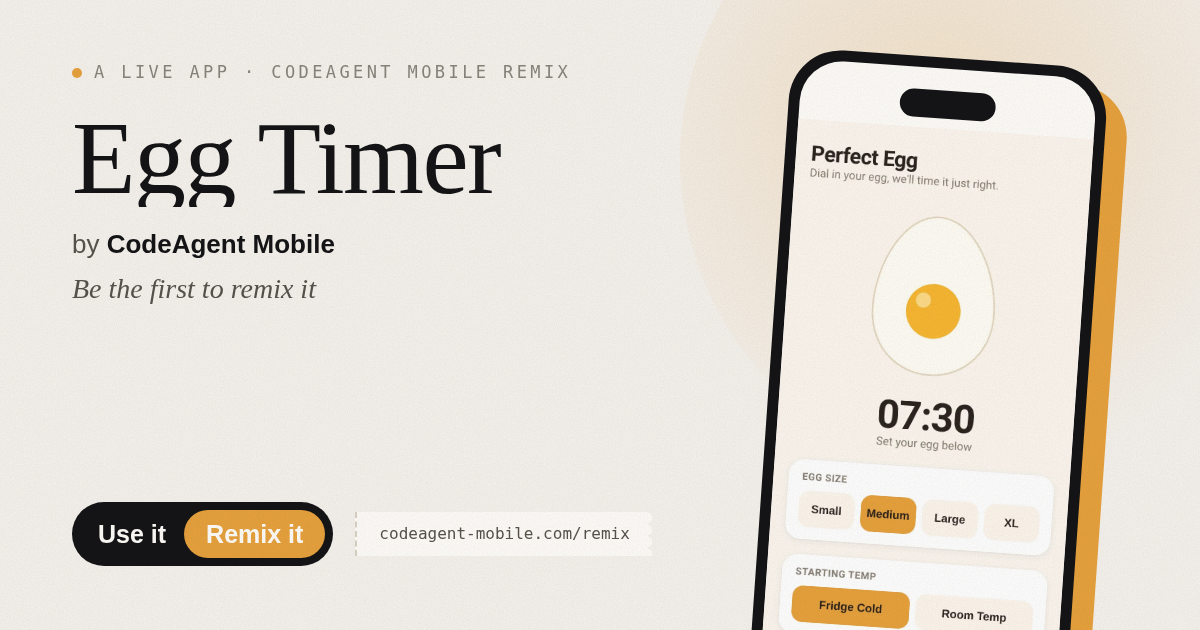
The app’s share card (1200×630)
Questions and answers
How do I start timing?
Select your egg size, starting temperature, and doneness level, then tap Start. The timer counts down in minutes and seconds while the yolk animates.
Does it save my settings?
The app remembers your last choice of doneness while you adjust other settings, but resets when you close the page.
Can I pause the timer?
Yes. Tap the Pause button (which replaces Start during cooking) to stop the countdown, then tap Resume to continue.
Will it work on my phone?
Yes, it works on any phone or tablet with a web browser. The display and buttons scale to fit your screen.
More food & drink apps
- Icebreakers · Swipe through fun, deep, work, and family icebreaker questions and save your favorites for parties and teams.
- Pitch Timer · Write cue cards, pick a 30/60/90-second timer, and rehearse your pitch with haptics and per-card timing feedback.
- Sun Arc · See the sun's arc across the sky for any latitude and day, with sunrise, sunset, day length, and golden hour windows.
- Big Text · Flash giant text across a room in auto-fit or scrolling marquee mode, with color themes and a gentle blink for safety.
- Shot List · Plan video scenes with shot cards, durations, and location tags. Check off shots as you film to track progress.
- Tally Counter · Track multiple named counts with big tap targets, haptics feedback, and one-tap undo on reset.