Web app · Productivity
Hours Saved Calculator
See how many hours you get back each week and year by automating tasks.
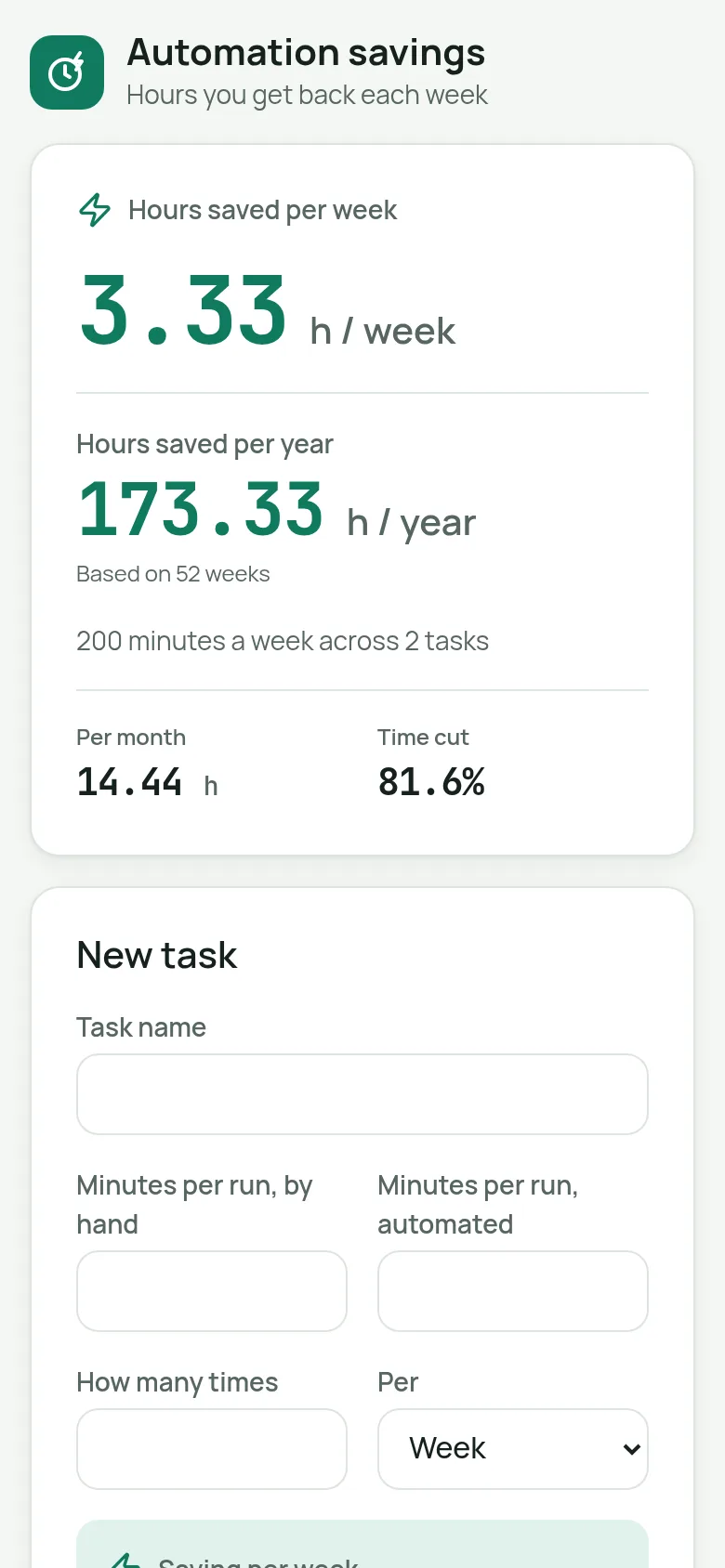
When you automate a task, you trade a small setup effort for ongoing time savings. It's hard to feel that benefit day to day. This calculator lets you track each automation you create: enter the task name, how long it takes to do manually, how long the automated version takes, and how often you run it. The app then shows you how many hours per week and year you're getting back across all your automations.
What it does
You enter each task you've automated: its name, how many minutes it takes to do manually versus with automation, how many times per week you run it, and which days you work. The app displays your total hours saved per week in a large, animated number, plus hours per month and per year. It also shows the percentage of time you've cut from manual work. You can edit, delete, or add more tasks; deletions can be undone.
Key features
- Weekly and yearly savings at a glance See total hours saved per week and per year across all your automated tasks in large, easy-to-read numbers.
- Per-task tracking Add each automation with its manual time, automated time, and frequency to build an accurate picture of your savings.
- Monthly and percentage breakdowns View hours saved per month and what percentage of your manual work time you've cut through automation.
- Edit and delete tasks Change any task details or remove it; deletions show an undo button for three seconds.
- Work-day flexibility Set how many work days per week you operate to match your actual schedule.
How to use it
- Enter the name of a task you have automated.
- Type how many minutes it takes to do manually and how long with automation.
- Enter how many times per week you run it.
- See your total hours saved update instantly at the top of the page.
- Add more tasks to build your complete savings picture, or edit any task to adjust the numbers.
Who it’s for
Anyone who automates tasks—developers, office workers, makers, or anyone else—who wants to understand and track the time benefits of their automations.
What’s new in this version
The latest change added a yearly savings view, so you can see your time gains over a full year at a glance.
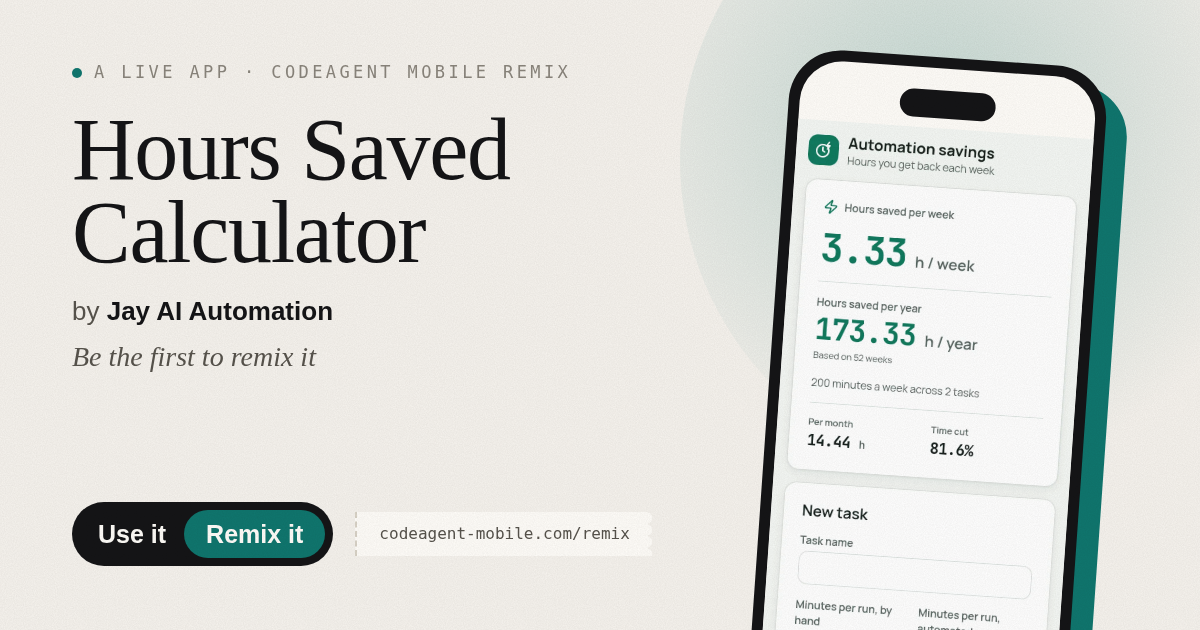
The app’s share card (1200×630)
Questions and answers
Does it save my tasks?
Yes. Your tasks are saved in your browser's local storage, so they persist when you close and reopen the page.
Can I use this on my phone?
Yes. The calculator works on any device with a web browser and adapts to phone, tablet, and desktop screens.
What if I make a mistake?
You can edit any task by clicking it, or delete it and undo within a few seconds if you change your mind.
How does it calculate the savings?
It multiplies (minutes manual minus minutes automated) by how many times per week you run the task, then sums across all your tasks. The yearly figure assumes 52 weeks.
More productivity apps
- Historial Clínico Pet · Sistema para registrar y gestionar el historial médico completo de perros y gatos: vacunas, visitas, tratamientos, peso y avisos de vencimiento.
- Icebreakers · Swipe through fun, deep, work, and family icebreaker questions and save your favorites for parties and teams.
- Pitch Timer · Write cue cards, pick a 30/60/90-second timer, and rehearse your pitch with haptics and per-card timing feedback.
- Sun Arc · See the sun's arc across the sky for any latitude and day, with sunrise, sunset, day length, and golden hour windows.
- Big Text · Flash giant text across a room in auto-fit or scrolling marquee mode, with color themes and a gentle blink for safety.
- Shot List · Plan video scenes with shot cards, durations, and location tags. Check off shots as you film to track progress.