Web app · Travel & outdoors
Phrasebook: 40 essential travel phrases in 5 languages
Speak phrases aloud in Spanish, French, Italian, German, or Portuguese. Save favorites and show big text to people nearby.
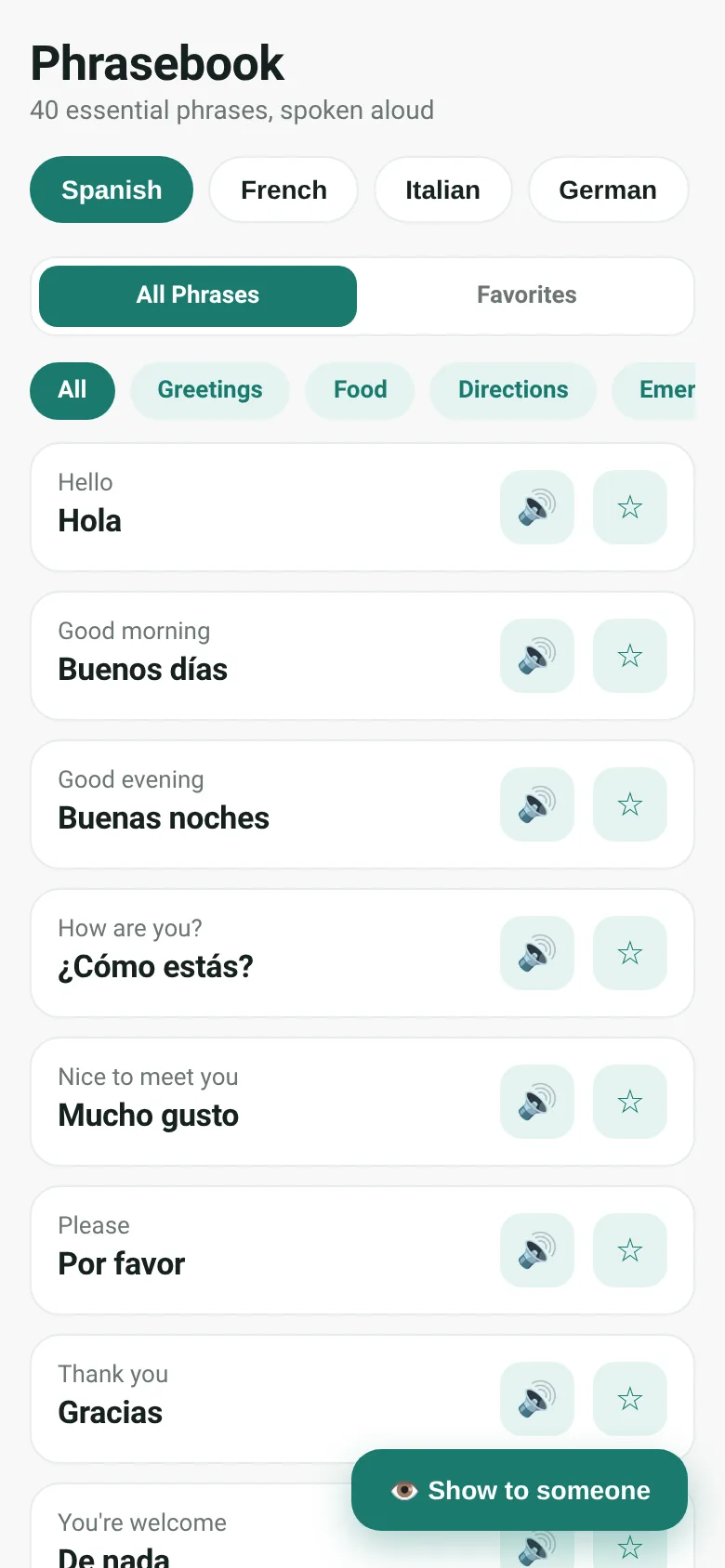
When traveling, you need phrases fast—for greetings, ordering food, asking directions, or emergencies. Phrasebook keeps 40 essential phrases grouped by situation. Pick your language, tap to hear it spoken aloud, and tap again to show the phrase in large text on your screen so someone nearby can read it.
What it does
You choose a language from five options and browse 40 phrases organized into four groups: Greetings, Food, Directions, and Emergencies. Tap any phrase to open a full-screen display with the English and translation side by side, with a speaker button to hear the phrase aloud. Tap the star icon to save phrases to a Favorites tab. Use the Show to Someone button at the bottom to instantly display any phrase in large text for a nearby person to read.
Key features
- Five languages Spanish, French, Italian, German, and Portuguese, each with browser speech synthesis.
- Four situation groups Greetings, Food, Directions, and Emergencies.
- Favorites Star phrases to save them and view only those on the Favorites tab.
- Show to someone mode Display any phrase full-screen with large text so a nearby person can read it.
- Spoken pronunciation Tap the speaker icon to hear each phrase pronounced by the browser.
How to use it
- Tap a language button at the top to choose Spanish, French, Italian, German, or Portuguese.
- Tap a group chip (Greetings, Food, Directions, or Emergencies) to filter phrases by situation.
- Tap a phrase card to open it full-screen, then tap the speaker icon to hear it spoken.
- Tap the star icon to save a phrase to your Favorites tab.
- Tap the Show to Someone button at the bottom to display a phrase in large text.
Who it’s for
Travelers who speak English and need quick access to essential phrases in another language, especially those in face-to-face situations where they need to show text aloud or display it to someone nearby.
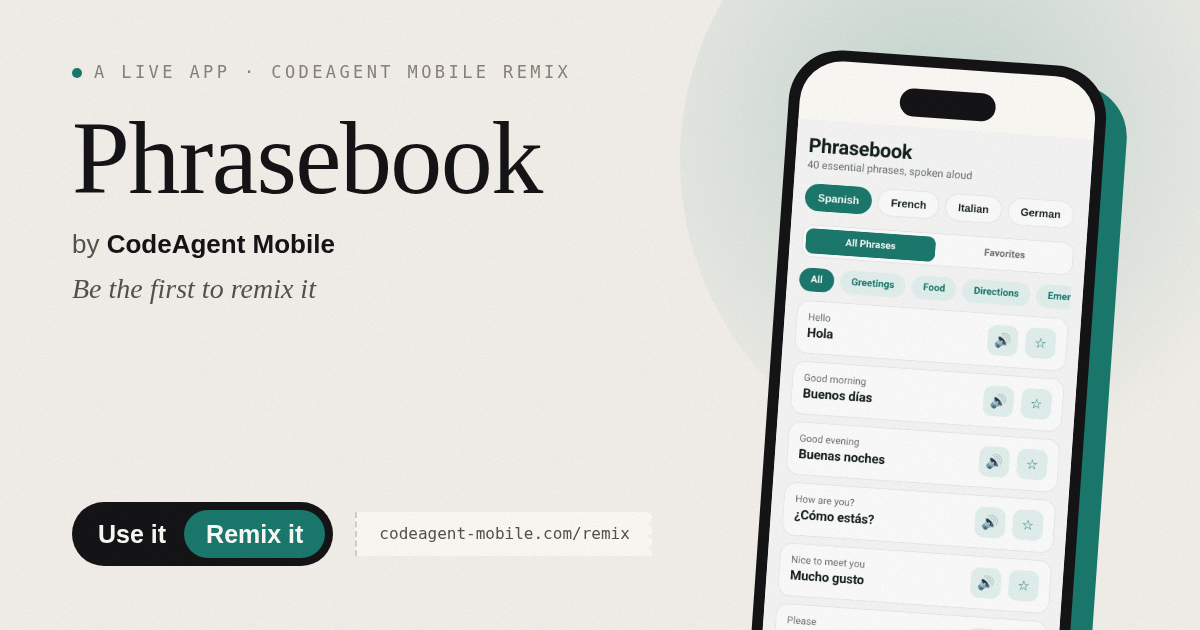
The app’s share card (1200×630)
Questions and answers
Does it work offline?
Yes, it works entirely in your browser. Speech synthesis requires an internet connection in some browsers.
Do favorites save between visits?
Yes, your starred phrases are saved in your browser's local storage.
Can I use it on my phone?
Yes, it works on phones, tablets, and desktops.
Which browser should I use?
Any modern browser (Chrome, Firefox, Safari, Edge). Speech synthesis quality depends on your browser and device.
More travel & outdoors apps
- ABC Explorer · Swipe through big letter cards with emoji words, then play a game to find matching letters. For children learning their ABCs.
- Visited Countries · Check off countries you've visited by continent and see your world travel percentage. Track progress with visual rings for each continent.
- Vocab Swipe · Swipe French vocabulary cards to master them. Tap to flip, swipe right to mark as known, left to review later, and watch your progress in real time.
- Interview Bank · Post and upvote real interview questions by role and type. Mark questions you were asked to build your prep list.
- Study Hours · Log study sessions by subject and minutes. See your group's weekly hours, leaderboard, and a heatmap of the busiest study days.
- Trip Ideas · Propose activities for each day of a trip, vote together in real time, and see the winning timeline emerge as your group decides.