Web app · Music & audio
Pocket Piano
A two-octave keyboard you can play by tapping keys or holding them, with pre-recorded melodies to play.
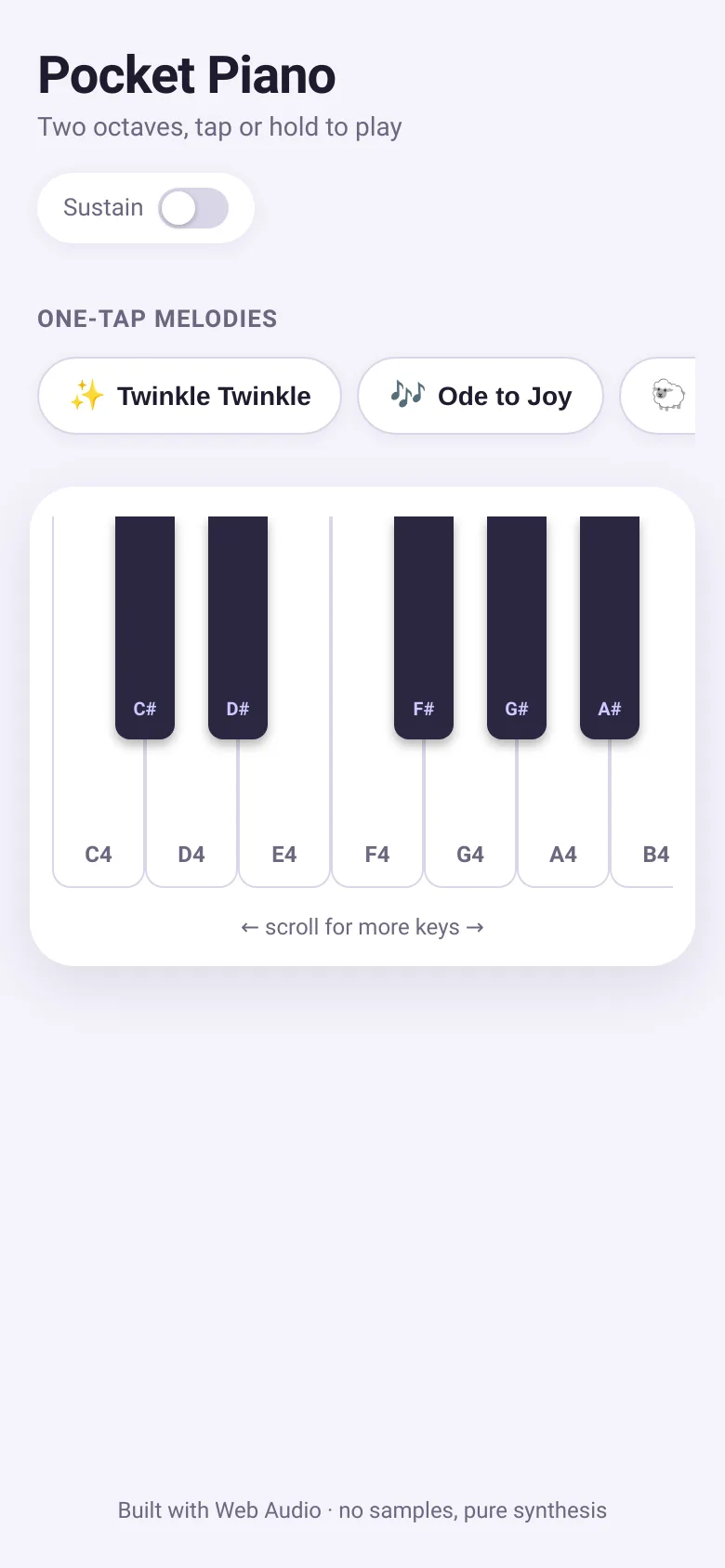
Want to play piano on your phone or computer without installing anything? Pocket Piano gives you a 24-key keyboard with a warm, full sound made entirely through synthesis. Tap individual keys to play notes, hold them to sustain, or tap one-touch melodies like Twinkle Twinkle or Ode to Joy.
What it does
You see a piano keyboard laid out on screen with white and black keys, each labeled with its note name. Tap any key to play that note; hold your finger or pointer for as long as you want it to ring. A sustain toggle lets you hold notes longer after you release. Below the keyboard are four melody buttons—tap any one to hear a short tune play automatically.
Key features
- Two-octave keyboard 24 white and black keys from C4 to B5, labeled so you know what you are playing.
- Sustain pedal toggle Turn sustain on to let notes ring longer after you release the key; turn it off for quicker decay.
- One-tap melodies Four built-in tunes—Twinkle Twinkle, Ode to Joy, Mary Had a Lamb, and Happy Tune—play with one tap.
- Warm synthesized tone No audio files: the app generates sound in real time using triangle and sine waves with a low-pass filter.
- Responsive to touch and mouse Works on phones, tablets, and desktops; hold or tap with any pointer device.
How to use it
- Tap any white or black key on the keyboard to play that note.
- Hold your finger on a key to keep the note sounding; release to stop.
- Toggle the Sustain switch on to make notes ring longer after you release.
- Tap any emoji-labeled melody button to hear a short tune play automatically.
- Scroll left or right to see more keys if your screen is narrow.
Who it’s for
Anyone who wants to play piano in a browser without downloading software—from curious beginners to people who want a quick musical tool on their phone or computer.
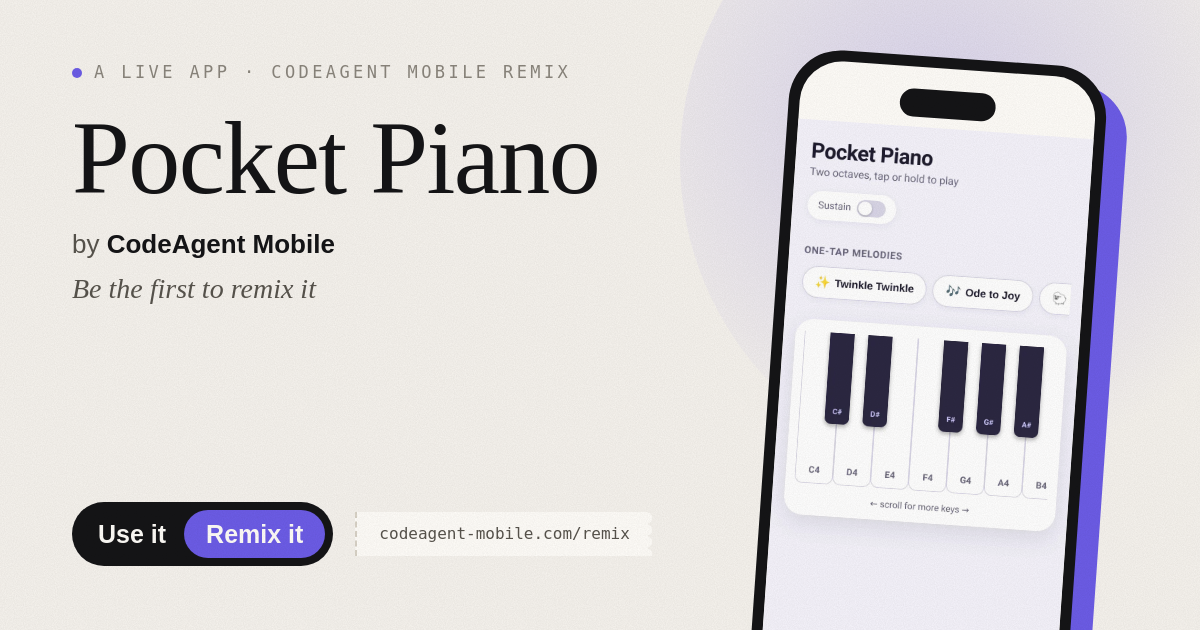
The app’s share card (1200×630)
Questions and answers
Do I need to download or install anything?
No. Pocket Piano runs in your web browser and works right away.
Does it work on my phone?
Yes. It works on any device with a web browser, including phones and tablets.
Can I save the songs I play?
The app does not record or save your own playing, but it does save your sustain preference.
How do I play a note?
Tap or click any key on the keyboard. Hold your finger on a key to keep it sounding longer.
More music & audio apps
- Community Beat · साझा बीट बनाएँ: स्टेप दबाएँ, डीजे प्रीसेट चुनें, और सब मिलकर संगीत तैयार करें। वीडियो में एक्सपोर्ट करें।
- Community Beat · Tap drum steps on a shared 16-step beat that everyone editing it hears together. Load DJ presets, mute and solo tracks, export video or audio.
- Haunted Beat · A shared drum machine where everyone taps the grid together to build beats. Dancing pumpkins groove to the rhythm you create.
- Community Beat · Coloca casillas en pistas de batería y escucha el patrón que todos construyen juntos en tiempo real. Exporta tu sesión como video o audio.
- Chord Charts · Pick a root note and chord type to see a fretboard diagram with finger positions. Build common song progressions step by step.
- Collab Beat · Toggle steps on a shared drum loop with kick, snare, hi-hat and clap. Press play to hear the beat everyone built together, synthesized live.