Mobile app · Tools & utilities
Flip a coin and hear both sides of your question
Ask a yes-or-no question, flip a coin, and get arguments for why you should and why you should not.
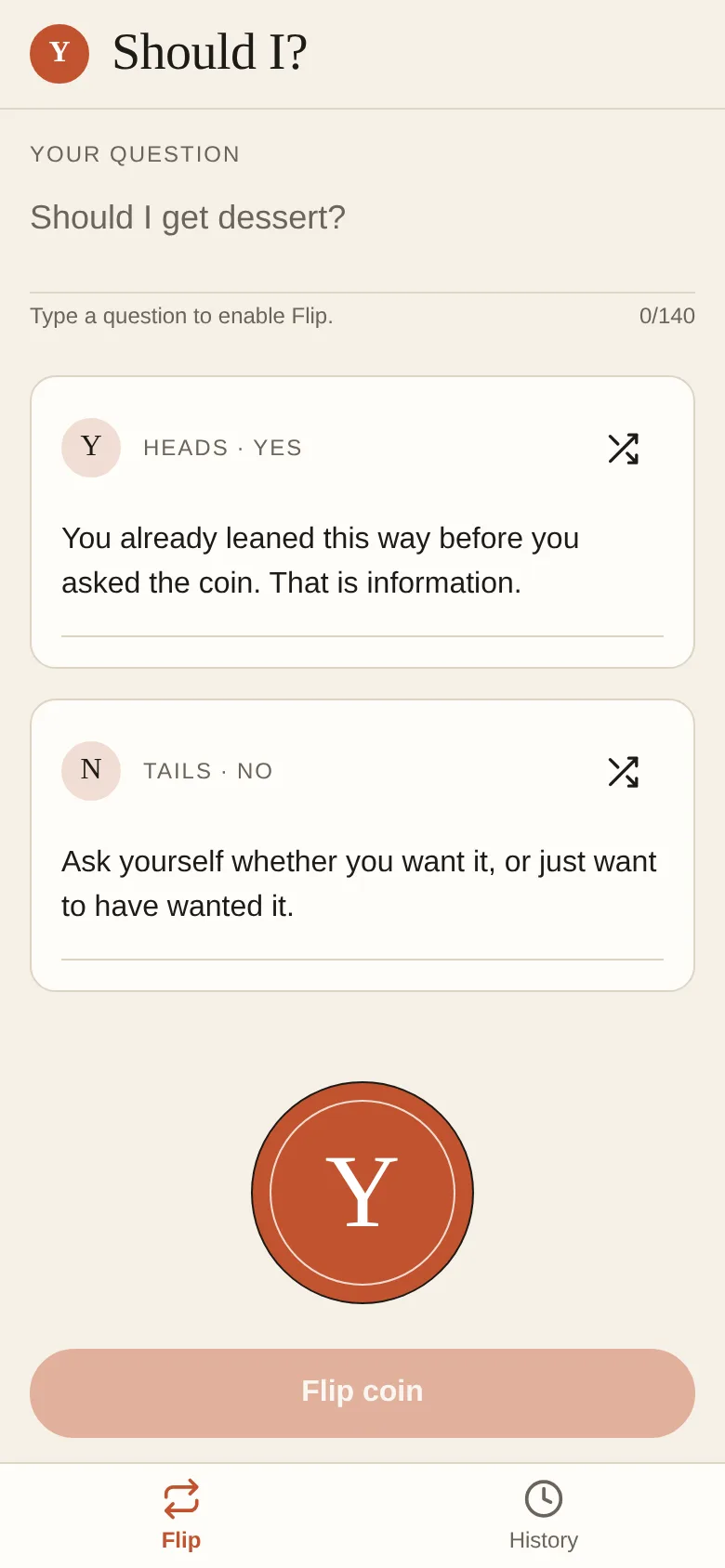
When you are torn between two choices, a coin flip can break the tie—but it only tells you heads or tails. Should I goes further: you ask your yes-or-no question, flip the coin, and then read two arguments on cards, one for yes and one for no. You can shuffle for different arguments, write your own case for each side, and save all your decisions to look back on later.
What it does
You enter a yes-or-no question on the Flip screen. The app shows two cards side by side: one labeled Heads · Yes and one labeled Tails · No, each with an argument you can edit. You tap the coin to flip it; it spins and lands on one side. The winning card lights up. Both arguments stay visible so you can read the case for each choice. You can shuffle to get a different set of arguments, or write your own words on either card. Every flip is saved in your History, which you can review, delete entries from, or clear entirely.
Key features
- Animated coin flip Tap to spin the coin and watch it land on heads or tails.
- Arguments for both sides Read why you should and why you should not, then shuffle to see different takes.
- Edit or write your own case Replace any argument with your own words to match your real situation.
- History of decisions Review all your past flips and the arguments you used, with undo when you delete.
- Respects motion preferences If you have reduce motion on, the coin skips the spin and shows the result instantly.
How to use it
- Type your yes-or-no question into the text field on the Flip screen.
- Read the arguments on the Yes card and the No card, or tap shuffle to see different ones.
- Tap the coin to flip it.
- Look at which card lights up and read the argument for that side.
- Tap the Save button to store this flip in your History, or flip again to try a different question.
Who it’s for
Anyone who wants help making a small yes-or-no decision and needs to think through both angles. It works as a playful decision tool, a way to break a tie, or a conversation starter when you and a friend are weighing options together.
What’s new in this version
The app launched with the coin-flip feature that argues both sides of your question.
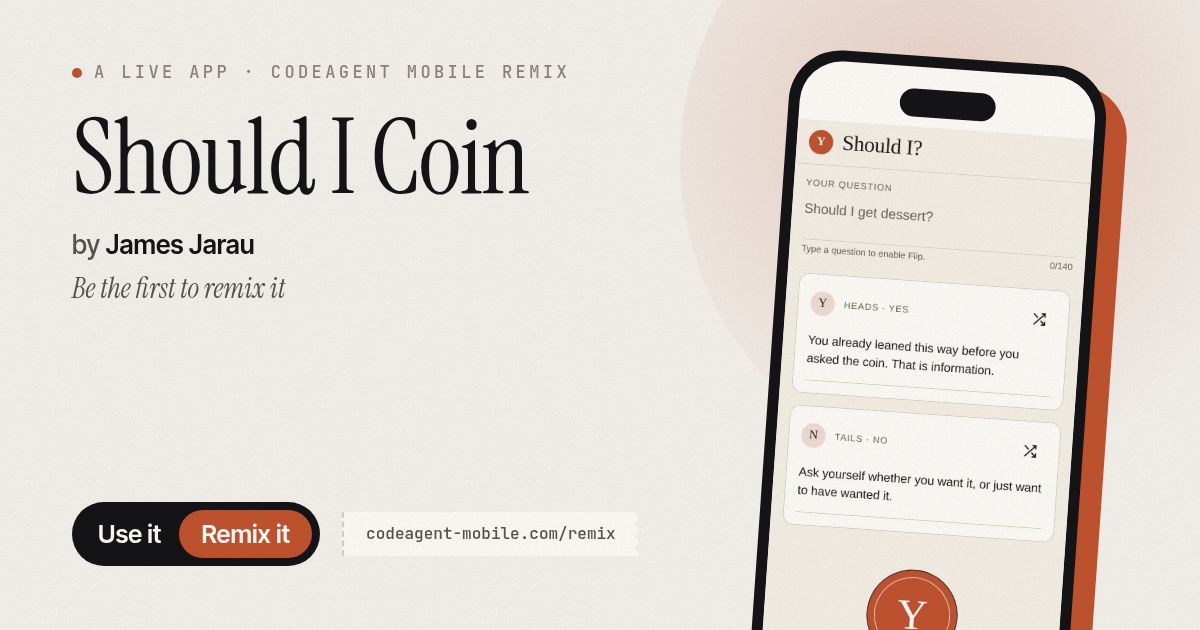
The app’s share card (1200×630)
Questions and answers
Does it save my flips?
Yes. Every flip is saved to History with the question and both arguments. You can review, delete, or undo deletions.
Can I use it on my phone?
Yes, it runs on iOS and Android phones.
What if I want to write my own argument instead of using the shuffle ones?
Tap into either the Yes or No argument card and type or paste your own text. The counter shows you how many characters you have left.
Can I share a flip with someone else?
The app does not have a built-in share button; you can take a screenshot and send it to someone, or read the question and arguments aloud.
More tools & utilities apps
- Community Beat · साझा बीट बनाएँ: स्टेप दबाएँ, डीजे प्रीसेट चुनें, और सब मिलकर संगीत तैयार करें। वीडियो में एक्सपोर्ट करें।
- Community Beat · Tap drum steps on a shared 16-step beat that everyone editing it hears together. Load DJ presets, mute and solo tracks, export video or audio.
- Meow Translator · Tap to decode your cat's meows into theatrical translations, then blast them with a dramatic soundboard. Fun for cat lovers and parties.
- Haunted Beat · A shared drum machine where everyone taps the grid together to build beats. Dancing pumpkins groove to the rhythm you create.
- Community Beat · Coloca casillas en pistas de batería y escucha el patrón que todos construyen juntos en tiempo real. Exporta tu sesión como video o audio.
- Icebreakers · Swipe through fun, deep, work, and family icebreaker questions and save your favorites for parties and teams.