Web app · Tools & utilities
Storm Distance
Measure how far a storm is by timing the gap between lightning and thunder.
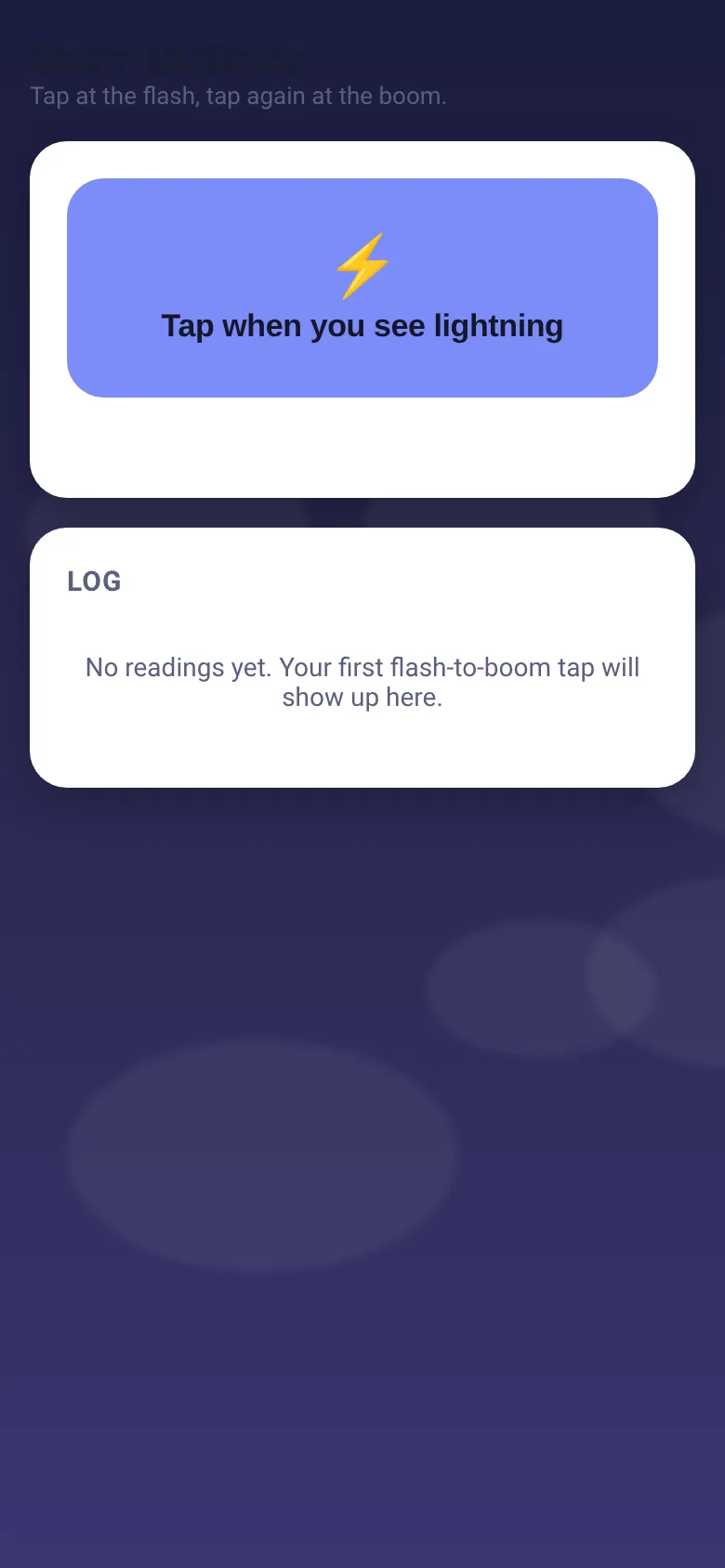
When a thunderstorm is near, you want to know if it's safe to stay outside or time to get indoors. Storm Distance turns your phone into a quick storm tracker. You tap once when you see the lightning flash, then tap again the moment you hear the thunder. The app calculates the distance in miles using the speed of sound, shows you safety advice based on how close the storm is, and keeps a running log so you can see if the storm is moving toward you or away.
What it does
The sky fills with animated clouds and a lightning bolt. After you tap for the lightning, a timer starts and the button prompts you to tap at the thunder. When you tap the second time, the app calculates the distance, displays it in large text with color-coded safety advice, and adds the reading to a log below. The log shows the distance, time, and whether each reading indicates the storm is approaching, receding, or holding steady compared to the previous measurement.
Key features
- Distance calculation Automatically calculates storm distance in miles based on the delay between light and sound.
- Safety advice by distance Shows color-coded guidance: danger zone (under 3 miles), striking range (3–6 miles), getting near (6–10 miles), or far off (over 10 miles).
- Storm trend tracking Logs each measurement with the time and compares it to the previous reading to show if the storm is approaching, receding, or steady.
- Visual feedback Animated clouds and lightning flash appear when you tap, and the sky darkens when the storm is closer than 6 miles.
- Persistent log Stores your last 50 measurements so you can track the storm over time across sessions.
How to use it
- Open the app and watch the sky with animated clouds.
- Tap the lightning button the instant you see a lightning flash.
- Tap the button again the moment you hear the thunder sound.
- Read the distance and safety advice in the card that appears.
- Check the log below to see if the storm is moving closer or farther away.
- Tap Measure again to take another reading and track how the storm moves.
Who it’s for
Anyone caught in or near a thunderstorm who wants to know quickly if it is safe to be outdoors, or who wants to track whether an approaching storm is getting closer or moving away.
The app’s share card (1200×630)
Questions and answers
How accurate is the distance?
The app assumes sound travels at 0.2 miles per second (roughly 1 mile per 5 seconds). This is accurate enough for practical safety decisions, though weather and air temperature can affect sound speed slightly.
Does the app save my measurements?
Yes. Each reading is saved to your device and stays in the log even if you close the app. The app keeps your last 50 measurements.
Can I use this on my phone?
Yes. Storm Distance works in any web browser on your phone, tablet, or computer.
What does the trend mean in the log?
The trend shows whether the storm is moving toward you (Approaching), moving away (Receding), or staying roughly the same distance (Steady) compared to your last reading.
More tools & utilities apps
- Icebreakers · Swipe through fun, deep, work, and family icebreaker questions and save your favorites for parties and teams.
- Pitch Timer · Write cue cards, pick a 30/60/90-second timer, and rehearse your pitch with haptics and per-card timing feedback.
- Sun Arc · See the sun's arc across the sky for any latitude and day, with sunrise, sunset, day length, and golden hour windows.
- Big Text · Flash giant text across a room in auto-fit or scrolling marquee mode, with color themes and a gentle blink for safety.
- Shot List · Plan video scenes with shot cards, durations, and location tags. Check off shots as you film to track progress.
- Tally Counter · Track multiple named counts with big tap targets, haptics feedback, and one-tap undo on reset.