Web app · Money
Worth It?: Convert any price into hours of work
See how many hours and days of your real work any purchase actually costs before you buy it.
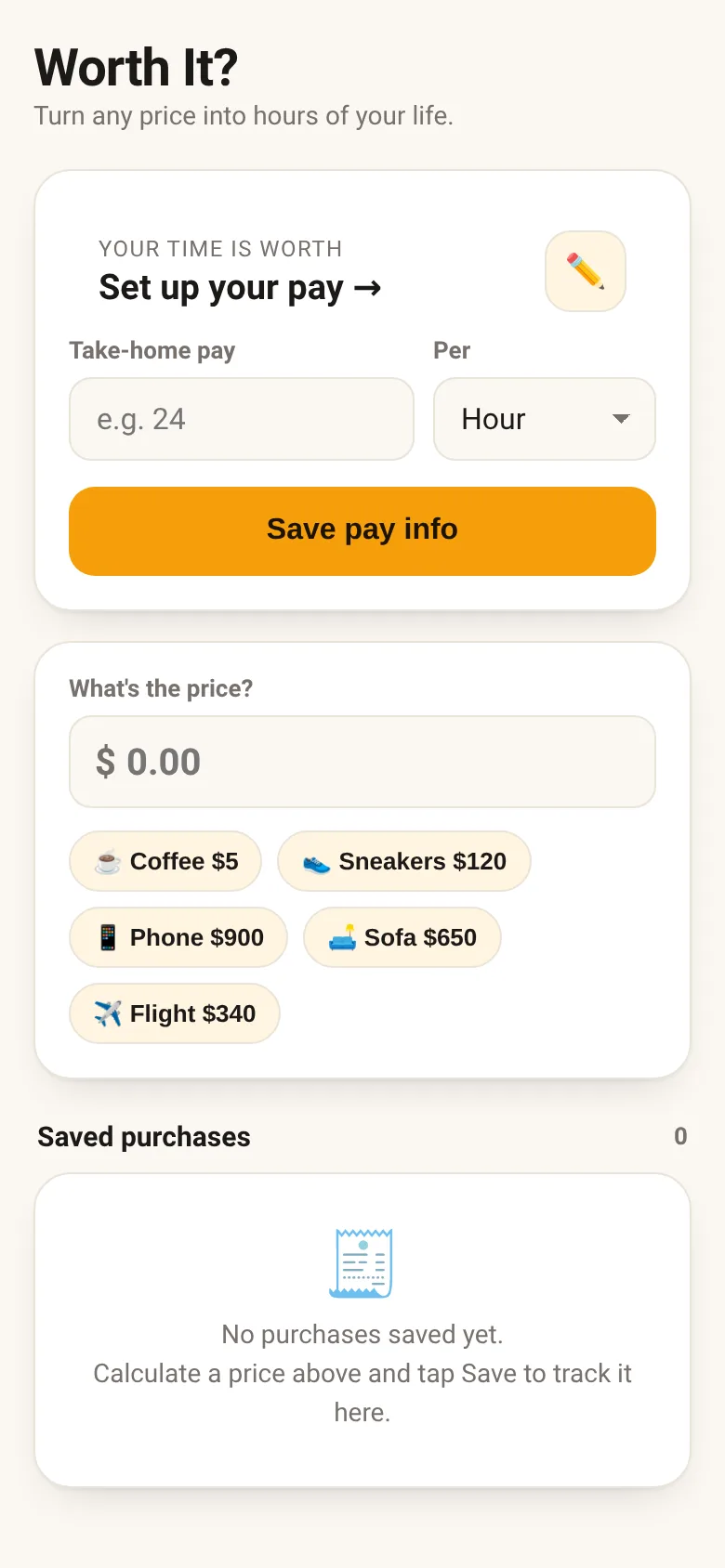
When you see a price tag, it's hard to know if something is worth your money—or your time. Worth It? lets you enter your take-home pay once, then instantly converts any price into hours and days of actual work. A coffee becomes 12 minutes of work. A new sofa becomes 6 days. You save purchases you calculate to build a list of your "is it worth it?" decisions.
What it does
You set your hourly rate by entering your take-home pay and how often you get paid. Then you type any price into the input field and see it instantly converted to hours and minutes of work, plus the number of work days that represents. An animated hourglass shows how much of your workday the purchase costs. You can save any calculation to a list with an optional label, and your saved purchases stay in the app for you to review later.
Key features
- One-time pay setup Enter your take-home pay once as hourly, monthly, or yearly. The app converts it to hourly rate for any calculation.
- Instant price conversion Type any price and instantly see how many hours and days of work it represents, with a message about what that means.
- Animated hourglass Watch sand flow to visualize how much of your workday the purchase costs.
- Save and review purchases Save any calculation with a name to a persistent list, then delete items and undo deletions.
- Quick-start chips Tap preset prices like coffee, sneakers, or flights to instantly see their work cost.
How to use it
- Tap the pencil icon to enter your take-home pay, pay frequency, and hours you work per week.
- Tap Save pay info once you have entered your details.
- Type or paste any price into the price field to see how many hours of work it costs.
- Optionally enter a name and tap Save to add it to your saved purchases list.
- Review your saved purchases anytime to see the work cost of things you have considered buying.
Who it’s for
Anyone who wants to think about purchases in terms of actual time and effort rather than abstract money. Good for people making budget decisions, comparing whether something is worth buying, or building awareness of spending habits.
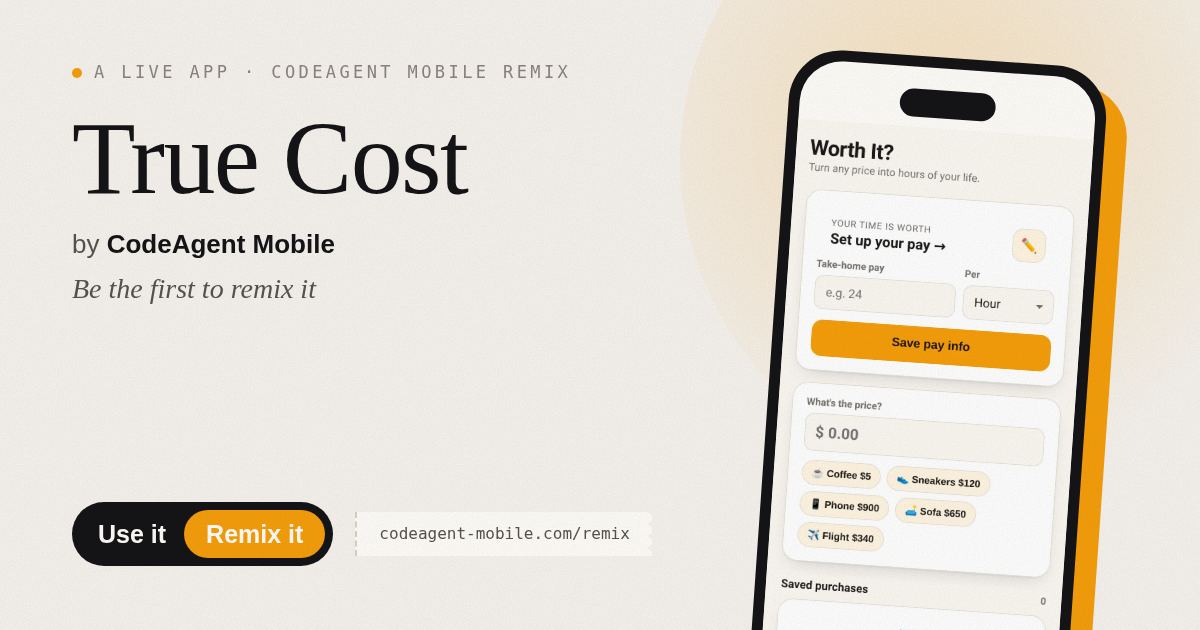
The app’s share card (1200×630)
Questions and answers
Where does my pay information stay?
Your pay rate and all saved purchases are stored in your browser's local storage. They stay on this device unless you clear your browser data.
Can I use this on my phone?
Yes. The app works on any browser on phone, tablet, or desktop. Just type the price and tap Save to keep your list.
What if I get paid differently each month?
Use your average take-home pay. You can update your hourly rate anytime by tapping the pencil icon.
Can I delete a saved purchase?
Yes. Tap the X button next to any saved purchase to remove it. You can undo the deletion with the Undo button that appears.
More money apps
- Icebreakers · Swipe through fun, deep, work, and family icebreaker questions and save your favorites for parties and teams.
- Pitch Timer · Write cue cards, pick a 30/60/90-second timer, and rehearse your pitch with haptics and per-card timing feedback.
- Sun Arc · See the sun's arc across the sky for any latitude and day, with sunrise, sunset, day length, and golden hour windows.
- Big Text · Flash giant text across a room in auto-fit or scrolling marquee mode, with color themes and a gentle blink for safety.
- Shot List · Plan video scenes with shot cards, durations, and location tags. Check off shots as you film to track progress.
- Tally Counter · Track multiple named counts with big tap targets, haptics feedback, and one-tap undo on reset.