Web app · Food & drink
Track your fridge items and get recipe ideas before they expire
Add what's in your fridge with expiry dates, see what needs using first, and find recipes that match your soon-to-expire items.
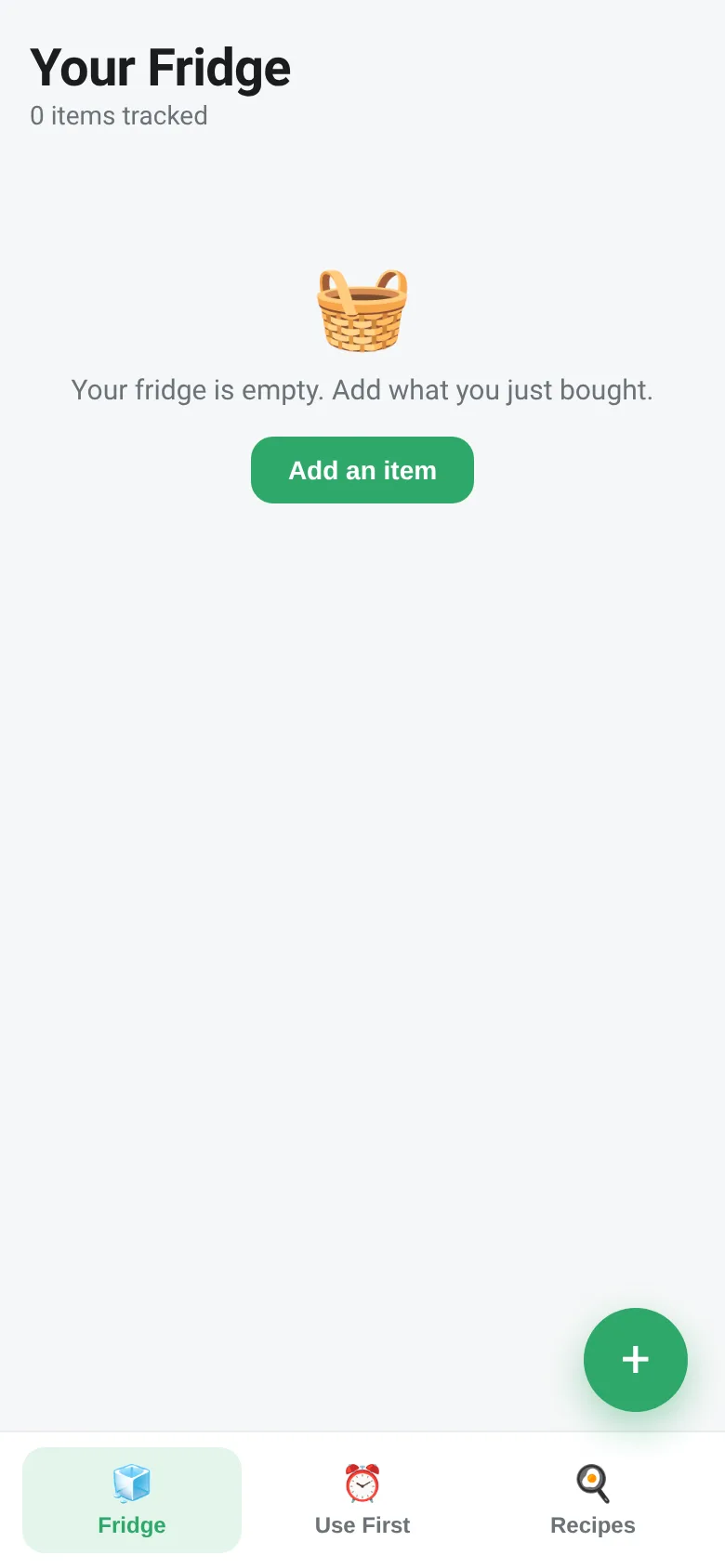
Letting food expire in your fridge wastes money and effort. Use It Up keeps a running list of everything you have with color-coded freshness: green for fresh, yellow for expiring within two days, and red for already gone. You see at a glance what you need to use, and the app suggests recipes from a built-in list that match your urgent items, so you can turn that spinach or mushroom into dinner before it spoils.
What it does
Open the app and tap the plus button to add any fridge item with its expiry date. The Fridge tab shows everything sorted by freshness—expired items at the top, items expiring soon in the middle, fresh items below. The Use First tab narrows the view to only urgent items expiring within two days. The Recipes tab scans your fridge and lists meals you can make, highlighting recipes that use items about to expire. All data saves to your browser automatically.
Key features
- Color-coded freshness Items turn red when expired, yellow when expiring within two days, and green when fresh.
- Use First list See only items expiring within two days on one quick, focused tab.
- Recipe matching Get suggestions from 18 built-in recipes ranked by how many urgent items you have for each one.
- Quick date entry Tap preset buttons like '3 days' or '1 week' to set expiry dates faster.
- Local storage All items save in your browser; nothing is sent to a server.
How to use it
- Tap the plus button to open the Add Item form.
- Type the item name (for example, Spinach) and set its expiry date using the date picker or quick preset buttons.
- Tap Add Item to save it to your fridge.
- Switch to Use First to see what needs using soonest, or to Recipes to find meals that match your expiring items.
Who it’s for
Anyone who buys groceries and wants to cut food waste, remember what's in their fridge, or find quick recipes based on what they have on hand.
What’s new in this version
Original release: tracks items with expiry dates, color codes by freshness, lists items expiring soon, and suggests recipes matched to urgent ingredients.
The app’s share card (1200×630)
Questions and answers
Does the app save my items?
Yes, all items save automatically in your browser's local storage. They persist until you delete them or clear your browser data.
Can I use this on my phone?
Yes, it works on any device with a web browser and is designed to be mobile-friendly.
How are the recipes chosen?
The app ranks 18 built-in recipes by how many of your urgent (expiring soon) ingredients they use, then by total matches in your fridge.
What if an item name doesn't match the recipes?
The matching is flexible and looks for partial matches—for example, adding 'spinach leaves' will still match recipes that need 'spinach'.
More food & drink apps
- Icebreakers · Swipe through fun, deep, work, and family icebreaker questions and save your favorites for parties and teams.
- Pitch Timer · Write cue cards, pick a 30/60/90-second timer, and rehearse your pitch with haptics and per-card timing feedback.
- Sun Arc · See the sun's arc across the sky for any latitude and day, with sunrise, sunset, day length, and golden hour windows.
- Big Text · Flash giant text across a room in auto-fit or scrolling marquee mode, with color themes and a gentle blink for safety.
- Shot List · Plan video scenes with shot cards, durations, and location tags. Check off shots as you film to track progress.
- Tally Counter · Track multiple named counts with big tap targets, haptics feedback, and one-tap undo on reset.