Mobile app · Health & fitness
Workout Timer: Custom HIIT routines and presets
Choose from five preset routines or create your own custom intervals, then run a guided workout with haptic feedback and a visual timer.
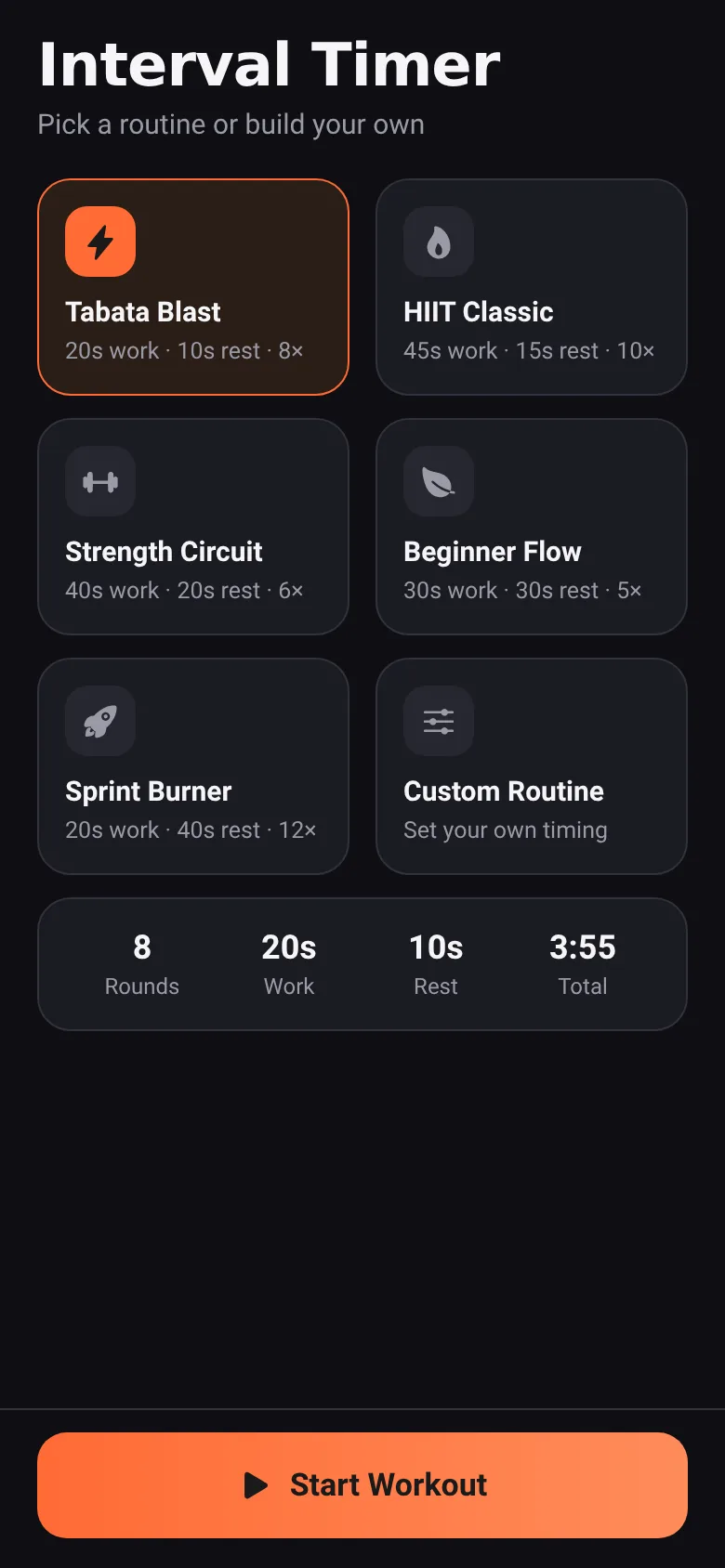
When you want to do a quick, high-intensity interval workout but don't have a coach or app, you either memorize timings or watch a timer by hand. Workout Timer solves this by letting you either pick a preset routine (Tabata, HIIT Classic, Strength Circuit, Beginner Flow, or Sprint Burner) or build your own by setting work seconds, rest seconds, and number of rounds. It then guides you through the workout with a large countdown timer, haptic taps, visual phase changes, and round tracking, all without voice.
What it does
On the setup screen, you select a preset routine or tap Custom Routine to adjust work time, rest time, and number of rounds using plus and minus buttons. Once you start, the app displays a full-screen countdown timer that changes color for each phase (prep, work, rest, done), shows your current round, taps your phone as each phase ends, and lets you pause, skip to the next phase, or stop at any time. When the workout is done, it shows a completion summary.
Key features
- Five preset routines Tabata Blast, HIIT Classic, Strength Circuit, Beginner Flow, and Sprint Burner are ready to start immediately.
- Custom routine builder Adjust work seconds (5–300), rest seconds (0–300), and rounds (1–30) to match your fitness level.
- Visual timer and phase labels Large countdown timer changes color and label for prep, work, rest, and done phases.
- Haptic feedback Phone taps notify you of phase changes and final countdown ticks without sound.
- Pause, skip, and end controls Pause and resume, skip to the next phase, or end the workout at any time during a run.
- Round tracking Visual dots and round counter show your progress through the workout.
How to use it
- Open the app and review the five preset routines or tap Custom Routine to set your own timings.
- Press Start Workout to begin with a 5-second prep countdown.
- Watch the large timer and phase label; pause, skip phases, or end as needed.
- When all rounds are complete, tap Finish to return to the setup screen.
Who it’s for
People who want a self-guided HIIT or interval workout on their phone without needing voice instructions or audio cues.
What’s new in this version
A JavaScript parsing error on line 261 of App.js has been fixed.
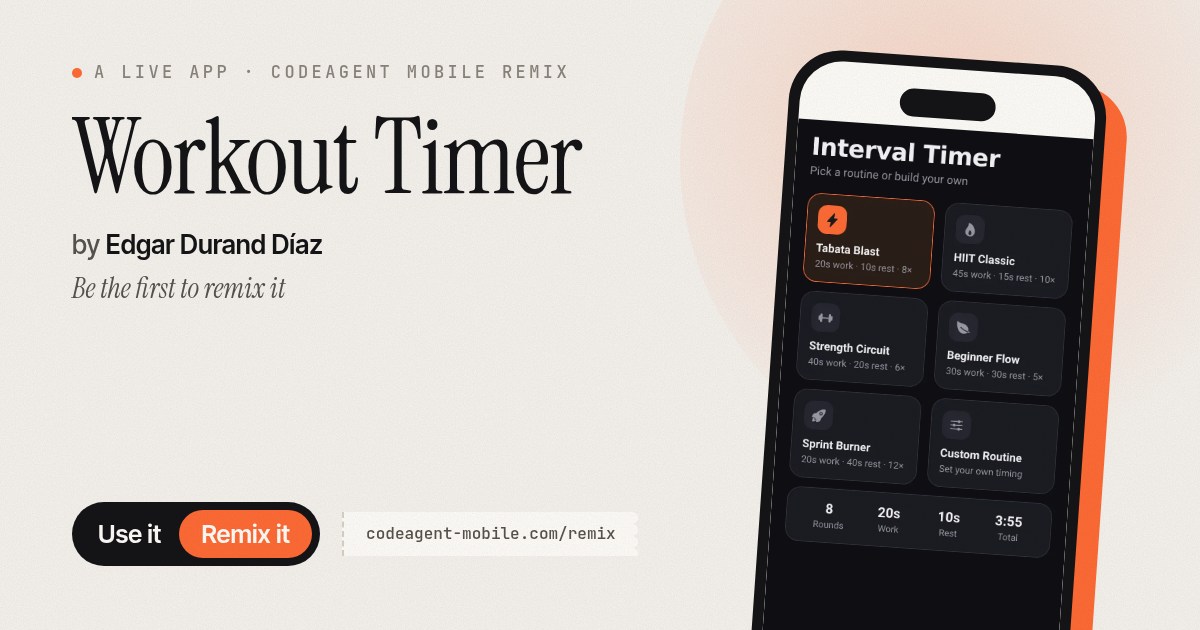
The app’s share card (1200×630)
Questions and answers
Do I need sound on to use this app?
No. The app uses silent haptic taps (phone vibrations) to notify you of phase changes and the final countdown. It works with or without sound.
Can I use custom routines I create later?
The app lets you adjust custom work, rest, and round settings each time you use it, but does not currently save custom routines between sessions.
Does this app work on my phone?
Yes, it is a mobile app for phones running React Native (iOS and Android).
What happens if I pause a workout?
The timer stops counting down. You can resume by pressing play, or end the workout entirely to return to the setup screen.
More health & fitness apps
- Walkies · Time your dog's walks, log pee and poop stops, and track daily walk minutes toward your goal. Simple, quick, and built for busy dog owners.
- Yoga Flow · A guided 12-pose beginner yoga sequence with timed holds, visual pose figures, a progress ring, and haptic feedback.
- Run Club · Post your runs with distance and time, see pace calculated instantly, and track the club's weekly total and leaderboard together.
- Pushup Challenge · Log daily push-ups, compete on a shared leaderboard, and help your group reach 10,000 reps together in 30 days.
- Jet Lag Plan · Enter your flight and time zones to get a day-by-day schedule of when to seek light, avoid light, sleep and have caffeine.
- Desk Stretch · A guided 4-minute desk stretch routine with six moves, a countdown timer, and a daily completion streak tracker.