Mobile app · Money
Cedi Ledger: manage your money in Ghana cedis
A finance app built for Ghana: track income, debts, savings, and business sales with budget alerts and MoMo statement import.
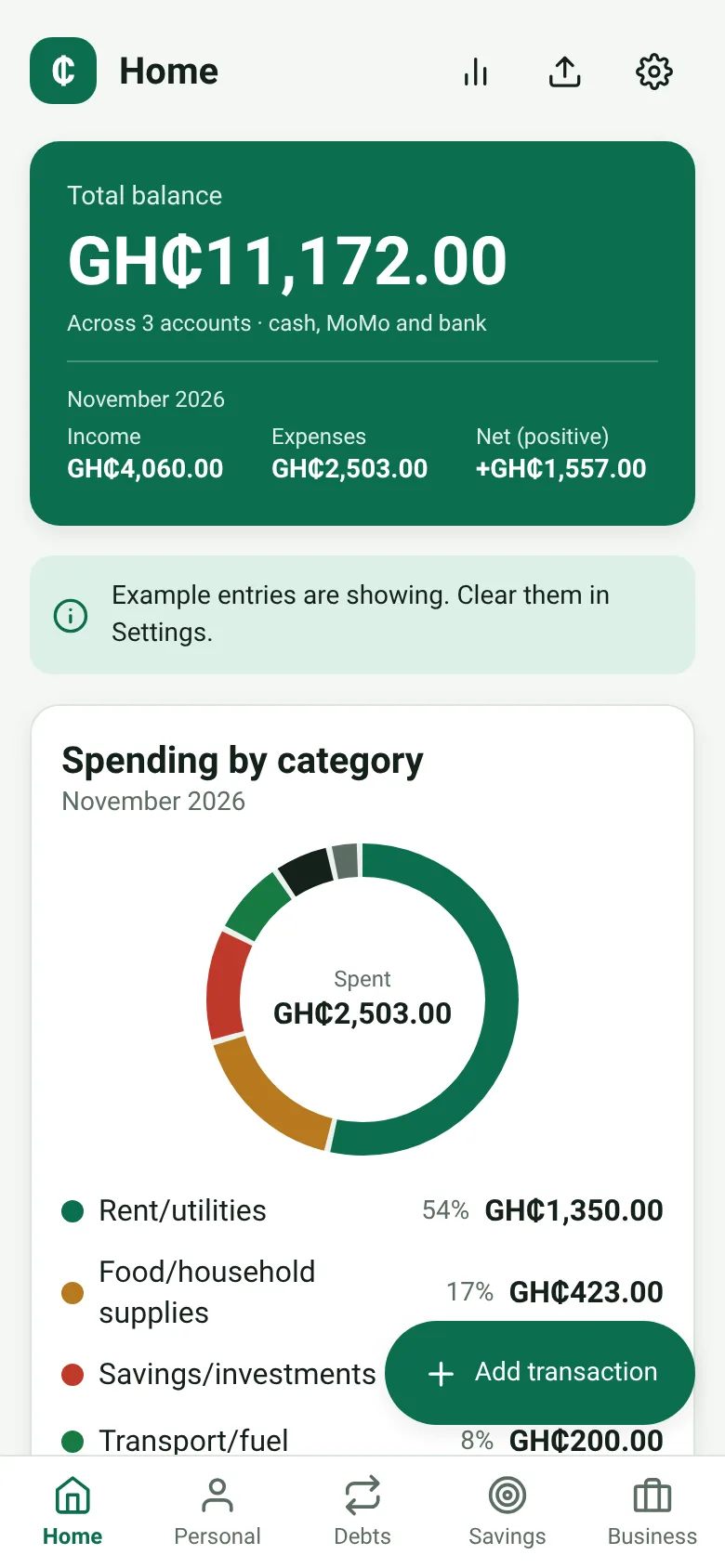
Keeping track of personal money, business sales, and debts across different pockets is hard. Cedi Ledger gives you one place to see everything in Ghana cedis. It splits your finances into four areas—personal spending, loans and debts, savings goals, and business trading—so you know where your money is and where it goes. You can import MoMo statements to automate transaction entry, set monthly spending limits by category, and lock your records with your phone's fingerprint or face.
What it does
When you open Cedi Ledger, you see a dashboard that shows your total balance, recent transactions, and upcoming debt repayments. You then pick a section: Personal to log income and everyday expenses, Debts to track what you owe and pay back, Savings to watch goals grow, or Business to record palm oil or coconut sales. You add transactions by typing the amount, picking a category, and adding a note. The app saves everything on your phone, calculates spending against your monthly budgets, and warns you when you are close to a limit.
Key features
- Four separate finance areas Personal income and expenses, loans and debts, savings goals, and business trading are tracked separately so you see each part clearly.
- Budget limits by category Set a monthly spending limit for categories like food, transport, rent, or business expenses; the app alerts you when you approach it.
- MoMo statement import Add transactions from your Mobile Money statements to save time typing them in by hand.
- Biometric lock Protect your financial data with your phone's fingerprint or face recognition; the app re-locks if you put it away for over a minute.
- All in Ghana cedis Amounts display and calculate in GH₵ so you see your money in the currency you use every day.
How to use it
- Open Cedi Ledger and unlock with your fingerprint or face if you set one up.
- Tap Personal, Debts, Savings, or Business to pick the area you want to record in.
- Press the plus button to add a transaction: type the amount, pick a category, and add a note.
- Set monthly budget limits by opening the Budget view; the app tracks spending and warns you when you are near a limit.
- Import a MoMo statement from the Import screen to add multiple transactions at once.
Who it’s for
People in Ghana who manage personal money, small debts, savings, and side businesses like palm oil or coconut trading. The app is for those who want to see spending by category and stay on top of what they owe.
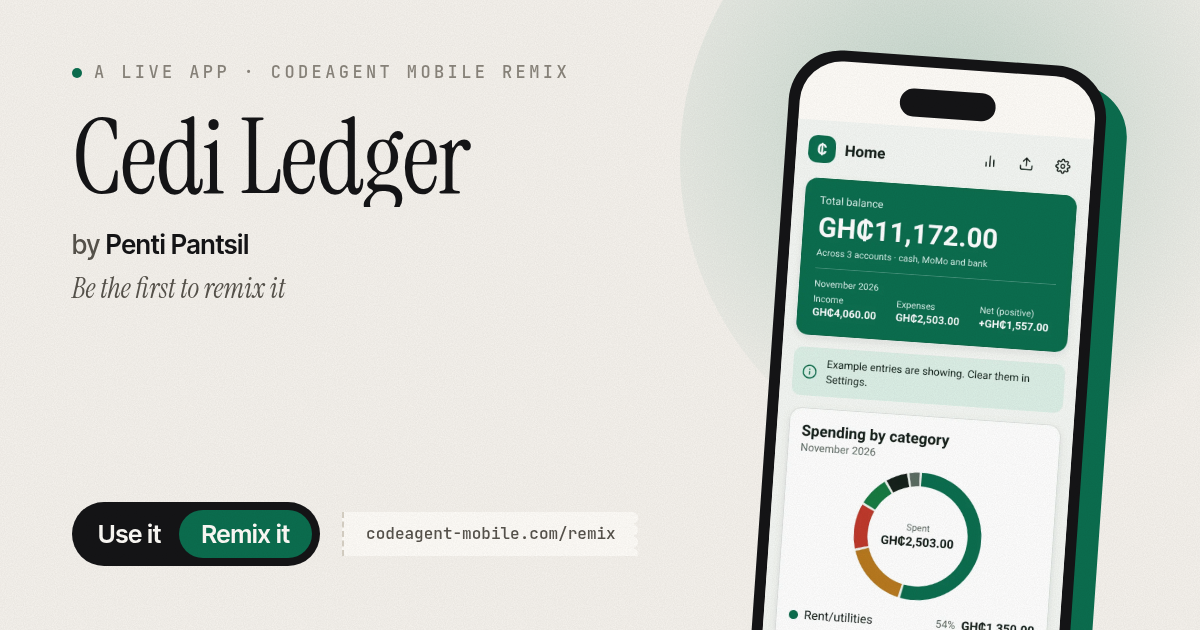
The app’s share card (1200×630)
Questions and answers
Does Cedi Ledger save my data?
Yes. All your transactions, budgets, and settings are saved on your phone. They stay private and do not upload to the internet.
Can I use it without setting up a lock?
Yes. The lock is optional. You can turn it off in settings if your phone does not have fingerprint or face recognition set up.
Can I edit or delete a transaction?
Yes. Tap a transaction to open it, then edit or delete it.
What does MoMo import do?
It lets you upload your Mobile Money statement so the app automatically creates transactions from it, instead of typing each one in by hand.
More money apps
- Icebreakers · Swipe through fun, deep, work, and family icebreaker questions and save your favorites for parties and teams.
- Pitch Timer · Write cue cards, pick a 30/60/90-second timer, and rehearse your pitch with haptics and per-card timing feedback.
- Sun Arc · See the sun's arc across the sky for any latitude and day, with sunrise, sunset, day length, and golden hour windows.
- Big Text · Flash giant text across a room in auto-fit or scrolling marquee mode, with color themes and a gentle blink for safety.
- Shot List · Plan video scenes with shot cards, durations, and location tags. Check off shots as you film to track progress.
- Tally Counter · Track multiple named counts with big tap targets, haptics feedback, and one-tap undo on reset.