Live shared web app · Music & audio
Community Beat: tap a shared drum machine with others in real time
Place drum hits on a 16-step grid, play them together instantly, and export your group beat as video or audio file.
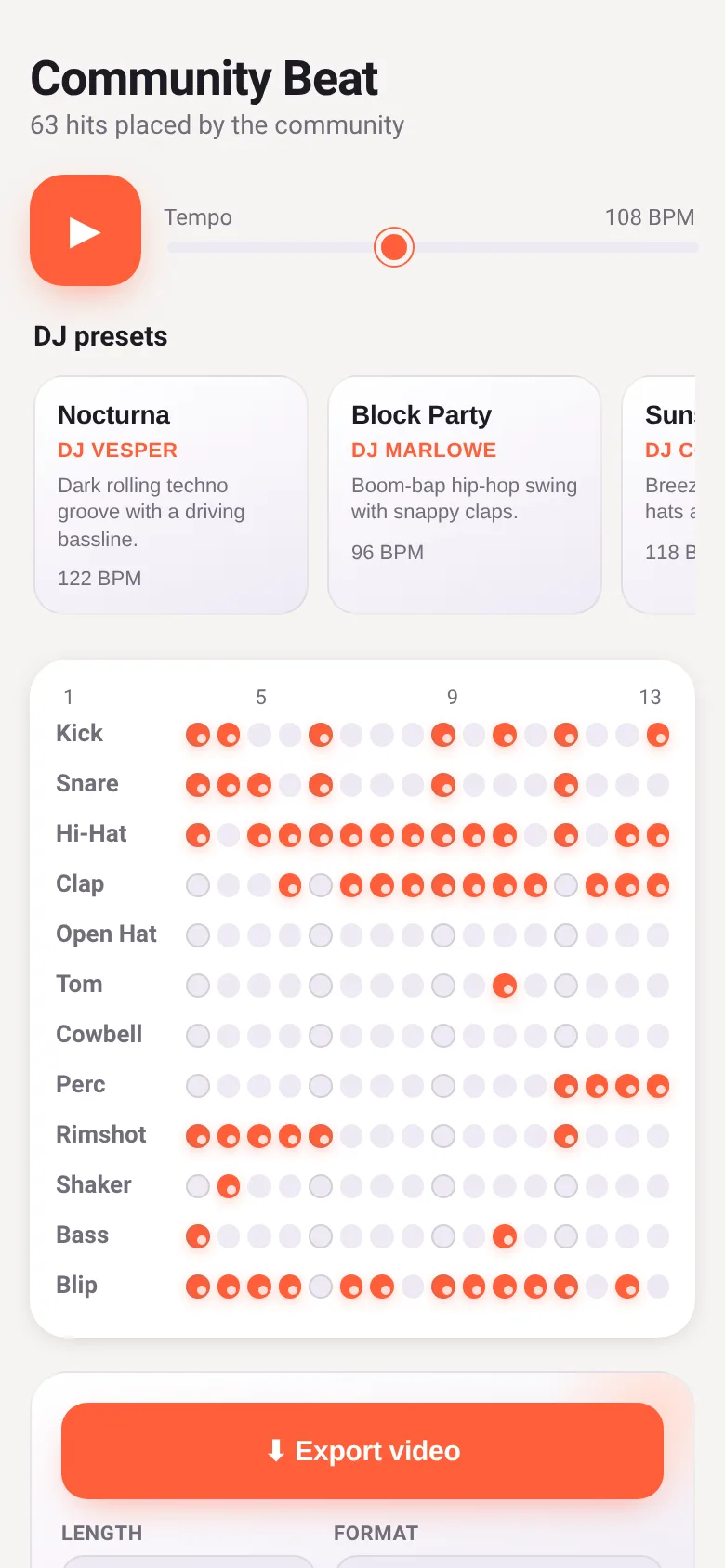
Making a beat alone is fun, but making one together is immediate and social. Community Beat puts a drum machine in front of everyone at once: each person taps steps on rows of drums (kick, snare, hi-hat, clap, cowbell, bass, and more), hears the shared rhythm play back in real time, and watches who just hit what. You can load a DJ-made preset to start from, adjust the tempo, and when you're done, export the whole session as a video or audio file to share.
What it does
You see a grid of 12 drum sounds across 16 steps. Tap any step to toggle a drum hit on or off. The beats play back immediately and sync with other people in the session. At the top, a live feed shows who just placed each hit. A tempo slider lets you speed up or slow down. Five DJ presets (Nocturna, Block Party, Sunset Drive, Sub Zero, Carnival Heat) load full beat patterns you can remix. Below the grid, you choose how many bars to export (4, 8, or 16) and pick a format: video (.webm) or audio only. Export starts when you click the button.
Key features
- 12 drum sounds per session Kick, snare, hi-hat, clap, open hat, tom, cowbell, percussion, rimshot, shaker, bass, and blip are available to place on the grid.
- Live activity feed Shows the last 12 hits placed with the user's name, the drum sound, step number, and how long ago it happened.
- DJ presets to start from Five hand-made patterns (Nocturna, Block Party, Sunset Drive, Sub Zero, Carnival Heat) load pre-placed beats you can then edit.
- Tempo control 70–160 BPM Drag a slider to speed up or slow down the beat while it plays.
- Export as video or audio Choose 4, 8, or 16 bars and download as .webm video or audio-only format.
How to use it
- Tap any step button on the grid to place a drum hit; tap again to remove it.
- Drag the tempo slider to change the speed, from 70 to 160 BPM.
- Click a DJ preset card at the top to load a ready-made beat pattern.
- Choose a length and format in the export section, then click the export button to download.
Who it’s for
Musicians, DJs, and groups who want to improvise and build beats together in real time, then save and share the result.
What’s new in this version
The latest changes added more sound choices to mix with, DJ-made preset patterns you can load and remix, export options for both video and audio, a live activity feed showing who hit what, and improvements to the export design and download feedback.
How it differs from Collab Beat
Community Beat expands Collab Beat with export to video and audio files, a live feed of each person's actions, DJ presets, more drum sounds, and a preset system that lets you load and customize full beat patterns instead of starting blank.
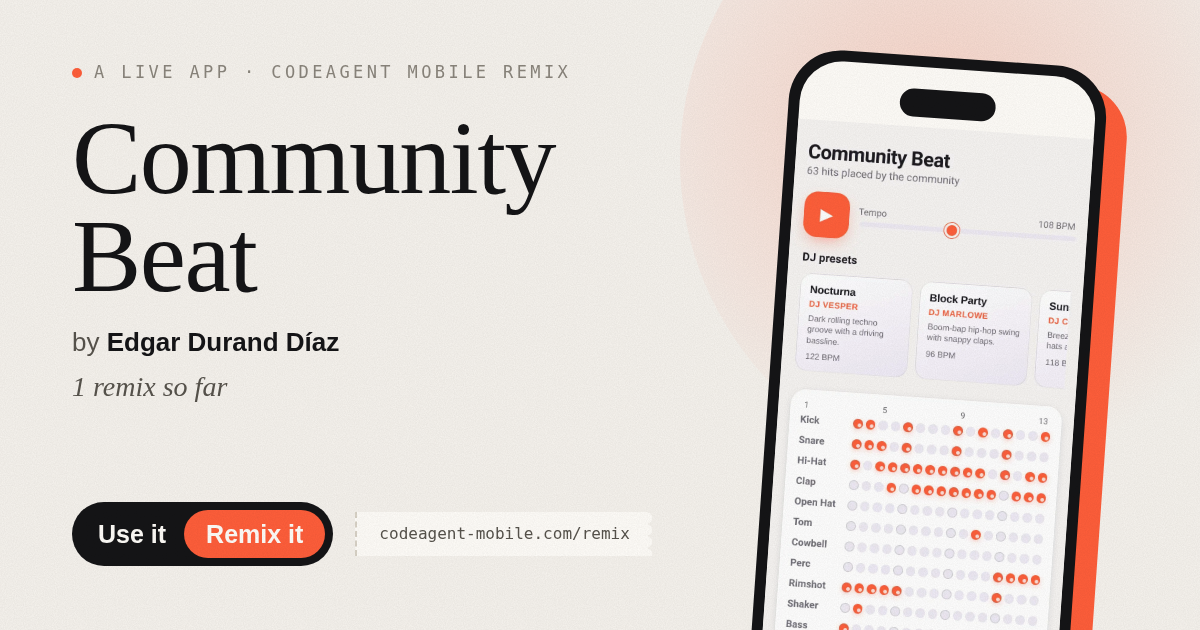
The app’s share card (1200×630)
Questions and answers
How do I save or continue my beat later?
Community Beat is a live shared session, not a personal project. Export your beat as a file to keep it; the session itself is temporary.
Can I use this on my phone?
Yes, the app is built to work on mobile browsers. Tap steps the same way as on desktop.
What formats can I download?
You can export as .webm video or audio-only format. Choose your length (4, 8, or 16 bars) before clicking export.
Do I need an account?
No sign-up is required. You join and play immediately; your actions are tagged with a short user ID.
Remix family
Remixed from Collab Beat · by CodeAgent Mobile
Remixes of this app
- Community Beat · jp8gy94kv7
- Haunted Beat · Edgar Durand Díaz
More music & audio apps
- Community Beat · साझा बीट बनाएँ: स्टेप दबाएँ, डीजे प्रीसेट चुनें, और सब मिलकर संगीत तैयार करें। वीडियो में एक्सपोर्ट करें।
- Meow Translator · Tap to decode your cat's meows into theatrical translations, then blast them with a dramatic soundboard. Fun for cat lovers and parties.
- Haunted Beat · A shared drum machine where everyone taps the grid together to build beats. Dancing pumpkins groove to the rhythm you create.
- Chord Charts · Pick a root note and chord type to see a fretboard diagram with finger positions. Build common song progressions step by step.
- Icebreakers · Swipe through fun, deep, work, and family icebreaker questions and save your favorites for parties and teams.
- Charades · Pick a category, flip words for 60 seconds, tap to score, and track team totals per round.