Live shared web app · Home & family
Family Chores: claim, complete, and earn together
A shared chore board where family members claim tasks, earn points, and race toward a weekly reward goal.
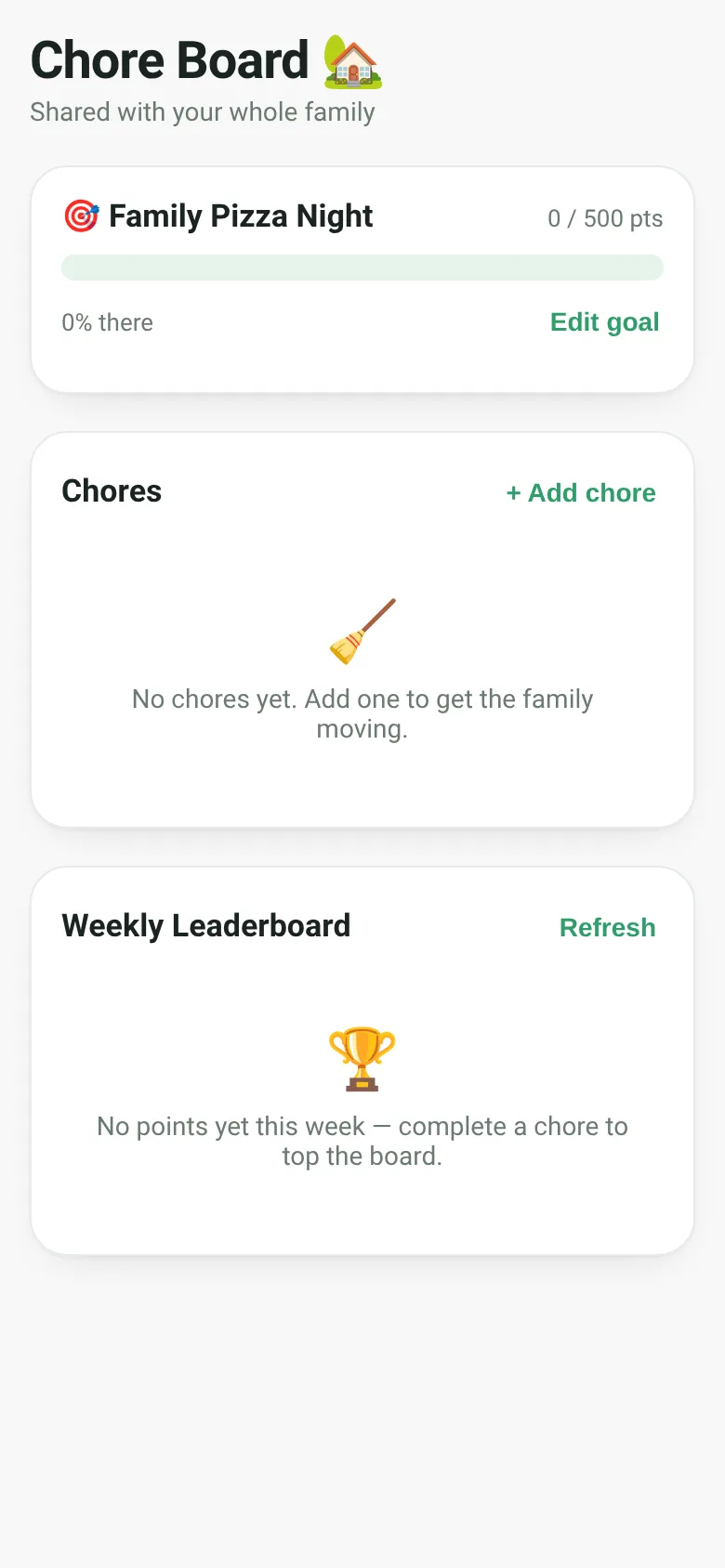
Getting the household running smoothly means chores need to happen—but without clear ownership and reward, they often get delayed. Family Chores solves this by letting every family member see what needs doing, claim a chore for themselves, mark it complete for points, and watch themselves climb the weekly leaderboard. Everyone works toward a shared family reward goal that fills as points add up, turning chores into a collaborative race.
What it does
Open the board and sign in with your name. You see a list of household chores, each with a point value. Claim a chore that appeals to you, then mark it done when finished to earn those points instantly. A family reward goal sits at the top—set a custom reward and point target, then watch the progress bar fill as your family completes chores throughout the week. The weekly leaderboard below shows who earned the most points so far, with your name highlighted if you are signed in. Add new chores, edit the goal, or unclaim a task if plans change. All changes appear live for everyone on the board.
Key features
- Shared chore list Add chores with custom point values; claim any open task to start work on it.
- Weekly leaderboard Rankings show who earned the most points this week, updated live as chores are completed.
- Family reward goal Set a custom reward (like pizza night) and point target; the progress bar fills as your family earns points.
- Live sharing Every action—claims, completions, new chores—appears instantly for all family members on the same board.
- Chore lifecycle Chores move through open, claimed, and done states; done chores stay visible with timestamps.
- Quick feedback Toast notifications confirm actions like adds, completions, and unclaims in real time.
How to use it
- Enter your name when you first open the board.
- Add a chore by clicking + Add chore, typing the task name and point value, then clicking Add chore.
- Claim a chore by clicking Claim on any open task.
- Mark it done by clicking Mark done to earn the points and appear on the leaderboard.
- Edit the family reward goal by clicking Edit goal, changing the title and point target, then saving.
- Refresh the board anytime to pull in the latest updates from your family.
Who it’s for
Families looking to organize household chores and encourage completion through friendly competition, leaderboards, and shared reward goals.
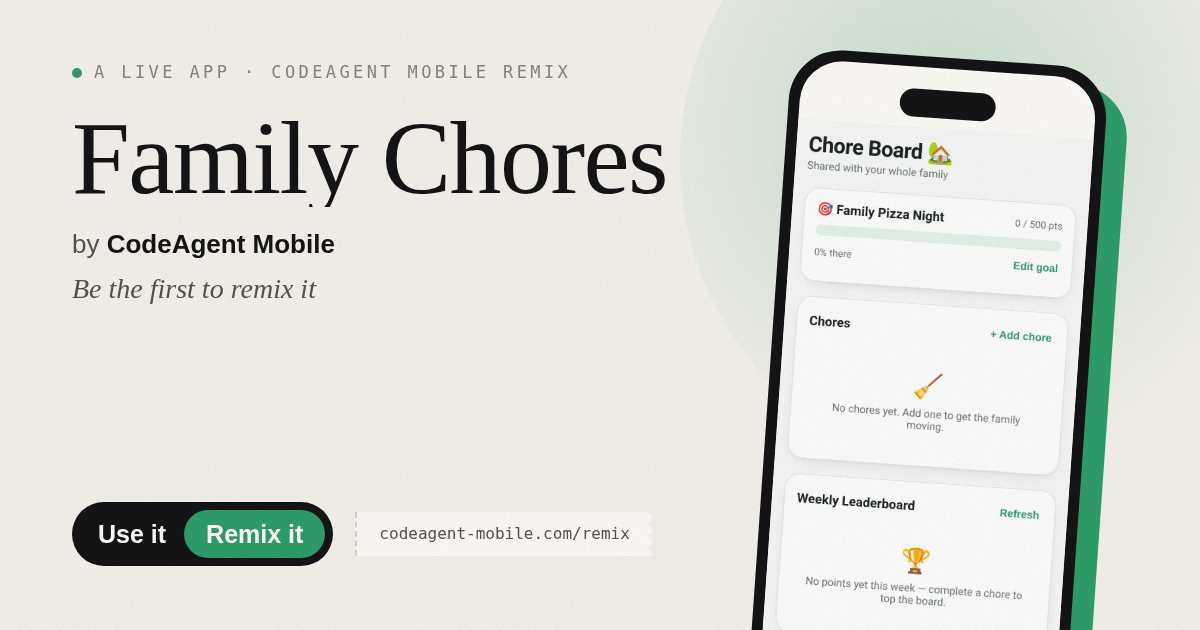
The app’s share card (1200×630)
Questions and answers
Do I have to sign in?
You sign in with your first name the first time you claim or complete a chore so your family knows who earned the points. Your name is saved locally and reused on each visit.
Does the app save my progress?
Yes. All chores, completions, and the family reward goal are saved and shared live across all family members who open the board. Leaderboard points reset weekly on Monday.
Can I use this on my phone?
Yes. The board is fully responsive and works on phones, tablets, and computers in any web browser.
Who can edit or delete a chore?
The person who created a chore can delete it or edit the goal. Anyone can claim or unclaim any open chore. Only the person who claimed a chore can mark it as done.
More home & family apps
- Pesca Tranquila · Juego de pesca sin apuros donde lanzás, recogés peces, completás tu álbum de especies y mejorás tu equipo.
- Shape Sorter · A toddler game where kids drag colorful shapes into matching holes, with bouncy animations, haptics, and a celebration when all shapes are sorted.
- ABC Explorer · Swipe through big letter cards with emoji words, then play a game to find matching letters. For children learning their ABCs.
- Home Upkeep · Track seasonal home maintenance tasks with due dates, haptic feedback, and a yearly progress ring to stay on top of filters, gutters, smoke alarms, and water
- Baby Log · Track feeds, naps, and diapers with simple timers and today's totals at a glance. Quick taps, soft pastel design.
- Neighborhood Board · A shared noticeboard where neighbors post offers, requests, events and lost & found items that auto-expire after 14 days.