Mobile app · Home & family
Home Upkeep: Stay on top of seasonal home maintenance
Tap tasks to mark them done and watch your yearly progress ring fill as you complete filters, gutters, alarms, and water heater care across all four seasons.
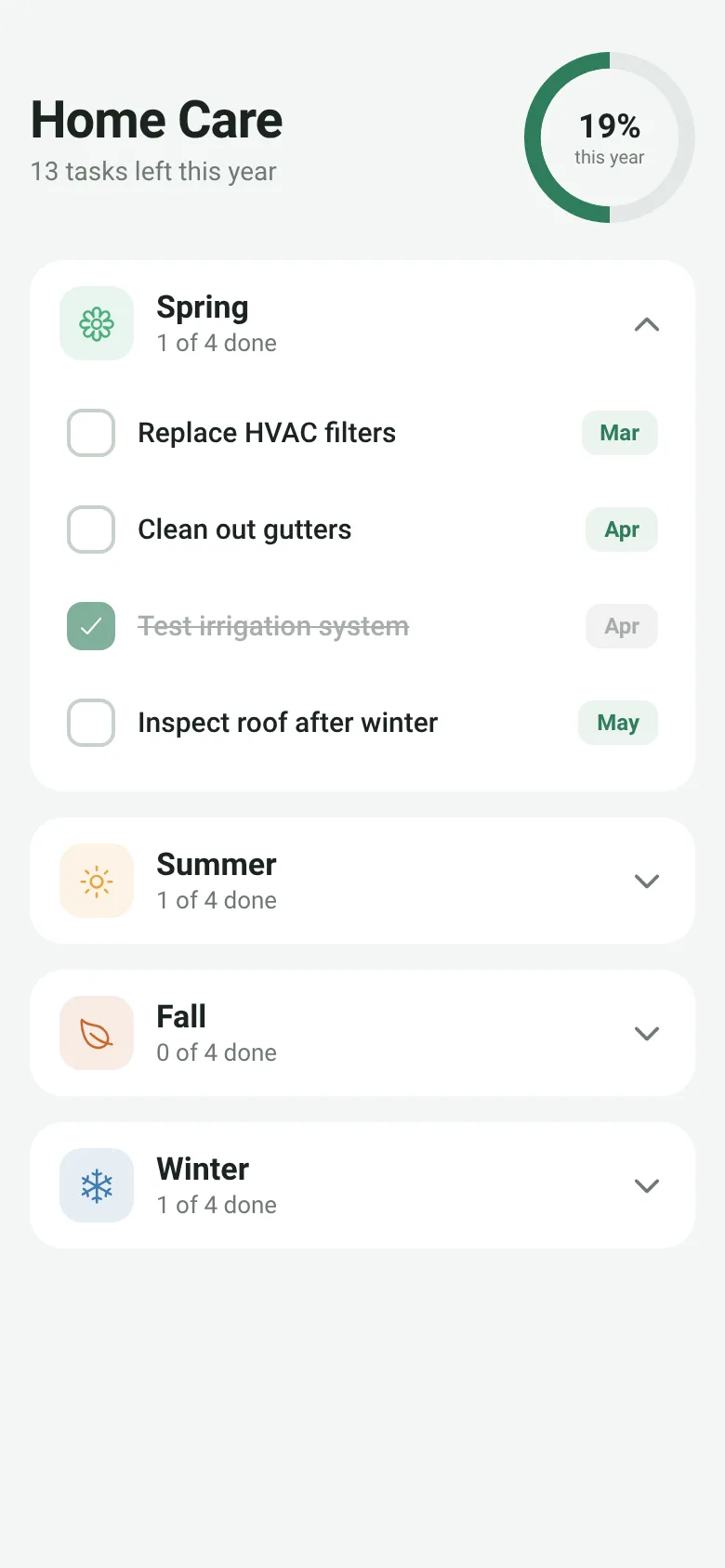
Homeowners often forget when to replace filters, clean gutters, or service the water heater—each task tied to a different season. Home Upkeep organizes 16 essential maintenance jobs by spring, summer, fall, and winter, showing you exactly when each is due. Tap a task to check it off with a satisfying haptic pulse, and watch a progress ring at the top track how much of the year's work you have finished.
What it does
The app displays four collapsible season cards, each showing maintenance tasks with their due month. Every task has a checkbox and a due-date tag. When you tap a task, it animates, triggers haptic feedback, and toggles its done state. A progress ring at the top shows the percentage of all 16 tasks you have completed this year, along with a count of how many remain. The app starts with Spring expanded; other seasons collapse. All state is kept in memory while the app runs.
Key features
- Seasonal task organization Tasks grouped into Spring, Summer, Fall, and Winter with their due months clearly labeled.
- Tap-to-complete with haptics Pressing a task toggles it done and triggers medium or light haptic feedback depending on state.
- Yearly progress ring A circular indicator at the top shows the percentage of all 16 tasks completed this year.
- Collapsible seasons Tap any season header to expand or collapse its task list and focus on what matters now.
- Smart status message Header shows either a task count or a celebration message when all tasks are complete.
How to use it
- Open the app to see Spring tasks expanded and your yearly progress ring at the top.
- Tap any season header to expand or collapse that season's tasks.
- Tap a task row to mark it done; the checkbox fills, the row fades, and you feel haptic feedback.
- Watch the progress ring update as you complete tasks throughout the year.
- Tap tasks again anytime to mark them incomplete if needed.
Who it’s for
Homeowners and renters who want a simple, always-available reminder of when to maintain their home's key systems and components across all four seasons.
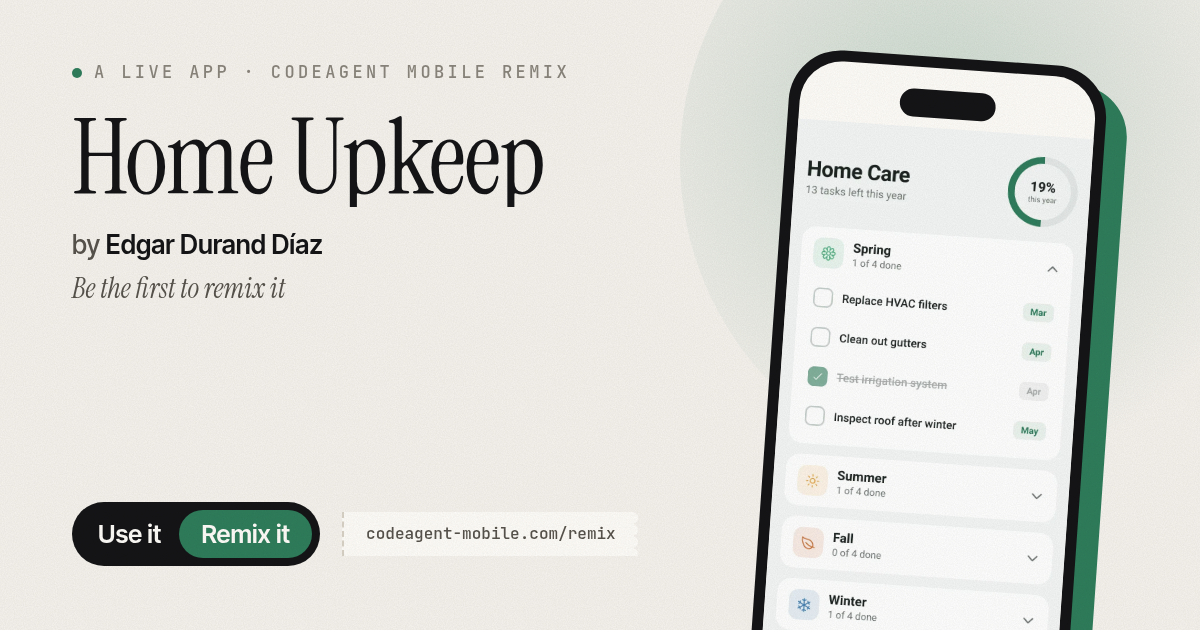
The app’s share card (1200×630)
Questions and answers
Do my completed tasks save between sessions?
No. Tasks reset to their initial state each time you close and reopen the app. To keep progress, you would need to take a screenshot or remember which tasks you completed.
Can I add my own tasks?
No. The app comes with 16 core maintenance tasks for each season and does not have a custom task creation feature.
Does it send me reminders?
No. The app is a checklist you open manually to track your progress. It does not send notifications or reminders.
Will it work on my phone?
Yes. Home Upkeep is built for iOS and Android phones and uses Expo for cross-platform support.
More home & family apps
- Pesca Tranquila · Juego de pesca sin apuros donde lanzás, recogés peces, completás tu álbum de especies y mejorás tu equipo.
- Icebreakers · Swipe through fun, deep, work, and family icebreaker questions and save your favorites for parties and teams.
- Pitch Timer · Write cue cards, pick a 30/60/90-second timer, and rehearse your pitch with haptics and per-card timing feedback.
- Sun Arc · See the sun's arc across the sky for any latitude and day, with sunrise, sunset, day length, and golden hour windows.
- Big Text · Flash giant text across a room in auto-fit or scrolling marquee mode, with color themes and a gentle blink for safety.
- Shot List · Plan video scenes with shot cards, durations, and location tags. Check off shots as you film to track progress.