Mobile app · Food & drink
Time multiple grilled foods at once with flip reminders
Pick your food, thickness, and doneness level. Each item gets its own countdown with a haptic alert when it's time to flip.
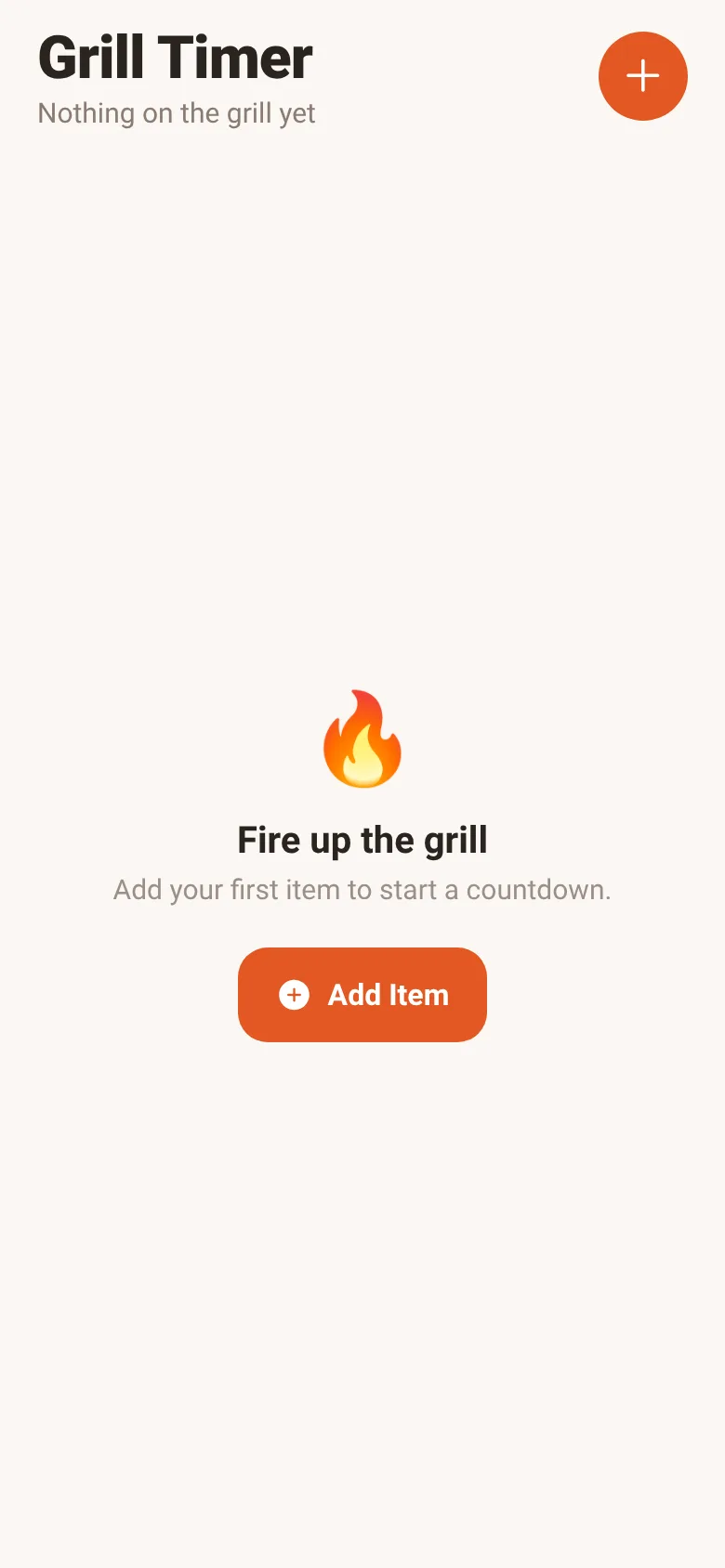
Grilling several items at different thicknesses means keeping track of multiple flip times. Grill Master takes the guesswork out by calculating precise cook times based on what you're grilling and how you like it done. You add each item once, and the app counts down and vibrates to alert you exactly when to flip.
What it does
When you open the app, you choose a food type (steak, burger, chicken, or veggies), pick its thickness, and select your preferred doneness level. The app calculates total cooking time and shows a countdown timer on screen. At the halfway point, it vibrates and displays a flip reminder. You can pause, resume, or remove any item. Multiple items run independently side by side on the same screen, each with its own progress bar and flip alert.
Key features
- Smart cook-time calculation Times adjust automatically based on food type, thickness, and how done you want it.
- Haptic flip alert Your phone vibrates and shows a flip badge exactly at the halfway point of each timer.
- Manage multiple items Add as many items as you're cooking; each one counts down independently with its own controls.
- Pause and resume Tap the play or pause button on any timer without affecting the others.
- Visual progress bar See cooking progress at a glance with a filled bar and a marker showing the flip point.
How to use it
- Tap the plus button to add your first item to the grill.
- Select the food type, thickness, and doneness level you want.
- Review the total time and flip time shown, then tap Start Timer.
- Watch the countdown; your phone will vibrate when it's time to flip.
- After flipping, the timer continues to the finish. When done, remove the item or add another.
Who it’s for
Home cooks and grill enthusiasts who want to cook multiple items at different thicknesses without tracking separate timers or missing a flip.
The app’s share card (1200×630)
Questions and answers
How do I know when to flip?
The app vibrates and shows a Flip it badge at exactly the halfway point. You will also see the flip time before you start.
Can I add items while others are cooking?
Yes. Tap the plus button anytime to add another item; all timers run at the same time independently.
What if I need to pause?
Tap the pause button on any timer card to pause just that item. It does not affect the others.
Does it work without an internet connection?
Yes. Grill Master runs entirely on your phone and does not need the internet.
Remix family
Remixes of this app
- Grill Timer · Edgar Durand Díaz
More food & drink apps
- Icebreakers · Swipe through fun, deep, work, and family icebreaker questions and save your favorites for parties and teams.
- Pitch Timer · Write cue cards, pick a 30/60/90-second timer, and rehearse your pitch with haptics and per-card timing feedback.
- Sun Arc · See the sun's arc across the sky for any latitude and day, with sunrise, sunset, day length, and golden hour windows.
- Big Text · Flash giant text across a room in auto-fit or scrolling marquee mode, with color themes and a gentle blink for safety.
- Shot List · Plan video scenes with shot cards, durations, and location tags. Check off shots as you film to track progress.
- Tally Counter · Track multiple named counts with big tap targets, haptics feedback, and one-tap undo on reset.