Mobile app · Productivity
Pocket Kanban: compact kanban board for your phone
Tap cards to move them through To do, Doing, and Done columns, with spring animations and a daily completion counter.
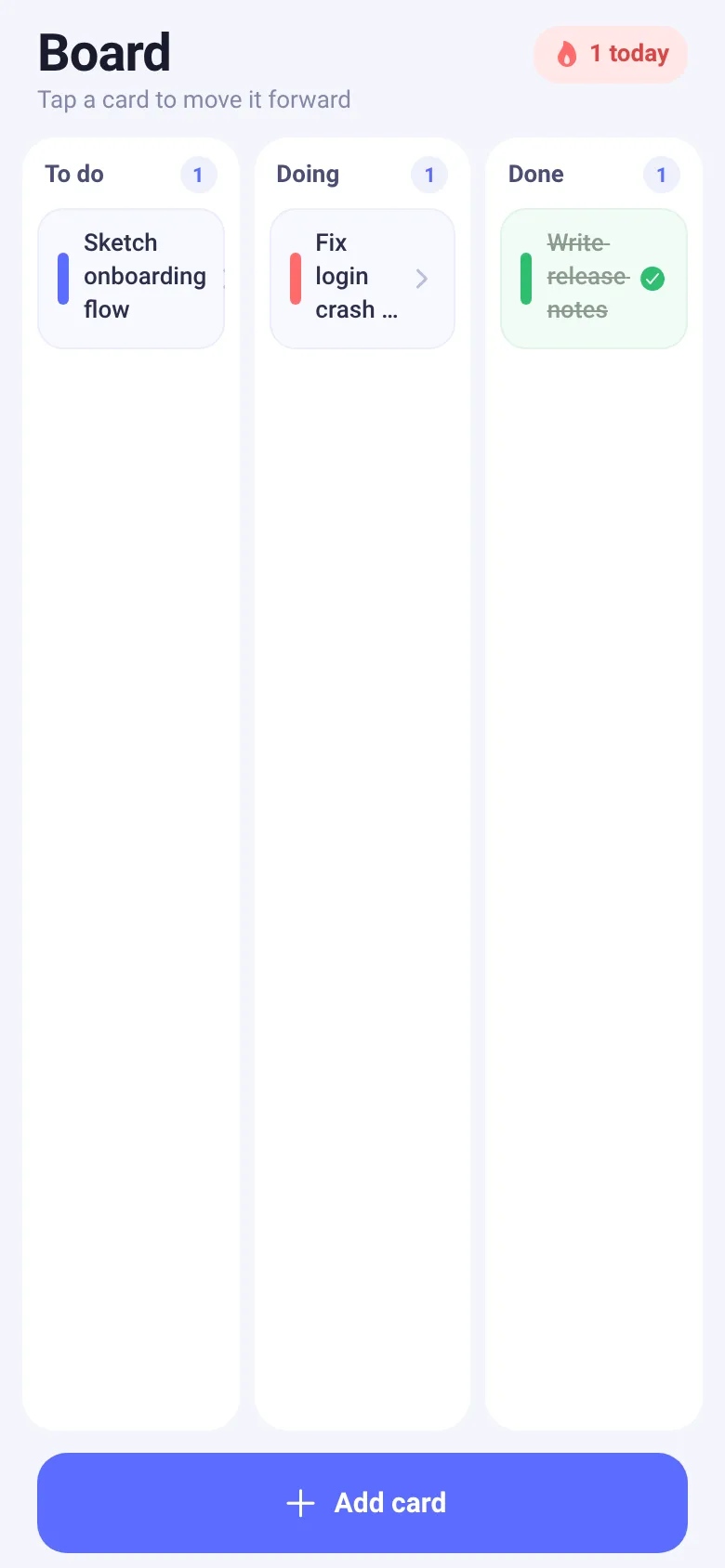
Manage your workflow without clutter. Pocket Kanban fits a full kanban board into a compact mobile interface. Add a task with a color tag, tap it to move it forward through stages, and watch a satisfying spring animation play each time. The app keeps a running count of tasks you finish today, giving you a quick sense of progress.
What it does
The app shows three side-by-side columns: To do, Doing, and Done. Each column displays cards you create, tagged with one of five colors. Tap any card in To do or Doing to advance it to the next stage with a spring bounce and haptic feedback. Cards in Done show a checkmark and strikethrough text. A counter in the header tracks how many tasks you completed today. Press the Add card button to open a composer where you pick a color, type your task, and submit it.
Key features
- Three-stage workflow Move tasks through To do, Doing, and Done columns by tapping cards.
- Color-tagged cards Choose from five colors when you create a task to organize by priority, category, or type.
- Spring animations and haptic Feel and see a tactile response each time you advance a card.
- Daily completion counter A flame icon shows how many tasks you moved to Done today.
- Compact design Full kanban board fits on one screen with no extra menus or settings.
How to use it
- Press the Add card button at the bottom.
- Tap a color swatch, then type your task name.
- Press the send button to create the card.
- Tap any card in To do or Doing to move it forward one stage.
- Watch it appear in the next column with a spring bounce.
Who it’s for
Anyone who wants to manage tasks or a small workflow on their phone without switching between apps or getting lost in features. Works well for daily standup items, personal projects, or simple team tasks.
What’s new in this version
Added a done-today counter that increments each time you move a card to Done, giving quick feedback on your daily progress.
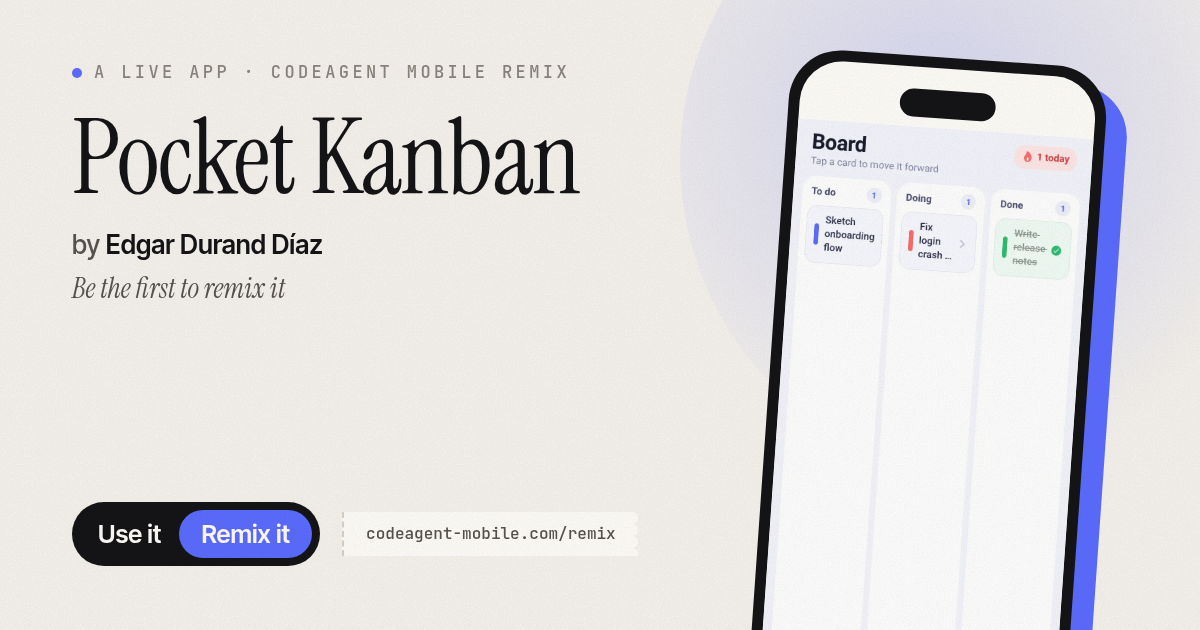
The app’s share card (1200×630)
Questions and answers
Can I edit or delete cards?
No. This version focuses on moving cards forward only. You add a card and advance it through stages until it is done.
Does the app save my progress?
The app works within a session, but data resets when you close it. It does not persist across restarts in this version.
Can I move a card backward?
No. Cards only move forward from To do to Doing to Done. Once done, they stay there and show a strikethrough.
Does it work offline?
Yes. Pocket Kanban runs entirely on your phone and does not need the internet.
More productivity apps
- Historial Clínico Pet · Sistema para registrar y gestionar el historial médico completo de perros y gatos: vacunas, visitas, tratamientos, peso y avisos de vencimiento.
- Icebreakers · Swipe through fun, deep, work, and family icebreaker questions and save your favorites for parties and teams.
- Pitch Timer · Write cue cards, pick a 30/60/90-second timer, and rehearse your pitch with haptics and per-card timing feedback.
- Sun Arc · See the sun's arc across the sky for any latitude and day, with sunrise, sunset, day length, and golden hour windows.
- Big Text · Flash giant text across a room in auto-fit or scrolling marquee mode, with color themes and a gentle blink for safety.
- Shot List · Plan video scenes with shot cards, durations, and location tags. Check off shots as you film to track progress.