Mobile app · Food & drink
Recipe Box: Cook Along with Real Recipes
Six recipes with a checklist, servings scaler, and hands-free step mode to guide you through each dish.
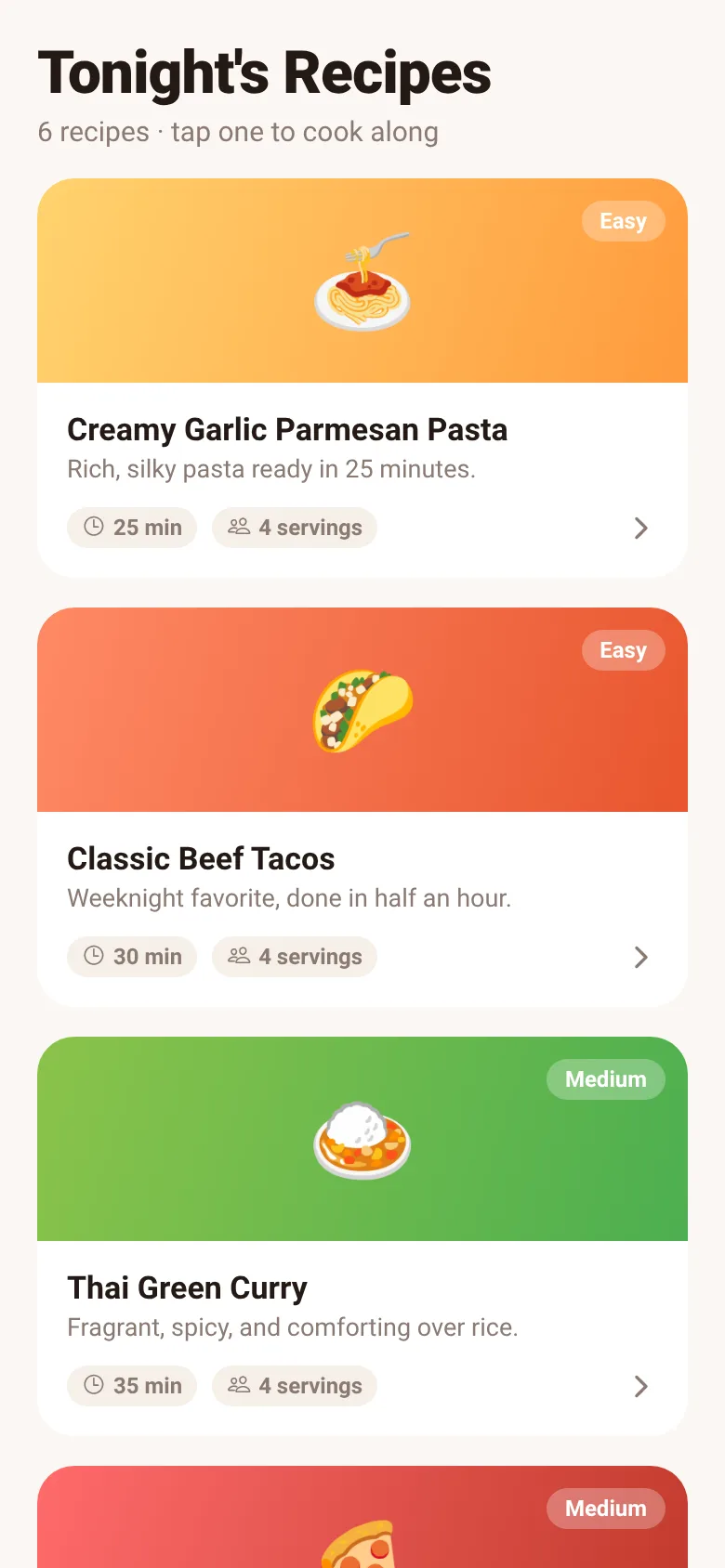
You want to cook but juggling a phone while handling ingredients is awkward. Recipe Box keeps six recipes in your pocket, lets you check off each ingredient as you gather it, adjust the serving size for your crowd, and then step through cooking instructions hands-free so you can focus on the stove and prep.
What it does
Open Recipe Box to see six recipes: Creamy Garlic Parmesan Pasta, Classic Beef Tacos, Thai Green Curry, Margherita Pizza, Chocolate Chip Cookies, and Avocado Toast with Poached Egg. Tap any recipe to see its full ingredient list and steps. Adjust the servings with plus and minus buttons, and the ingredient quantities update automatically. Tap each ingredient to check it off. Enter step mode to read instructions one at a time, hands-free, without tapping the screen.
Key features
- Six built-in recipes Pasta, tacos, curry, pizza, cookies, and avocado toast with complete ingredients and steps.
- Servings scaler Adjust serving size from 1 to 24; all ingredient quantities recalculate automatically.
- Ingredient checklist Tap each ingredient to mark it done as you gather and prepare.
- Hands-free step mode Read cooking steps one at a time without touching the screen.
- Gradient recipe cards Each recipe shows an emoji, name, time, difficulty, and servings at a glance.
How to use it
- Open Recipe Box and browse the six recipe cards on the home screen.
- Tap a recipe card to open its full ingredient list and cooking steps.
- Adjust servings using the plus and minus buttons; ingredient amounts update automatically.
- Tap each ingredient as you gather it to check it off the list.
- Tap the start cooking button to enter hands-free step mode and read instructions one at a time.
Who it’s for
Home cooks who want a simple, focused recipe guide with ingredient tracking and adjustable portions. Anyone cooking on a phone who needs to keep their hands free for prep and cooking.
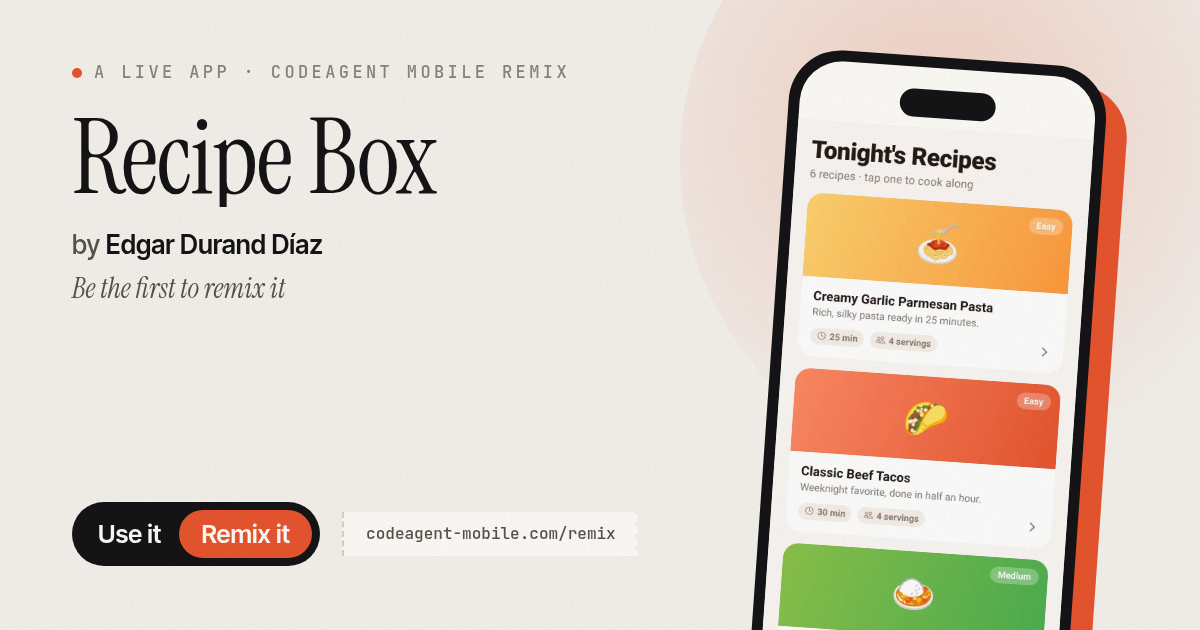
The app’s share card (1200×630)
Questions and answers
Can I add my own recipes?
No, Recipe Box includes six set recipes. You can adjust servings and check off ingredients, but you cannot add, edit, or save new recipes.
Does the app save my progress?
The app tracks which ingredients you have checked off and what serving size you chose within the current session, but progress is not saved between app restarts.
Does it work on my phone?
Yes, Recipe Box is a mobile app built for phones. It respects your phone's accessibility settings, including reduced-motion preferences.
What is hands-free step mode?
Step mode displays one cooking instruction at a time so you can read the next step without tapping your phone, keeping your hands free for cooking and prep.
More food & drink apps
- Icebreakers · Swipe through fun, deep, work, and family icebreaker questions and save your favorites for parties and teams.
- Pitch Timer · Write cue cards, pick a 30/60/90-second timer, and rehearse your pitch with haptics and per-card timing feedback.
- Sun Arc · See the sun's arc across the sky for any latitude and day, with sunrise, sunset, day length, and golden hour windows.
- Big Text · Flash giant text across a room in auto-fit or scrolling marquee mode, with color themes and a gentle blink for safety.
- Shot List · Plan video scenes with shot cards, durations, and location tags. Check off shots as you film to track progress.
- Tally Counter · Track multiple named counts with big tap targets, haptics feedback, and one-tap undo on reset.