Mobile app · Tools & utilities
Solar Simulator
Design a solar system for your home, see how panels fit on your roof, and save multiple designs to compare.
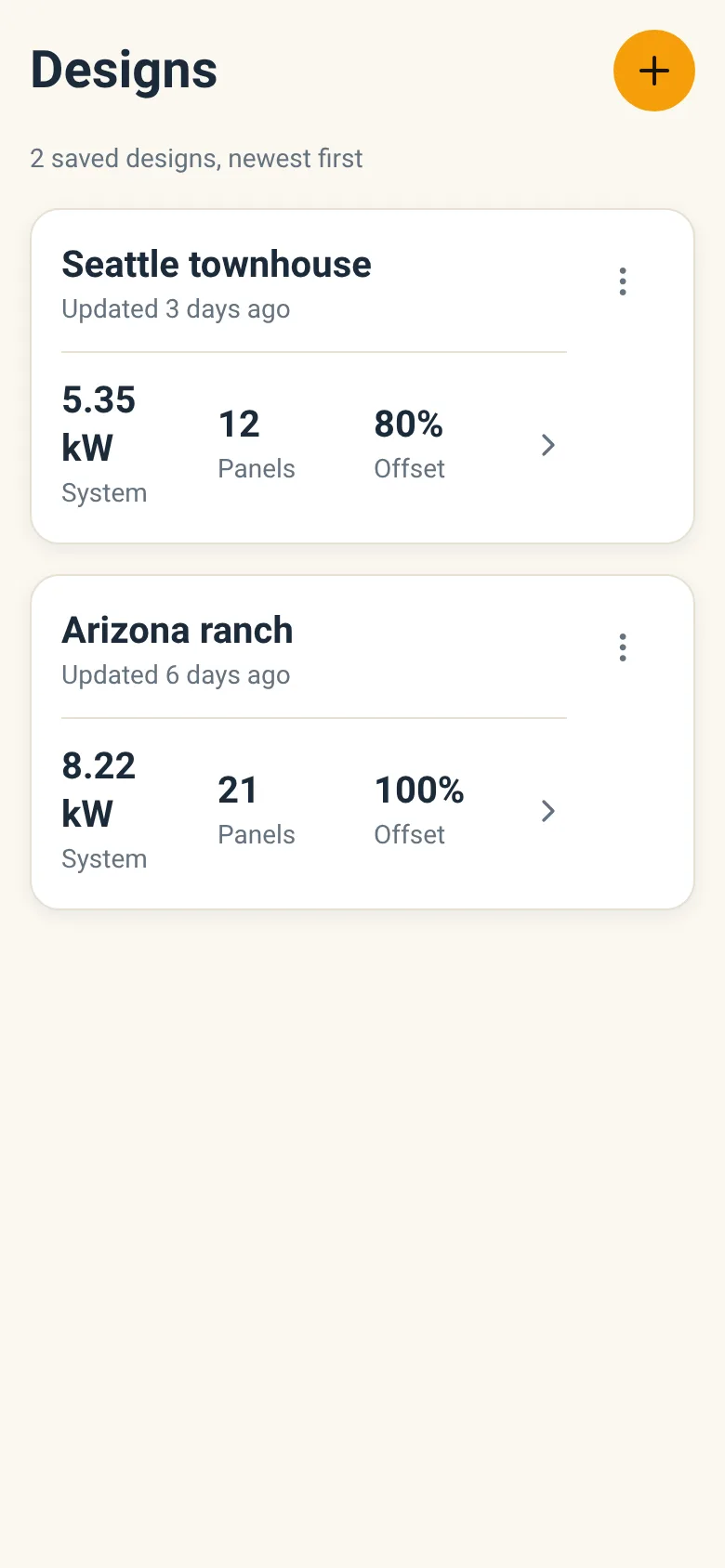
Deciding whether solar makes sense for your home means figuring out how many panels you need and whether they fit on your roof. Solar Simulator lets you enter your annual or monthly electricity usage and pick your city, then shows you panel layouts on an interactive roof view. You can adjust panel wattage to size different systems and save designs to revisit later.
What it does
The app starts with a list of your saved designs. Tap to open one or create a new design. In the simulator, enter your electricity usage (or pick from presets for common home sizes), choose your city to account for local sun hours, and select panel wattage. The app displays how many panels you need and shows them arranged on your roof in a visual preview. You can tweak your inputs and watch the layout update in real time. Save your design when you are happy with it, and the app stores it for later review.
Key features
- Usage entry with presets Enter annual or monthly electricity usage, or quickly select from preset home sizes.
- City and sun hours Search and select your city to apply local peak sun hours to your system sizing.
- Panel wattage selection Choose from 350 to 550 watt panels to see how panel efficiency affects the number you need.
- Roof visualization See a live preview of how many panels fit on your roof layout as you adjust inputs.
- Save and load designs Store multiple designs with different sizes or panel types and open them again anytime.
How to use it
- Open the app and tap New Design or select a saved design.
- Enter your annual or monthly electricity usage, or tap a preset for your home size.
- Search for and select your city to apply local solar conditions.
- Adjust the panel wattage slider to see how it changes the number of panels needed.
- Review the roof preview to see the panel layout.
- Tap Save to store your design with a name.
Who it’s for
Homeowners exploring whether solar is right for their home, and anyone sizing a solar system and wanting to visualize how it fits on their roof.
What’s new in this version
The latest update refined the solar installation simulator to help you compare system designs more easily.
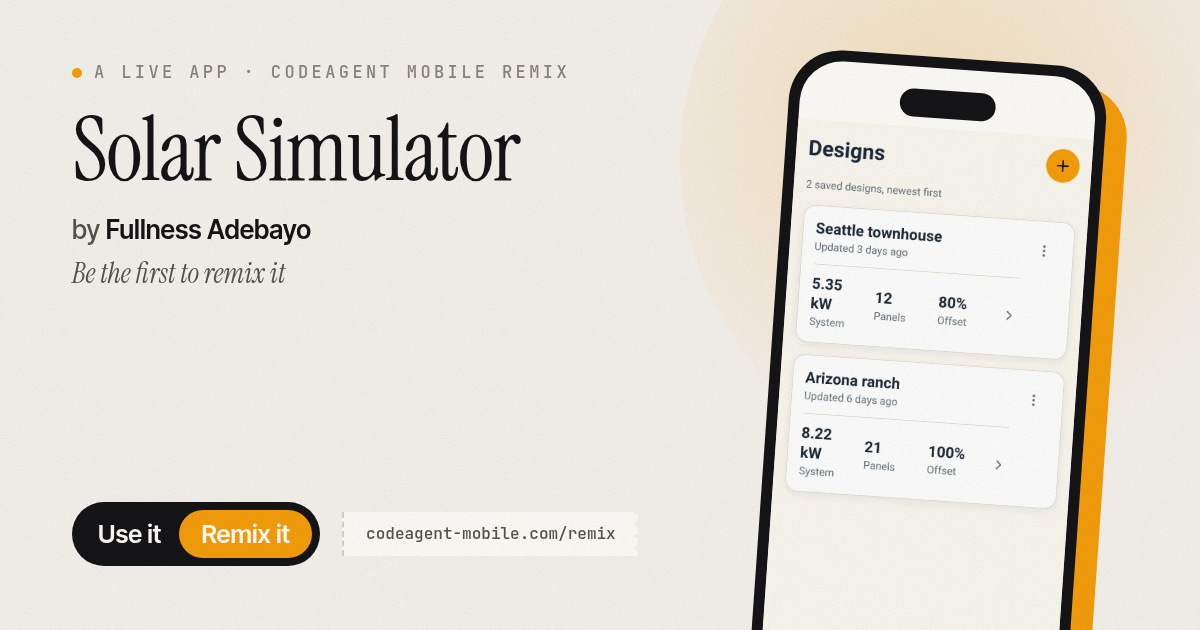
The app’s share card (1200×630)
Questions and answers
How do I start a new design?
Open the app and tap New Design. Fill in your electricity usage and city, then adjust the panel wattage to explore different system sizes.
Can I save my designs?
Yes. After you finish setting up a system, tap Save and give it a name. Your designs are stored on your phone and you can open them anytime.
Does the app work on my phone?
Yes, Solar Simulator is built for phones and runs on both iOS and Android.
What do the peak sun hours mean?
Peak sun hours measure how much strong sunlight your city receives on average per day. The app uses this figure for your location to calculate how many panels you need to meet your usage.
More tools & utilities apps
- Pesca Tranquila · Juego de pesca sin apuros donde lanzás, recogés peces, completás tu álbum de especies y mejorás tu equipo.
- Icebreakers · Swipe through fun, deep, work, and family icebreaker questions and save your favorites for parties and teams.
- Pitch Timer · Write cue cards, pick a 30/60/90-second timer, and rehearse your pitch with haptics and per-card timing feedback.
- Sun Arc · See the sun's arc across the sky for any latitude and day, with sunrise, sunset, day length, and golden hour windows.
- Big Text · Flash giant text across a room in auto-fit or scrolling marquee mode, with color themes and a gentle blink for safety.
- Shot List · Plan video scenes with shot cards, durations, and location tags. Check off shots as you film to track progress.